AI Applications
Choose an AI model to get started
Video Generation
Image Generation
Audio Generation
Video Effects
Seedream V5.0 Lite Edit (Bytedance)
Lightweight image editing model by Bytedance that preserves facial features, lighting, and color tones. Supports multi-image references, style transfer, and creative compositing up to 4K.
Input
Output
Generated content will appear here
Example Results
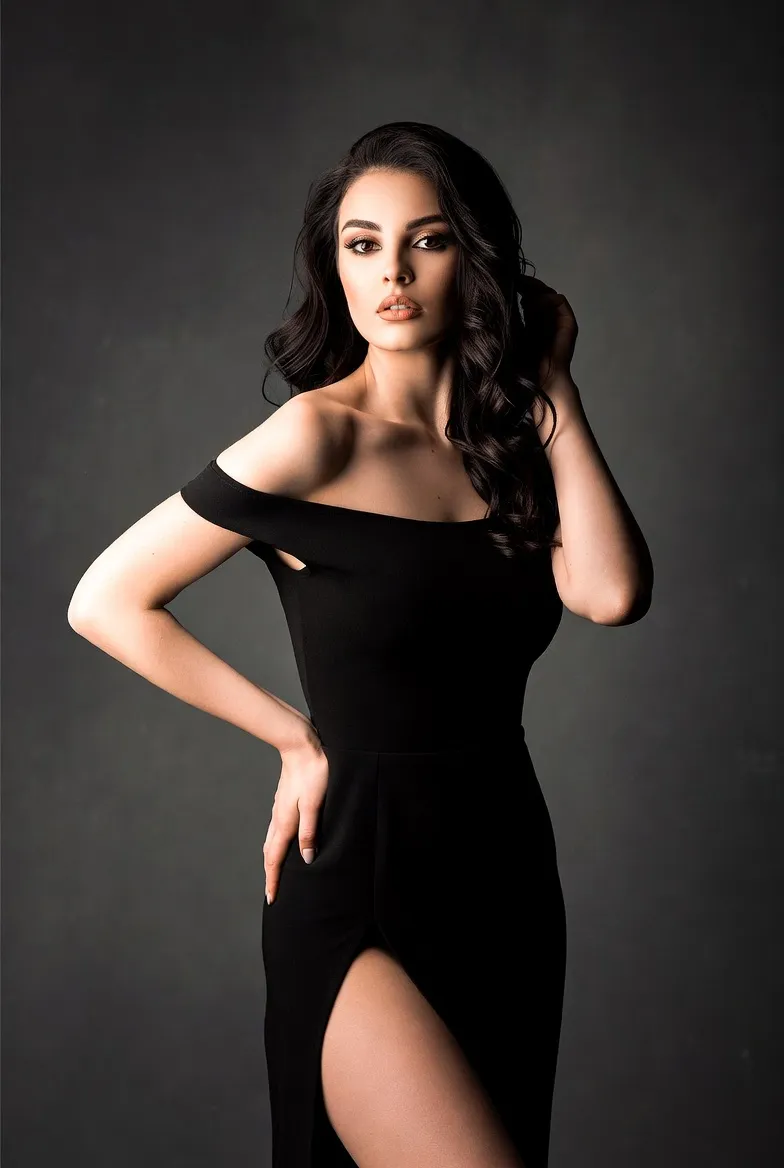
Image Editing:
Input image
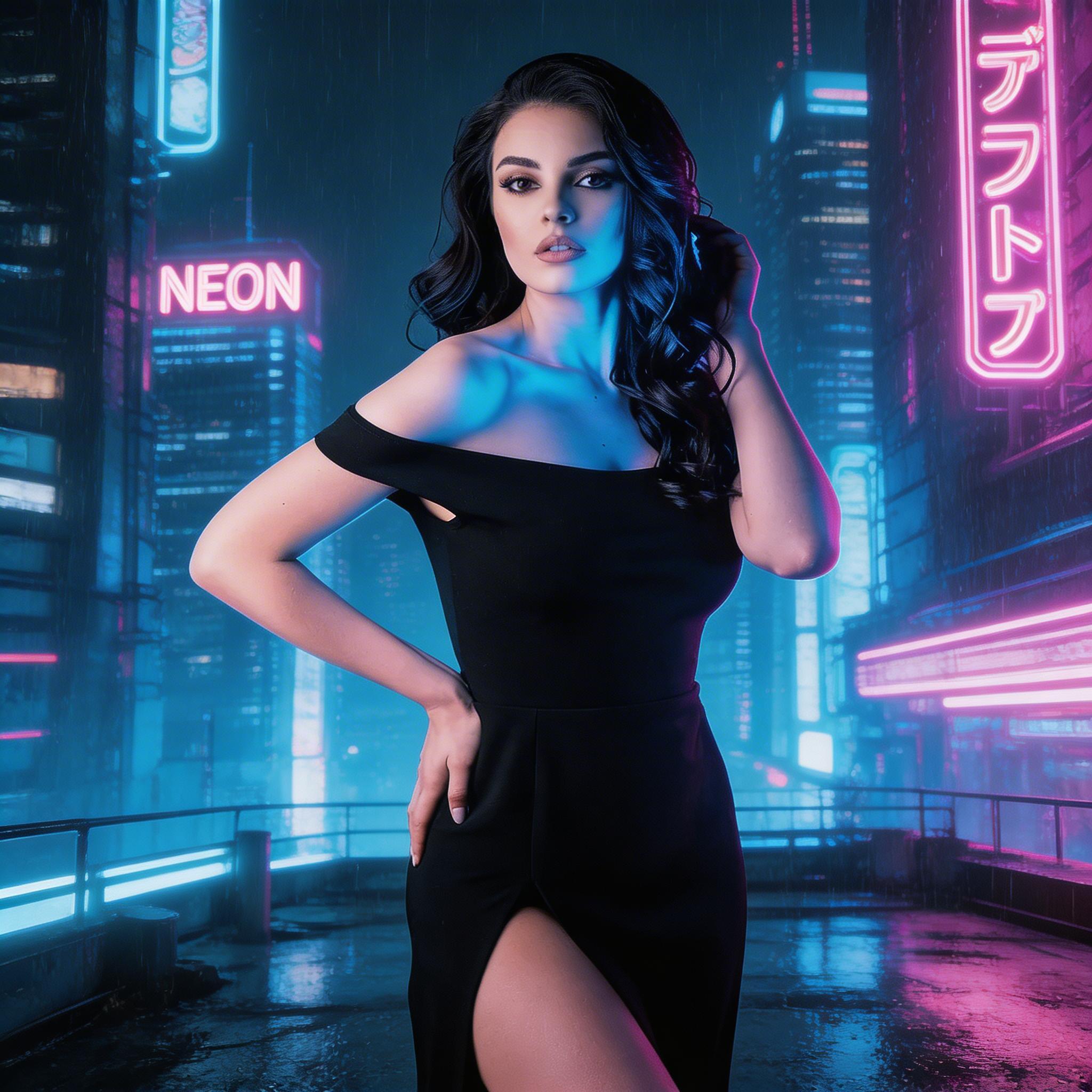
Image Editing:
change to cyberpunk style
Frequently Asked Questions
- What is Seedream V5.0 Lite Edit?
- It is Bytedance's lightweight image editing model that uses reference images and text prompts to create high-fidelity edits while preserving facial features, lighting, and color tones.
- What inputs are required?
- At least one reference image and a text prompt are required. You can upload up to 10 reference images and optionally specify output size.
- How do I reference multiple images in my prompt?
- Use "Figure 1", "Figure 2", etc. to reference images in the order they were uploaded. For example: "Combine the face from Figure 1 with the outfit from Figure 2."
- What types of edits work best?
- Style transfer (cyberpunk, anime, fantasy), character reimagining, creative compositing from multiple references, and concept art generation.
- Does it preserve identity?
- Yes. The model is designed to retain facial features, lighting, and color tones from the reference images while applying the requested transformation.
- What about output size?
- Choose from seven aspect-ratio presets: 1:1, 16:9, 9:16, 4:3, 3:4, 3:2, 2:3. The default is 1:1 (2048×2048).
- Tips for best results?
- Use clear, front-facing portraits for identity preservation. Be specific about the target style, lighting, and mood. Try the Prompt Enhancer for more detailed descriptions.
- Can I use outputs commercially?
- Review the provider's license and your local regulations. For brand assets, logos, or recognizable faces, ensure you have the necessary permissions.
- Are there content restrictions?
- Prompts and images must comply with the content policy. Avoid unsafe, illegal, or infringing content.
You Might Also Like
View AllTry Nano Banana 2 Edit (Gemini 3.1 Flash)
Get stronger subject consistency and multi-reference editing with Nano Banana 2 Edit.
Nano Banana 2 Text to Image (Gemini 3.1 Flash)
Google Nano Banana 2 (Gemini 3.1 Flash Image) delivers Pro-quality image generation at Flash speed. Supports 1K–4K resolution, 10 aspect ratios, improved text rendering, and character consistency.
NVIDIA Chrono Edit
Physics-aware image editing that preserves pose, lighting, reflections, and shadows. Provide one image and a precise instruction for realistic, consistent edits.
Qwen Image
Advanced image generation with superior text rendering capabilities, including Chinese characters and complex typography.