AI Applications
Choose an AI model to get started
Video Generation
Image Generation
Audio Generation
Video Effects
Qwen Image Edit 2511
Advanced AI image editing with multi-image reference support. Edit images using natural language prompts with up to 3 reference images for context-aware editing.
Input
Output
Generated content will appear here
Example Results
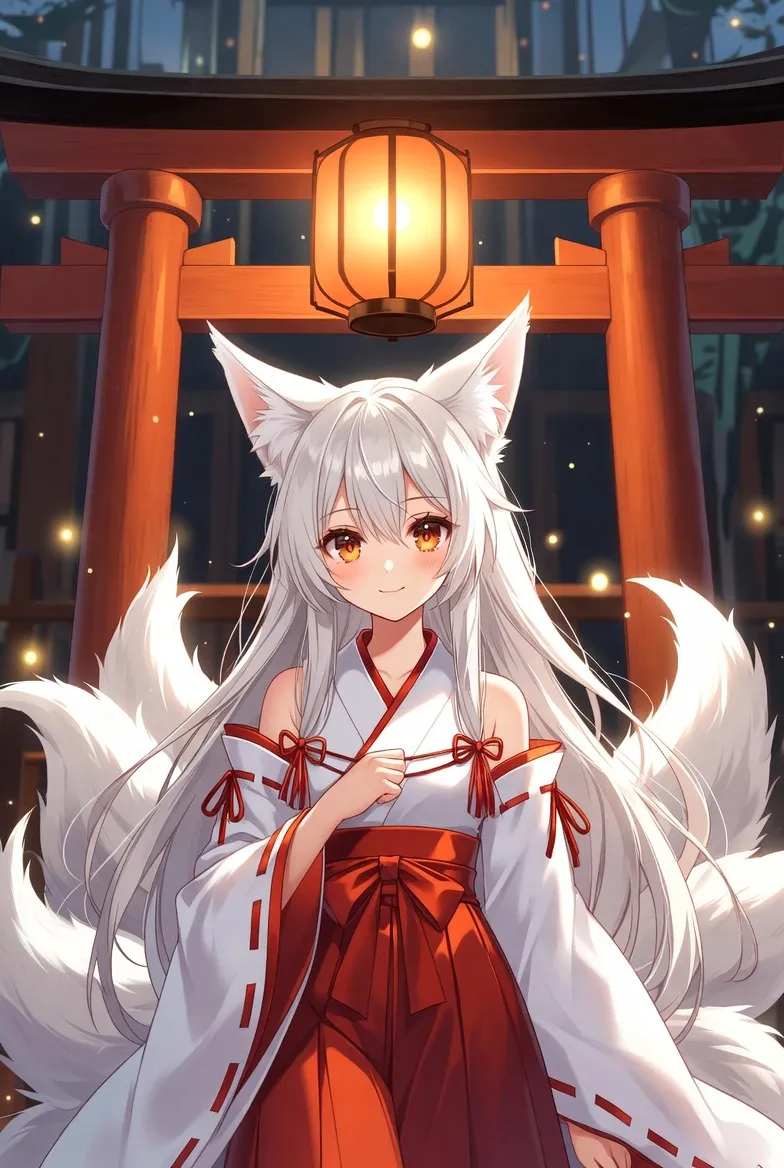
Image Editing:
Reference image 1
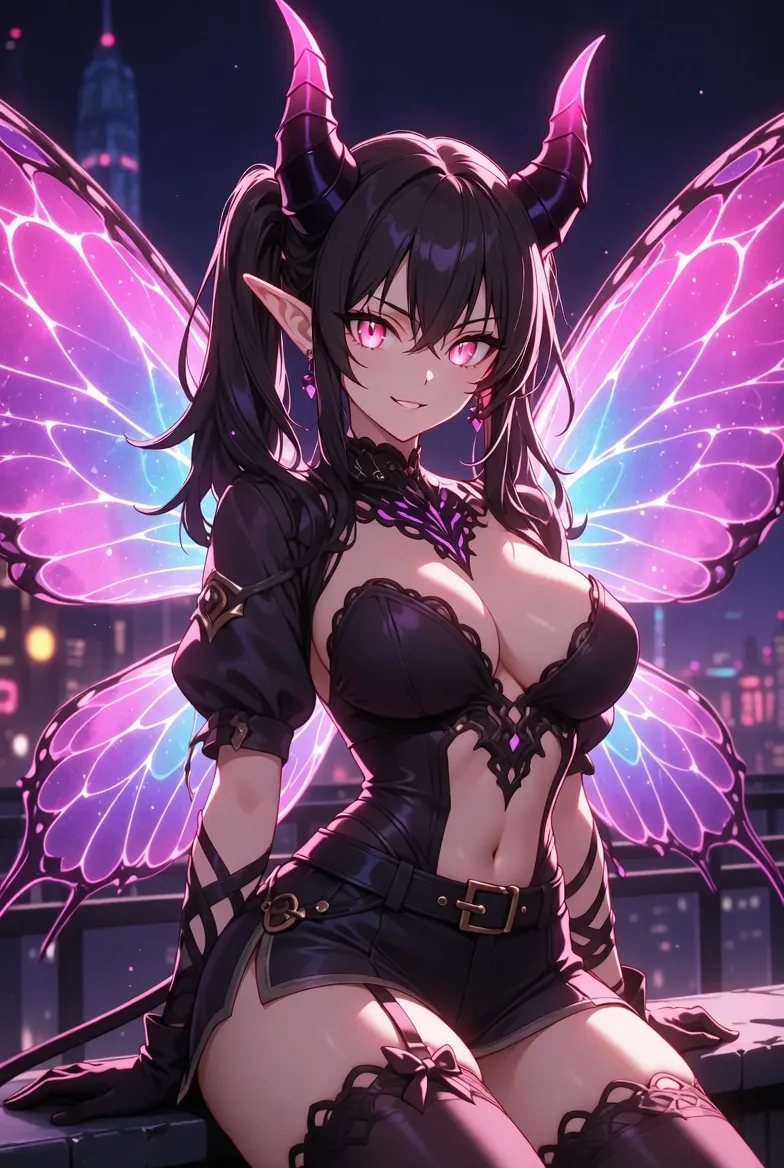
Image Editing:
Reference image 2
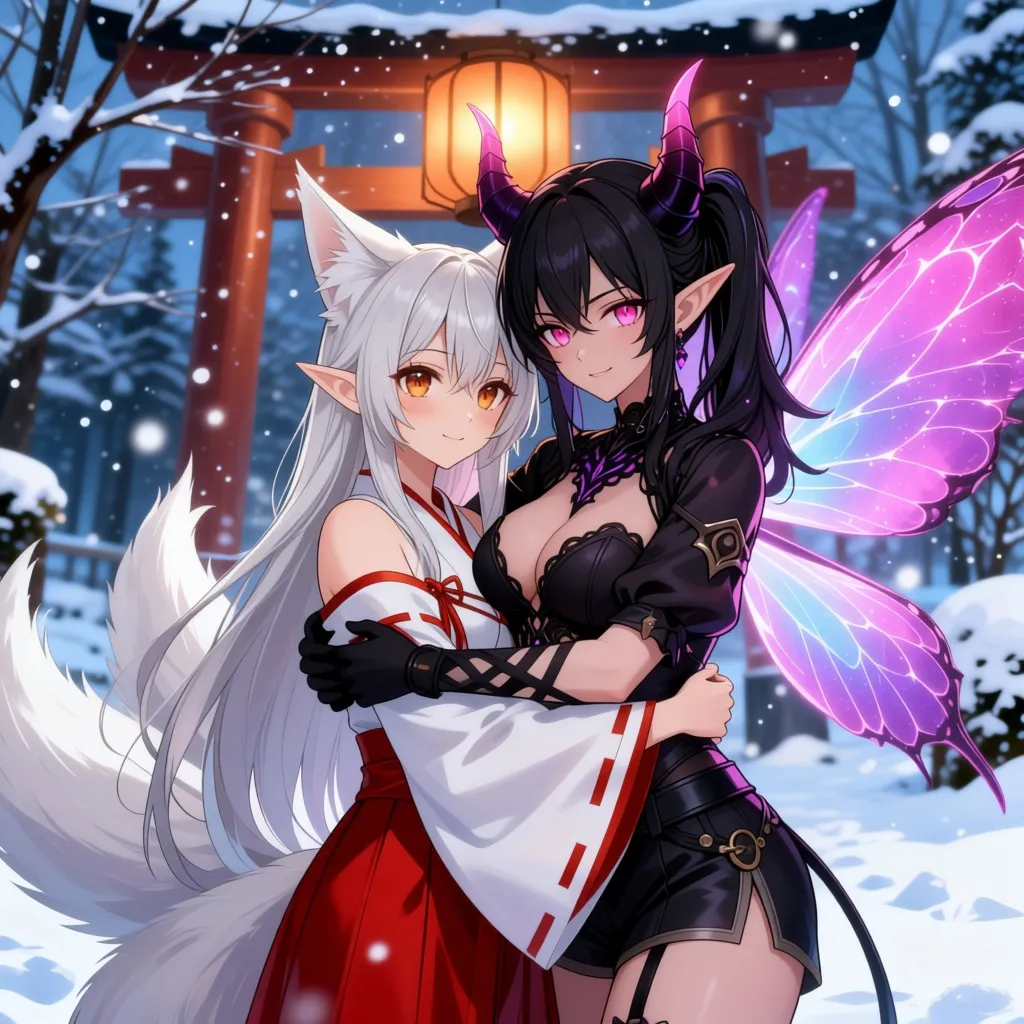
Image Editing:
two people is hugging in the winter background"
Frequently Asked Questions
- What is Qwen Image Edit 2511?
- Qwen Image Edit 2511 is an advanced version of Qwen's image editing model. It supports multi-image reference input (up to 3 images), enabling more context-aware and precise edits based on multiple visual references.
- How is this different from Qwen Image Edit?
- The 2511 version supports multiple reference images (1-3) instead of just one. This allows for more complex editing scenarios where context from multiple images can guide the edit, such as style transfer from one image while preserving content from another.
- What types of edits does it support?
- It supports semantic editing (viewpoint changes, style transfer), appearance editing (add/remove objects), text editing (add, modify, or remove text in images), and multi-reference editing where you can combine elements from multiple images.
- How should I use multiple reference images?
- Upload 1-3 images that provide context for your edit. For example: one image as the main subject, another for style reference, and a third for specific elements you want to incorporate. Describe in your prompt how each image should influence the result.
- What input formats are supported?
- JPEG, PNG, and WebP images are supported. Each image should be clear and well-lit for best results.
- How should I write effective prompts?
- Be specific about what to change and what to preserve. Reference which uploaded image contains what element. For example: 'Apply the artistic style from image 2 to the portrait in image 1, keeping the background from image 3.'
- What are the output size options?
- Output sizes range from 512×512 to 1536×1536 pixels. Choose based on your quality needs—larger sizes provide more detail but may take longer to generate.
- Does it support text editing in images?
- Yes. Like the original Qwen Image Edit, it excels at precise text editing including both English and Chinese characters. You can add, modify, or remove text while preserving the surrounding design.
- How long does generation take?
- Most edits complete within 30-60 seconds, depending on image complexity, number of reference images, and server load.
- Can I use the results commercially?
- Please review the model's license and platform policies for commercial usage. Generally, you retain rights to content created from your own uploads, subject to model and platform terms.
You Might Also Like
View AllTry Nano Banana 2 Edit (Gemini 3.1 Flash)
Get stronger subject consistency and multi-reference editing with Nano Banana 2 Edit.
FLUX.1 Krea [dev]
Photorealistic image generation with distinctive aesthetics that avoids the oversaturated AI look.
FLUX.1 Schnell
Optimized for speed, this model generates images from text prompts quickly. A ~3x speedup over the original model with minimal quality loss.
OpenAI GPT Image 1.5
Generate high-quality, photorealistic images using OpenAI's latest GPT Image 1.5 model. Excellent at following complex instructions and rendering intricate details.