AI Applications
Choose an AI model to get started
Video Generation
Image Generation
Audio Generation
Video Effects
Flux 2 Klein 9B Edit
High-quality 9B-parameter image editing model. Edit images using natural language prompts with up to 4 reference images for context-aware editing, style transfer, and element combination.
Input
Output
Generated content will appear here
Example Results
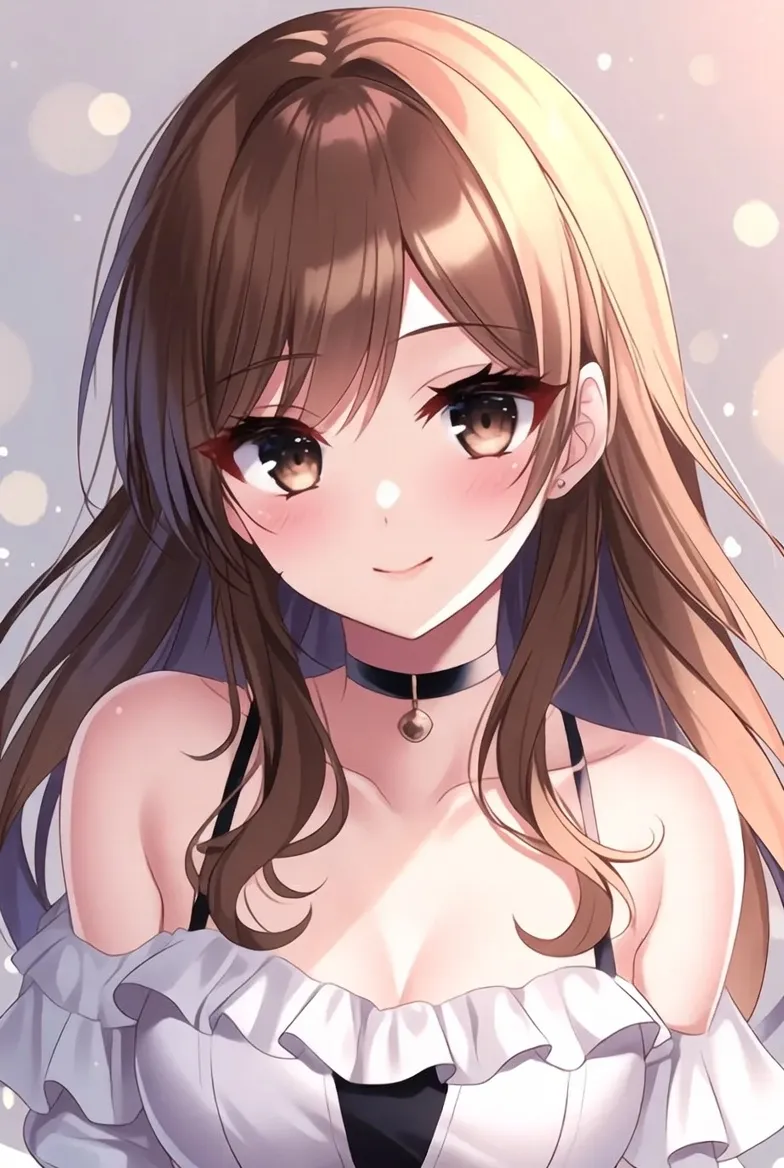
Image Editing:
Reference image
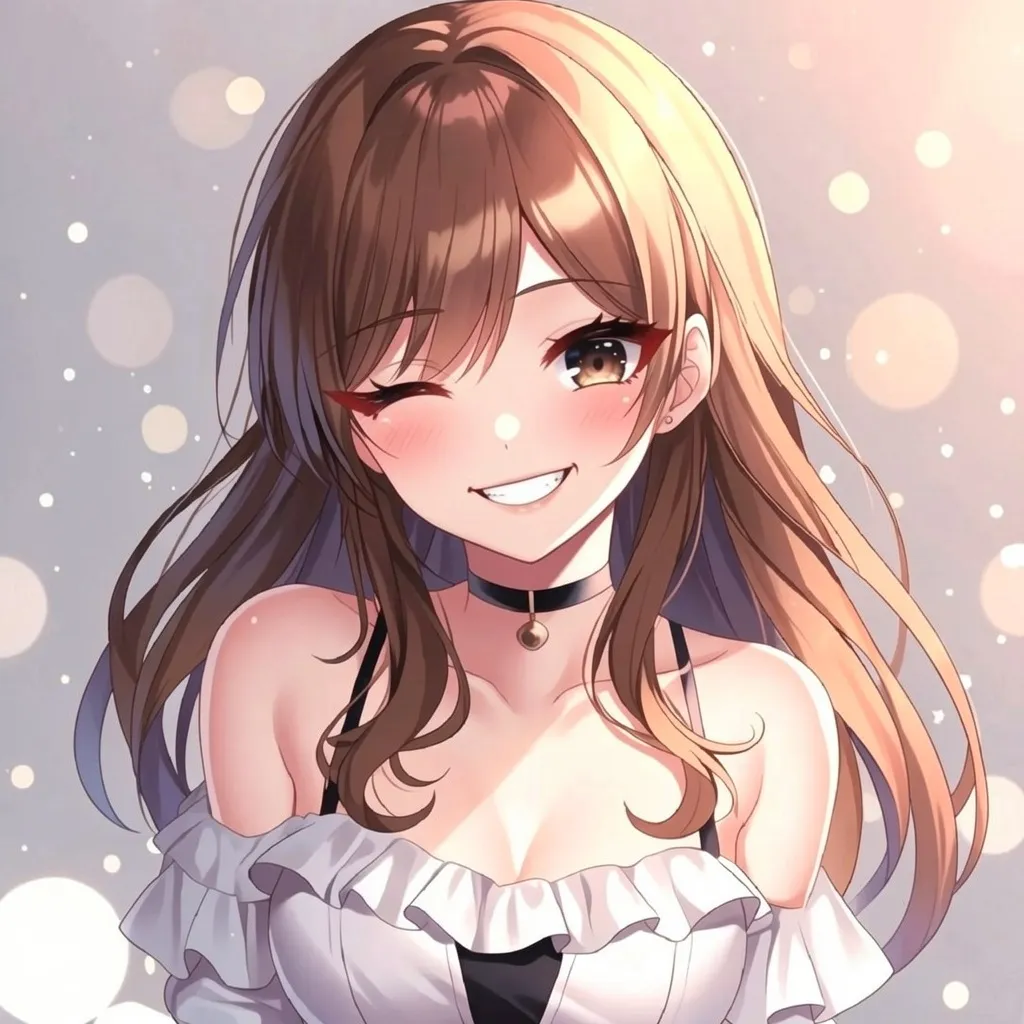
Image Editing:
make the person smiling
Frequently Asked Questions
- What can I create with Flux 2 Klein 9B Edit?
- You can create photo composites (combining people from different photos), apply artistic styles to your images, remove or add objects, change backgrounds, and perform complex multi-image edits. It's perfect for social media content, marketing materials, and creative projects.
- How do I use multiple images together?
- Upload up to 4 images and reference them in your prompt as image1, image2, etc. For example: 'Put the person from image1 into the beach scene from image2 with the sunset colors from image3.' The AI understands which elements to take from each image.
- What types of edits work best?
- The model excels at style transfers (making photos look like paintings or drawings), combining people/objects from different photos, changing backgrounds, and applying consistent visual themes across images. It's particularly good at maintaining realistic lighting and shadows.
- How should I write my editing instructions?
- Be clear and specific about what you want. Describe both what to change and what to keep. Good example: 'Change the person's outfit to a red dress while keeping their pose and the background exactly the same.' Bad example: 'Make it look better.'
- What image formats can I upload?
- JPEG, PNG, and WebP formats are supported. For best results, use clear, well-lit images. The output resolution will match your input image size.
- Can I use the edited images for my business?
- Yes, you can use the generated images for commercial purposes including marketing, social media, and product content. Please ensure you have rights to any source images you upload.
- Why would I use this instead of Photoshop?
- Flux 2 Klein 9B Edit handles complex edits that would take hours in Photoshop in just seconds. It automatically handles lighting, shadows, and blending - tasks that require advanced skills in traditional software. It's ideal for quick iterations and creative exploration.
- How long does each edit take?
- Most edits complete within 15-30 seconds, depending on image complexity and server load. You'll see a progress indicator while your image is being processed.
You Might Also Like
View AllTry Nano Banana 2 Edit (Gemini 3.1 Flash)
Get stronger subject consistency and multi-reference editing with Nano Banana 2 Edit.
Seedream V5.0 Lite Edit (Bytedance)
Lightweight image editing model by Bytedance that preserves facial features, lighting, and color tones. Supports multi-image references, style transfer, and creative compositing up to 4K.
Z-Image-Base
A 6B-parameter text-to-image model with full CFG support. Supports negative prompting and optional reference image guidance for maximum control over image generation. Generate photorealistic images with style transfer and composition guidance.
Z-Image-Turbo
Ultra-fast 6B-parameter text-to-image model optimized for production workloads. Generates photorealistic images in just 8 sampling steps with sub-second latency. Supports bilingual prompts (English/Chinese) and on-image text rendering.