AI Applications
Choose an AI model to get started
Video Generation
Image Generation
Audio Generation
Video Effects
Seedance V1.5 Pro Image to Video
Transform images into cinematic videos with Bytedance Seedance V1.5 Pro. Supports first and last frame control for precise motion guidance, optional audio generation, and flexible aspect ratios.
Input
Output
Generated content will appear here
Example Results
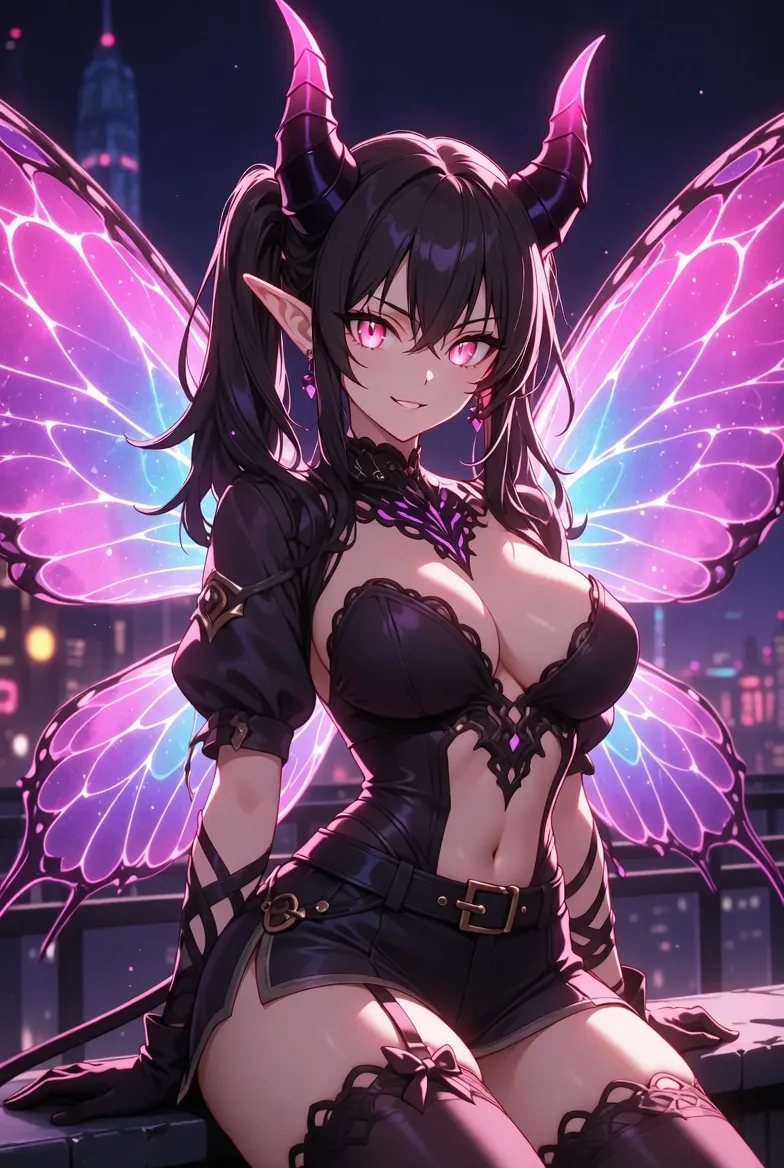
Video Generation:
Reference image 1
Video Generation:
the woman is dancing
Frequently Asked Questions
- What is Seedance V1.5 Pro Image to Video?
- Seedance V1.5 Pro I2V is Bytedance's advanced image-to-video model that transforms static images into high-quality cinematic videos. It features ultra-fast generation speed while maintaining excellent motion quality, coherent storytelling, and smooth camera movements.
- How does the first and last frame control work?
- You can upload a starting image (first frame) and optionally an ending image (last frame). The model will generate a smooth video transition between these two frames. If only the first frame is provided, the model generates motion based on your prompt. This feature is ideal for creating controlled animations with predictable start and end states.
- What are the supported video durations and resolutions?
- Duration: 4-12 seconds with flexible selection. Resolutions: 720p (balanced quality and speed) and 1080p (highest quality). Aspect ratios include 21:9, 16:9, 4:3, 1:1, 3:4, and 9:16, or auto-detect from input image.
- How should I write effective prompts?
- Describe the motion and action you want to see, not just the scene. Include camera movement instructions like 'slow zoom in', 'pan left', or 'tracking shot'. Mention lighting, atmosphere, and emotional tone. Keep prompts specific but concise. Example: 'A woman smiles gently as wind blows through her hair, soft golden hour lighting, slow camera push in'.
- What are common use cases for this model?
- Perfect for product animations (bringing product photos to life), social media content (creating engaging video posts from images), storytelling (animating illustrations or concept art), marketing materials (converting static ads to video), and portrait animations (adding subtle motion to photos).
You Might Also Like
View AllWan 2.5 Image to Video Fast
Generate high-quality videos from a single image with Alibaba Wan 2.5-fast. Choose 720p/1080p, 5s/10s, optionally guide with audio, and enable prompt expansion.
Wan 2.6 Image to Video Flash
Transform images into dynamic videos up to 15 seconds with Alibaba Wan 2.6 Flash. Supports 720p/1080p resolution, single or multi-shot modes, and optional audio generation.
Seedance 2.0 API
ByteDance's next-generation AI video model featuring 2K cinema-grade output, native audio-video sync, multi-modal input with up to 12 reference assets, multi-shot storytelling, and 8+ language lip-sync — all from a single prompt.