ComfyUI Online
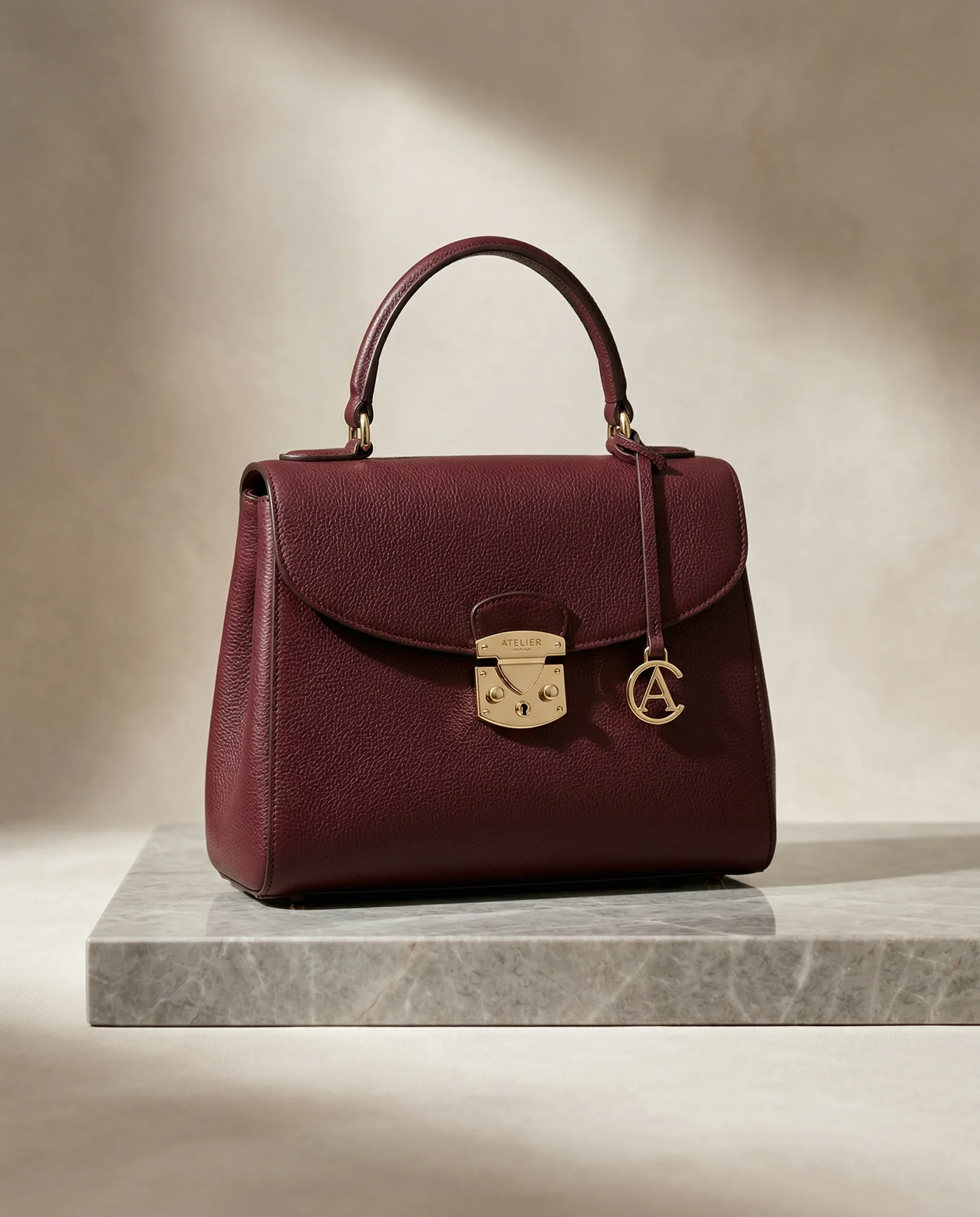 product
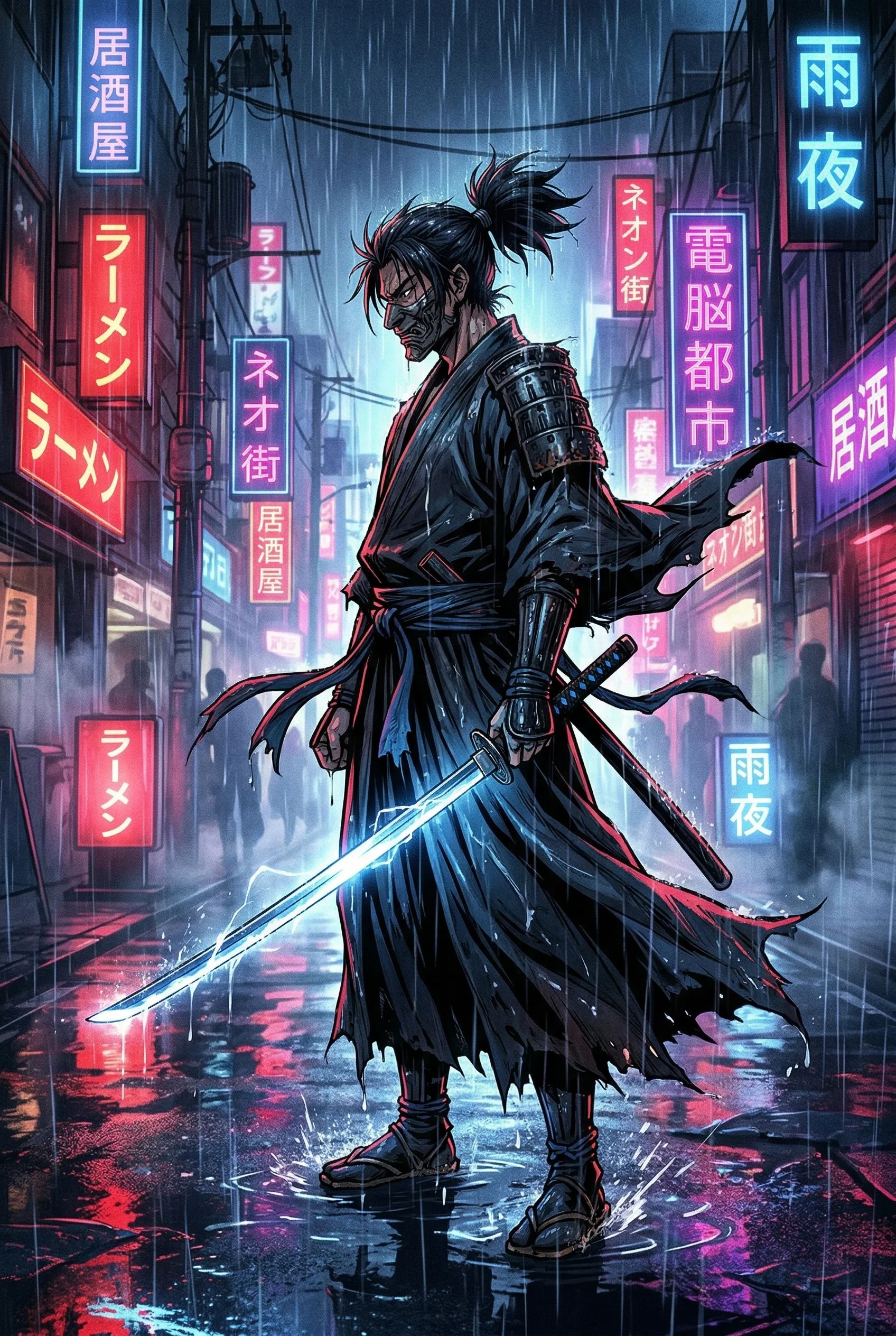 anime
anime landscape
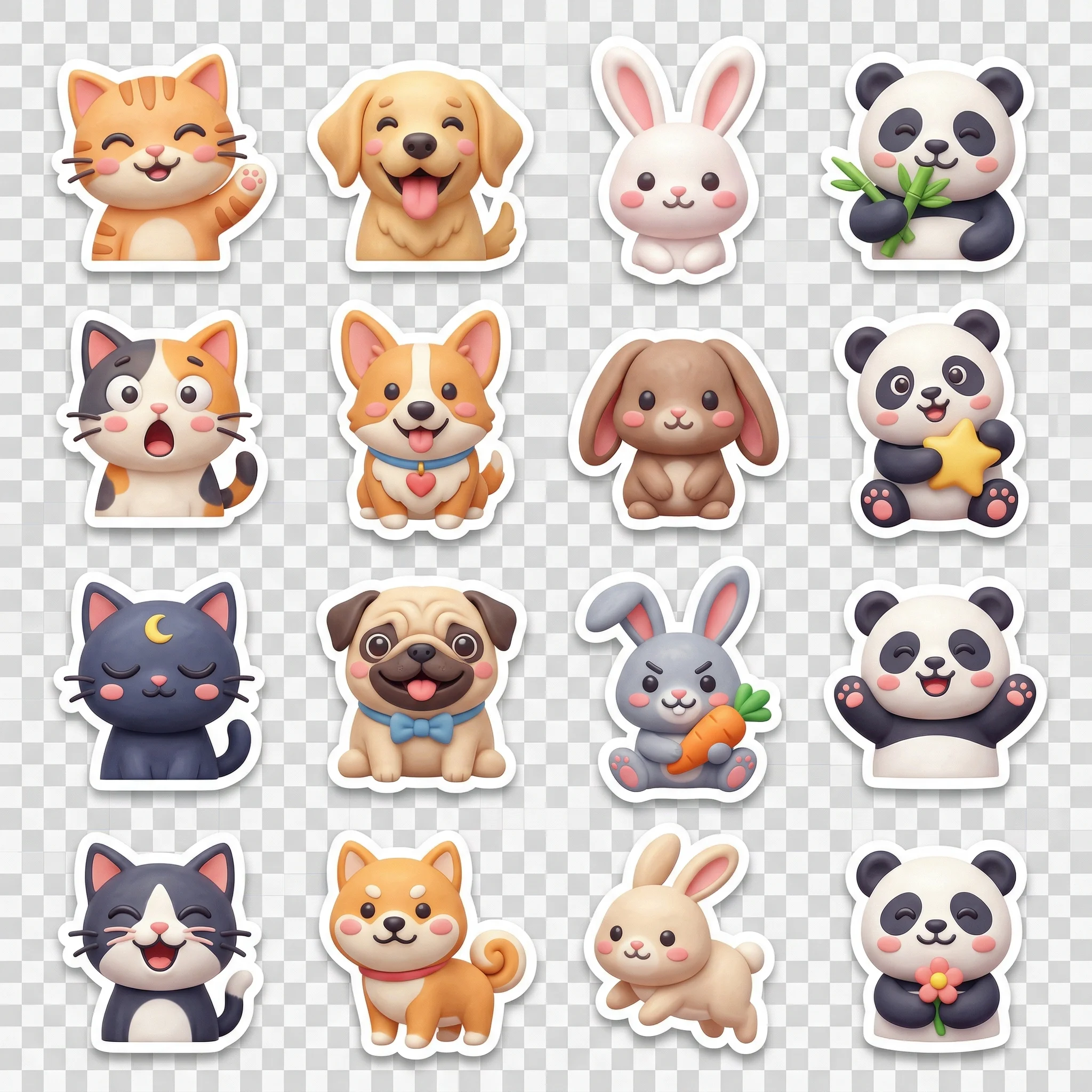 sticker
 portrait
 poster
 food
food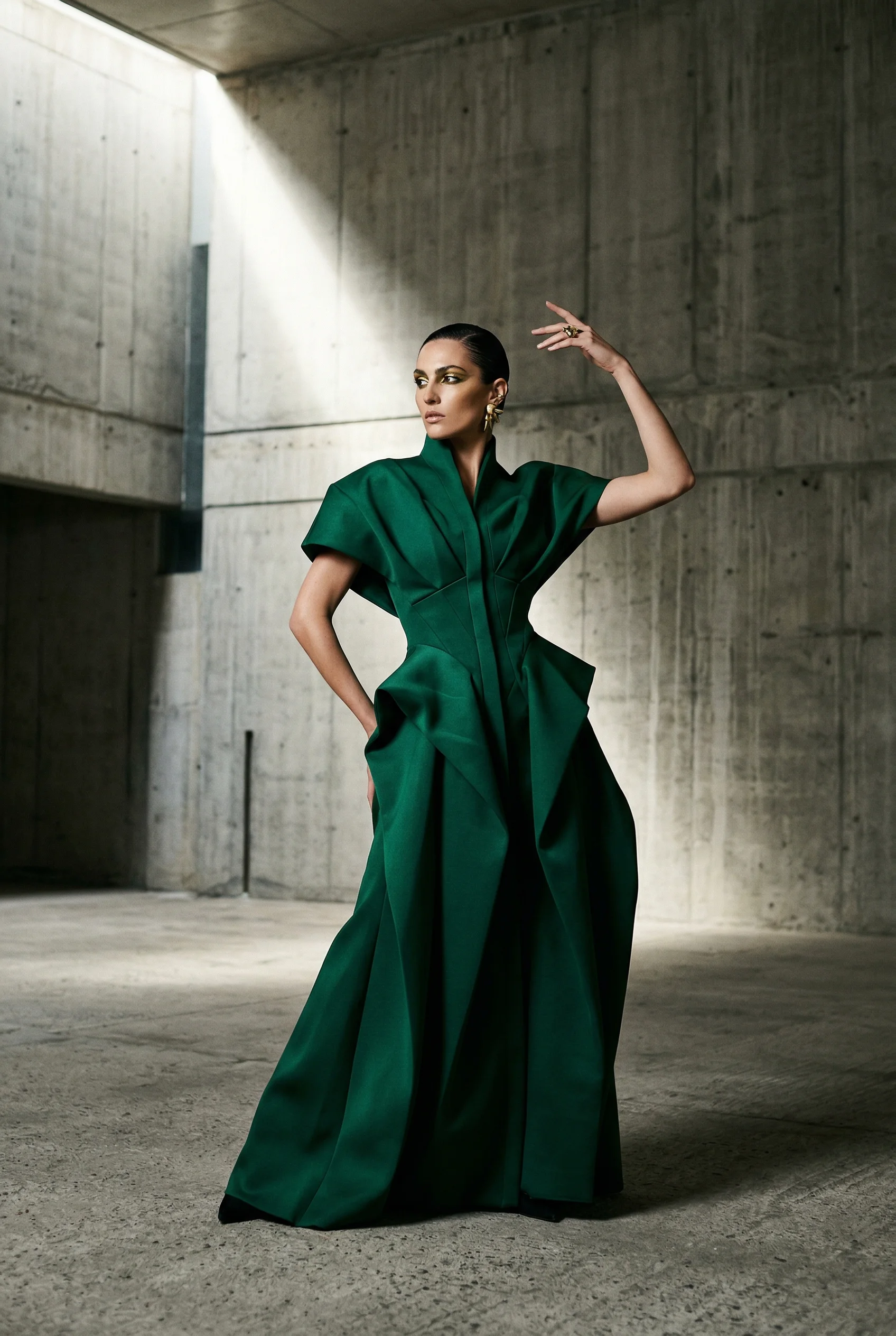 fashion
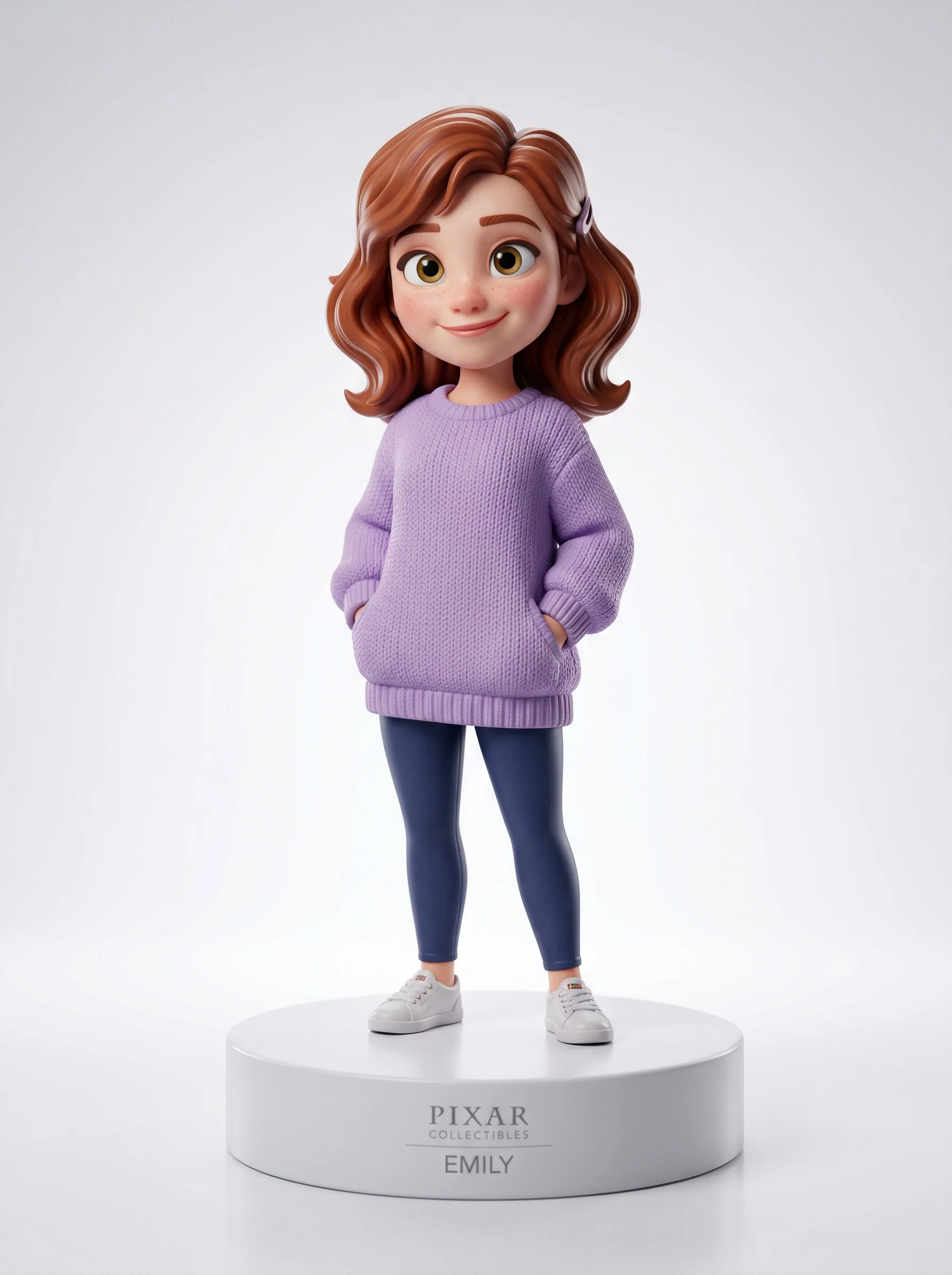 3D
3D product
 logo
logo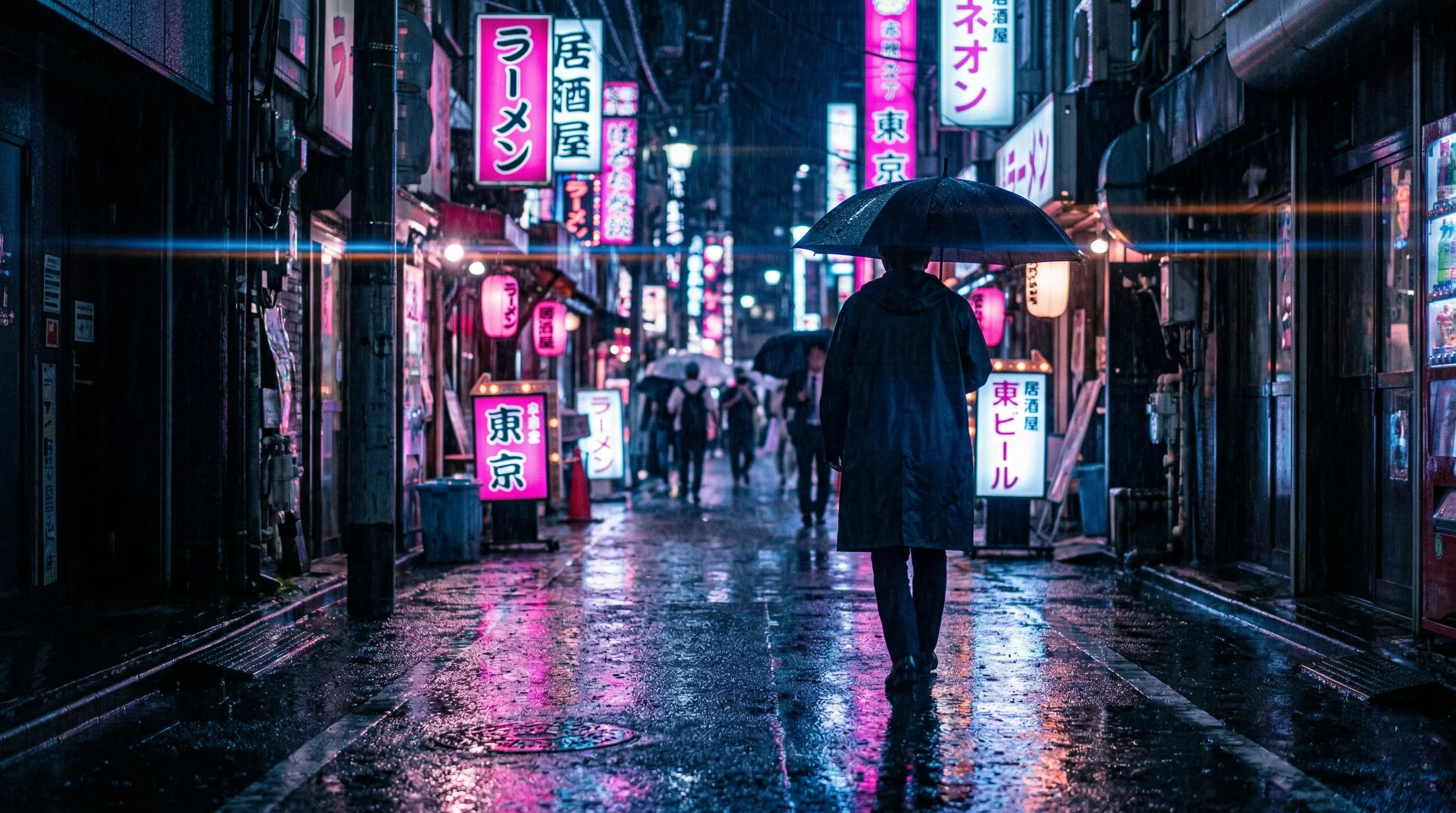 cinematic
 landscape
 product
Every image above was generated on this site. Browse the gallery →
Try AI text-to-image
Pick a style, tweak the prompt, generate in seconds. First try is free with a watermark — unlock a clean download anytime.
Try a style
Click a style to replace the prompt — then hit Generate.
Credits apply after your free trial · Open full effect
Turn Your Dreams into Reality
Generate amazing AI Art images using Stable Diffusion and ComfyUI.
High Quality
Stable Diffusion XL model is able to generate stunning, high-resolution images that look realistic and professionally created.
Free
Use our image generator as much as you want without ever having to pay. We believe creative tools should be accessible for everyone.
User Privacy Protection
We will never store or share any of the images you create or personal information. Your privacy is respected.
Speed
Get your AI-generated images in seconds with our state-of-the-art technology and infrastructure.
Freedom
No limitations on what you can enter.
Easy to use
Our website and image prompt tools are designed to make AI image generation understandable and accessible even for casual users.
AI Effects
One-click looks. Upload a photo, keep your face, and generate a styled result in seconds.
 New
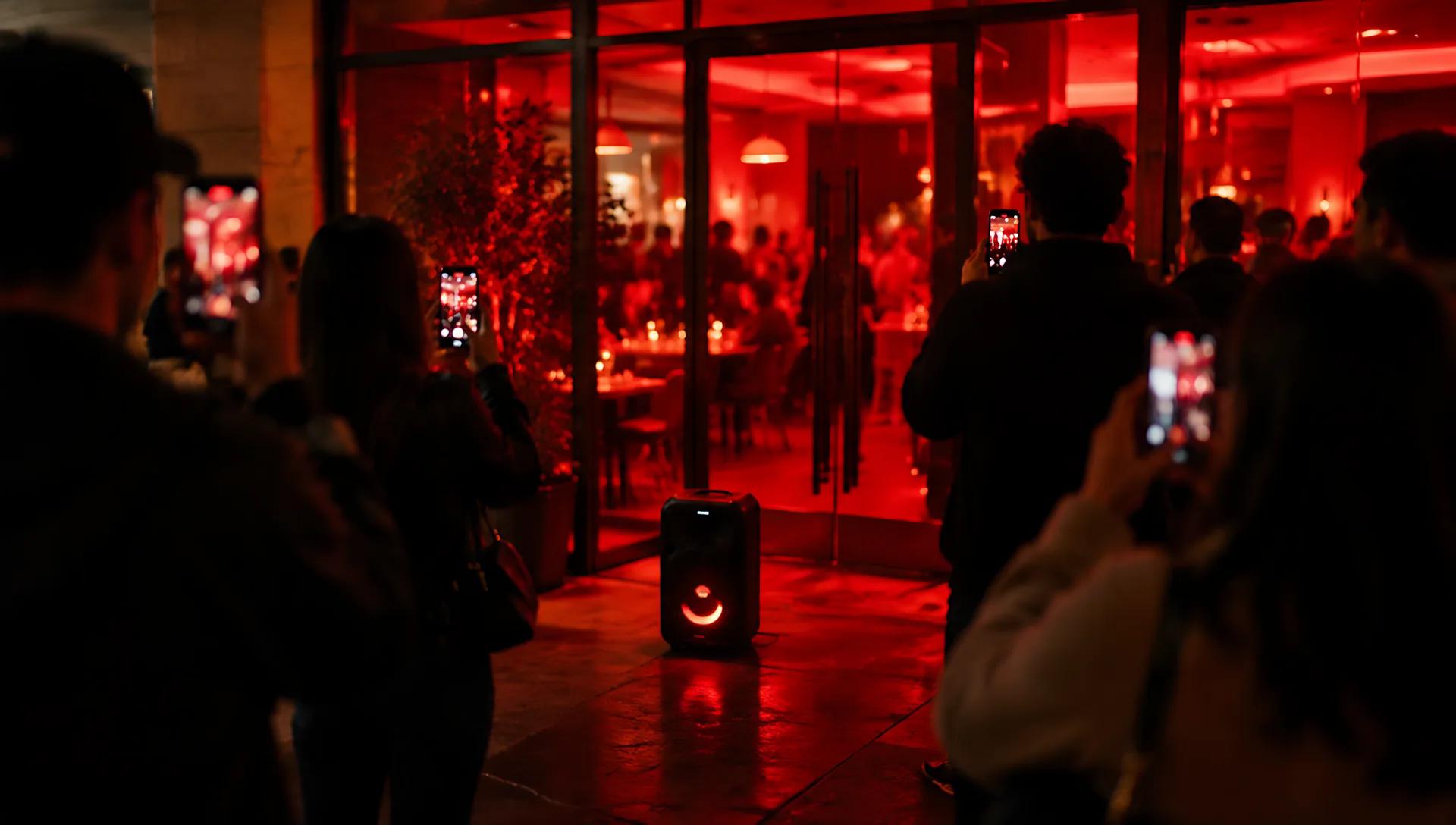
NewBurger Thru Window AI Video Generator: Put Your Photo in the Window
Upload one photo and AI swaps you in for the person at the lit window of a night template — the whole person, outfit included — with the template's camera, timing and sound. A 12-second vertical clip for TikTok, Reels and Shorts, no editing app needed.
 New
NewBulin 47 AI Video Generator: Put Your Photo in the Freestyle
Upload one photo and AI swaps you in for the rapper of a 15-second street freestyle — the whole person, outfit included, with the template's moves, timing, camera and sound. Ready for TikTok, Reels and Shorts, no editing app needed.
 New
NewAI Rap Duo Generator: Join the Hotel Lobby AI Trend
Upload one or two photos and AI swaps you into a rap duo performance — the whole person, outfit included, with the original moves, timing and camera. A 15-second video ready for TikTok, Reels and Shorts.
 New
NewAI Quote Card Generator: Share-Ready Quote Graphics
Paste a short quote, optional attribution, and a mood — get a clean social card for feeds and stories. No upload required. Always proofread before posting.
 New
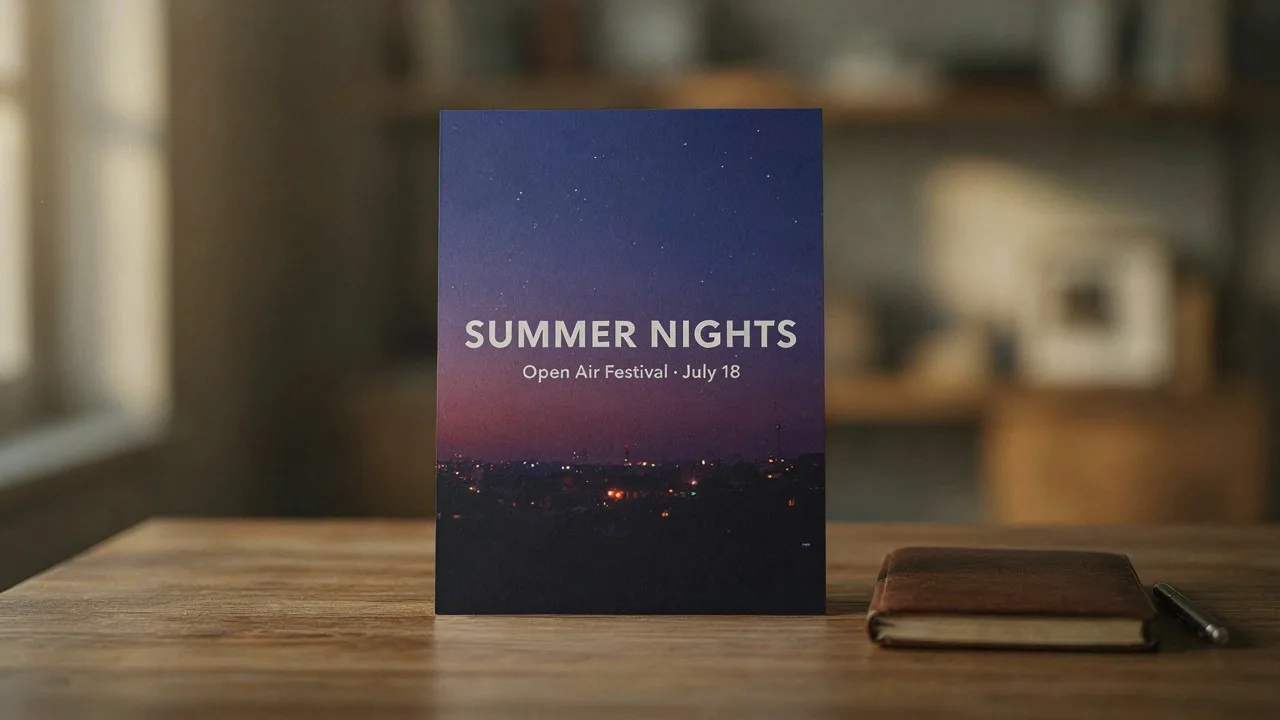
NewAI Text Poster Generator: Readable Headlines in One Prompt
Describe the headline, subtitle, and mood — get a typography-forward poster draft you can download and share. No upload required. Always proofread text before print.
 New
NewAI Weight Loss Filter: Subtle Wellness Portrait Preview
Upload a clear photo for a respectful wellness-style portrait edit. Keep your face, refine contours gently, and frame a healthy lifestyle look — digital creative preview only, not medical or weight-loss advice.
Powerful AI Applications
Discover our collection of AI-powered tools designed to enhance your creative workflow
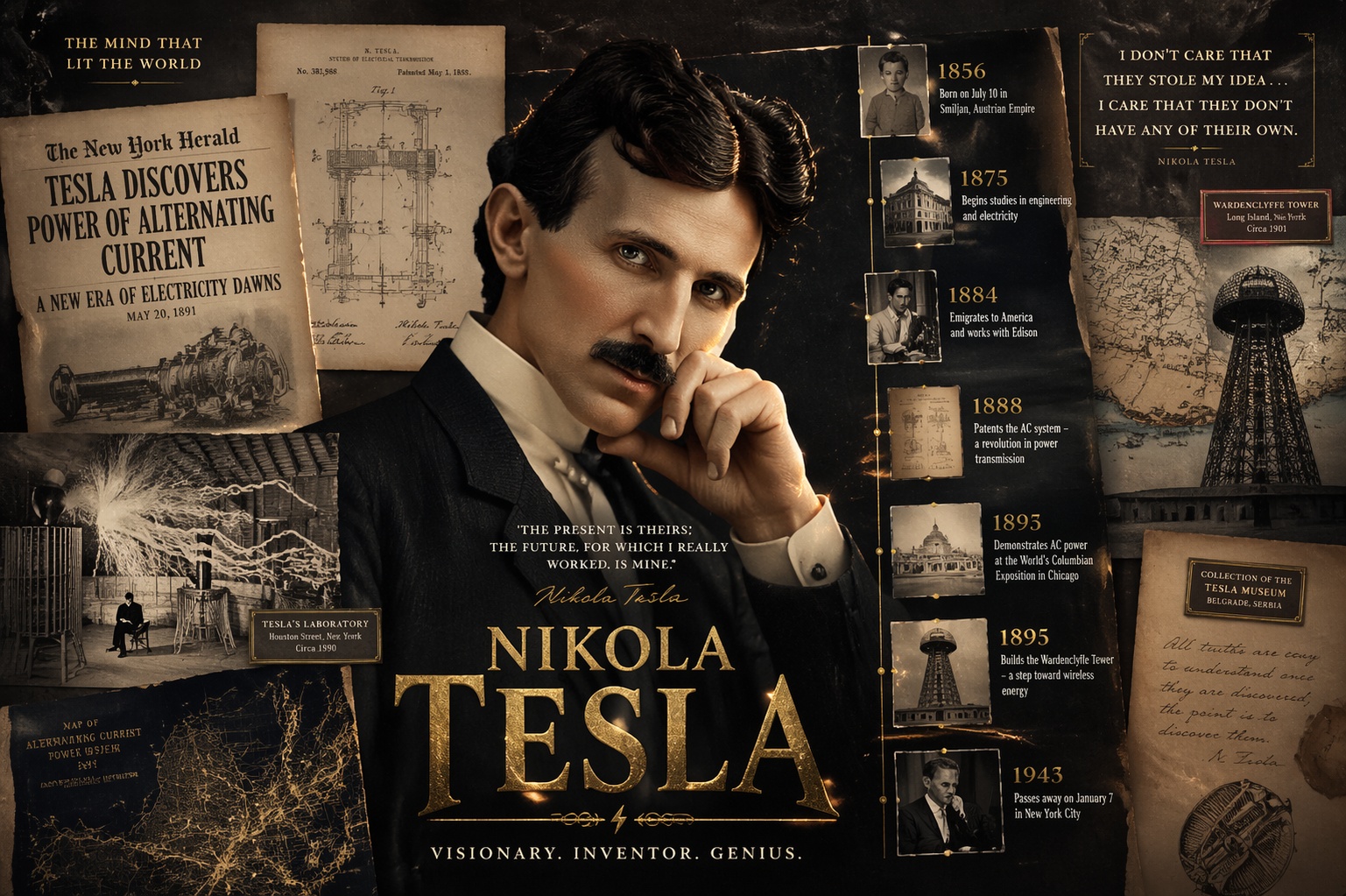
OpenAI GPT Image 2
Generate high-fidelity images from natural language prompts with OpenAI GPT Image 2. Great for complex cinematic scenes, product visuals, and concept art.
by OpenAI
5 credits
Nano Banana 2 Text to Image (Gemini 3.1 Flash)
Google Nano Banana 2 (Gemini 3.1 Flash Image) delivers Pro-quality image generation at Flash speed. Supports 1K–4K resolution, 10 aspect ratios, improved text rendering, and character consistency.
by google
33 credits
Seedream V5.0 Lite (Bytedance)
Lightweight text-to-image model by Bytedance with enhanced typography, clear text rendering, and up to 4K resolution. Ideal for posters, brand visuals, and social media content.
by Comfyuiweb
17 creditsGoogle Veo3.1 Lite Image to Video
Transform static images into cinematic 720p/1080p video with Google Veo 3.1 Lite. Supports landscape and portrait aspect ratios, negative prompt control, and customizable duration up to 8 seconds.
by google
84 creditsSeedance 2.0 Fast Text to Video
Generate cinematic videos from text prompts with native audio-visual synchronization, director-level camera and lighting control, and exceptional motion stability — optimized for faster generation at 33% lower cost.
by Comfyuiweb
500 creditsSeedance 2.0 Fast Image to Video
Generate cinematic videos from a reference image with native audio-visual synchronization, subject preservation, and expressive motion — optimized for faster generation at 33% lower cost.
by Comfyuiweb
500 creditsFree ComfyUI Workspace (CPU)
Full ComfyUI on remote CPU for workflows and experiments. Expect minutes per image — not the fast path.
Free · remote CPU · typically minutes per image · best for Comfy workflows.
Need a result in seconds? Use the fast poster generator above. Go to fast generator
You can also download this SDXL Turbo workflow json.
AI Art News & Tutorials
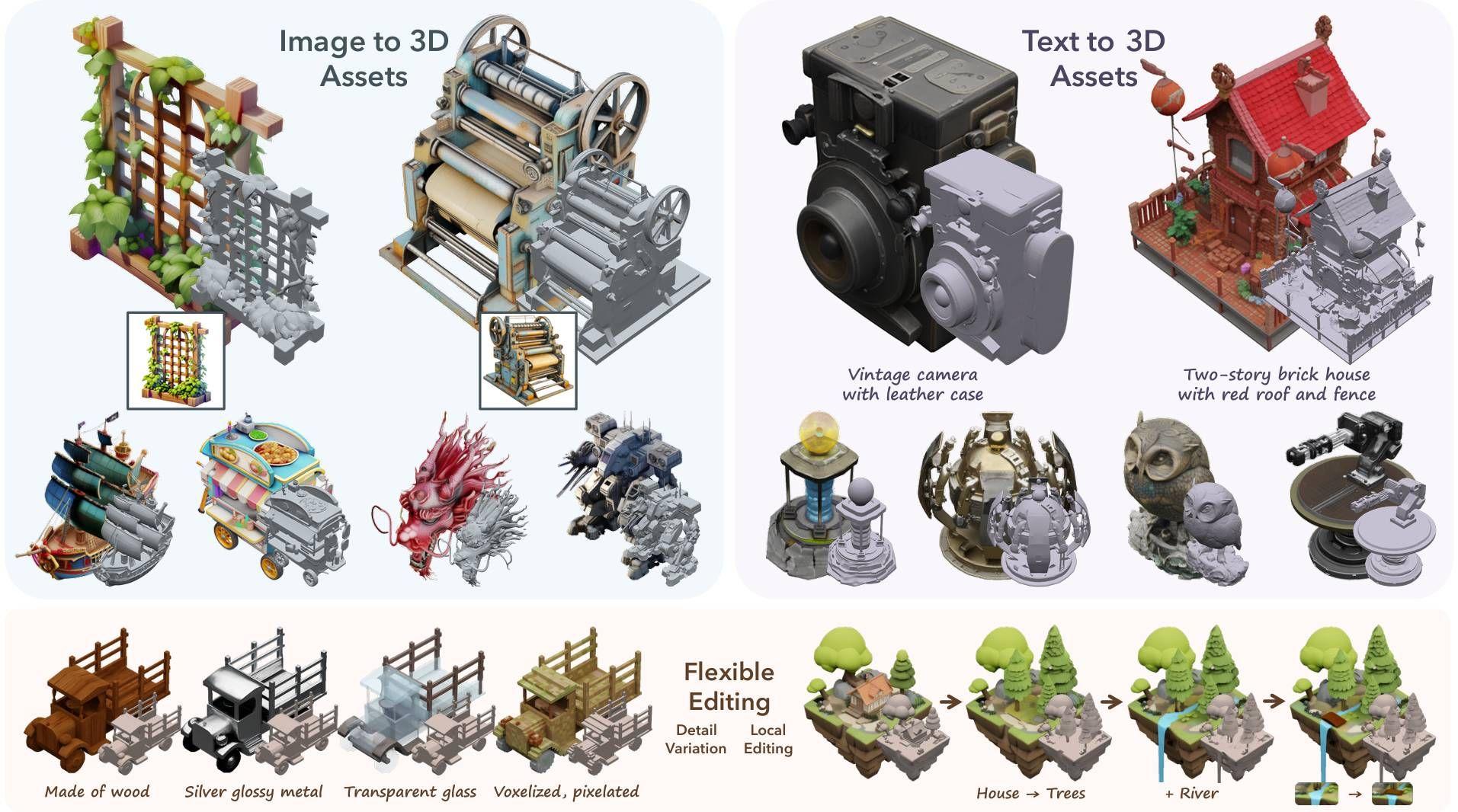
Best 3D Models With Comfyui
Turn any image into professional 3D models instantly with ComfyUI 3D Pack. 14+ AI models, simple workflow, and no complex software needed. Start creating amazing 3D art today!
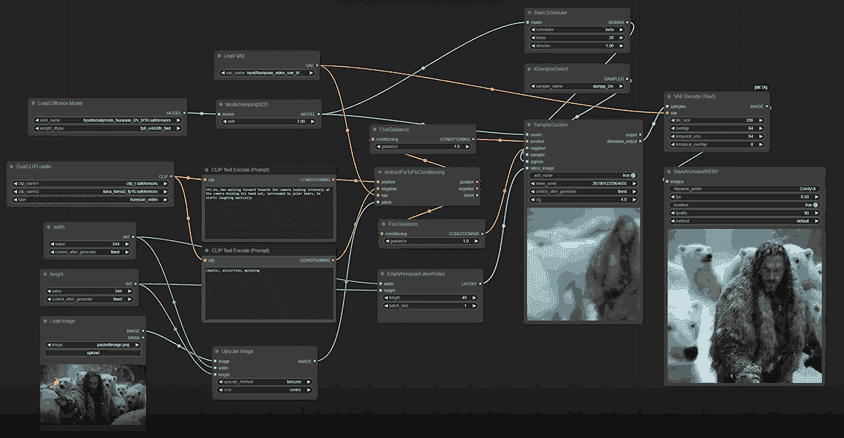
SkyReels V1 Guide — Free Open-Source AI Video Model
SkyReels V1 guide: open-source AI video model with 33 facial expressions and 400+ natural movements. Free to use, runs locally or online with ComfyUI.
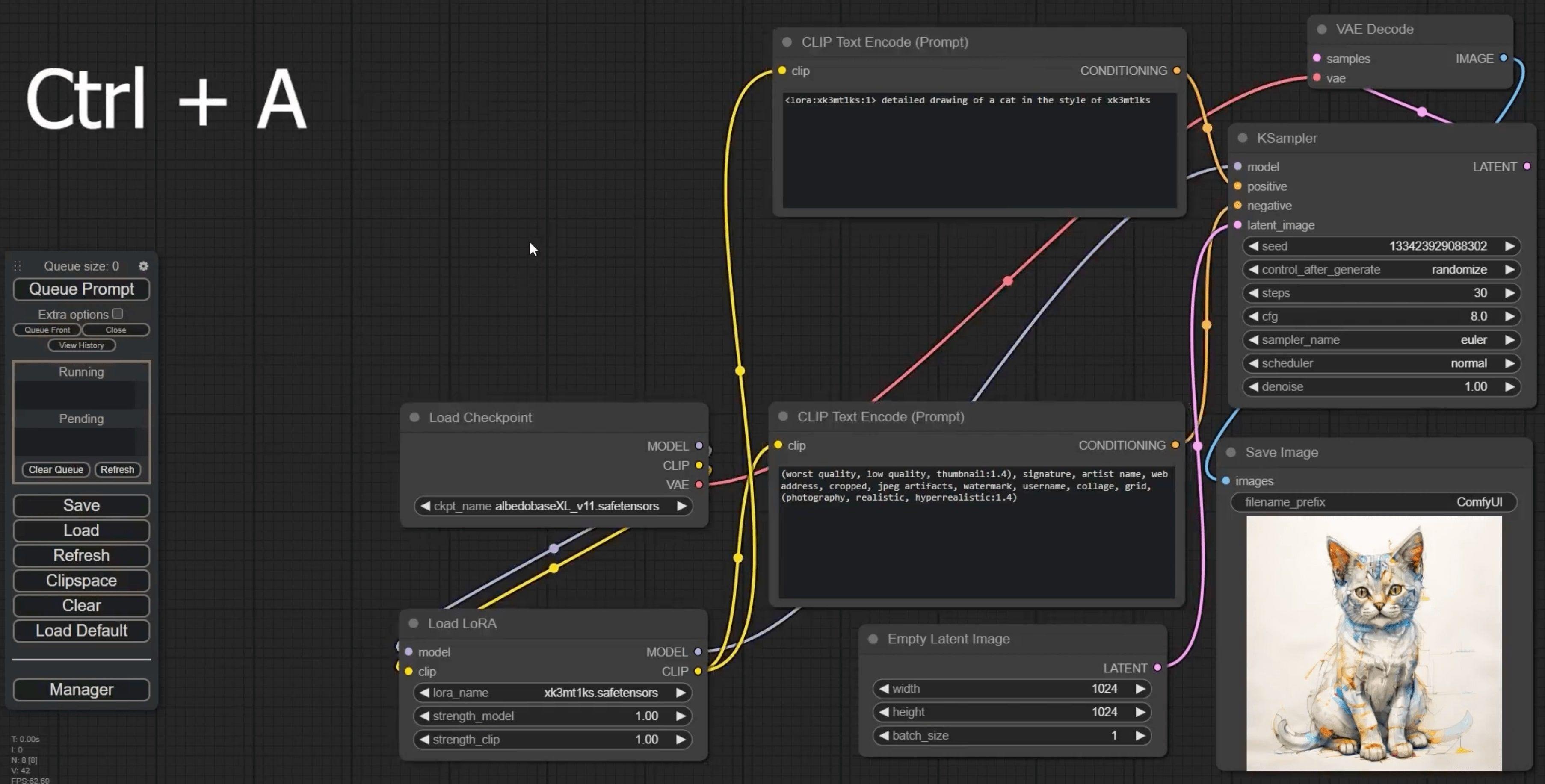
25 ComfyUI Tips and Tricks for AI Image Generation (2026)
Practical ComfyUI tips: prompt techniques, workflow shortcuts, LoRA management, VRAM optimization, and batch processing. From beginner basics to pro tricks.
ComfyUI Keyboard Shortcuts — Complete Cheat Sheet (2026)
All ComfyUI keyboard shortcuts and hotkeys: queue prompt, undo, mute nodes, group select, canvas zoom, and more. Printable cheat sheet for daily use.
Wan 2.2 Complete Guide — AI Video, Animate & I2V 2026
Master Wan 2.2: text-to-video, image-to-video, Animate character swap, and Fun Control. Free open-source Kling & Runway alternative. Run with ComfyUI.

New CLIP-L Text Encoder for Flux.1 — Better Prompt Quality
Fine-tuned CLIP-L encoder that improves Flux.1 prompt accuracy and image quality. Download clip_l.safetensors, install in ComfyUI, and see comparisons.
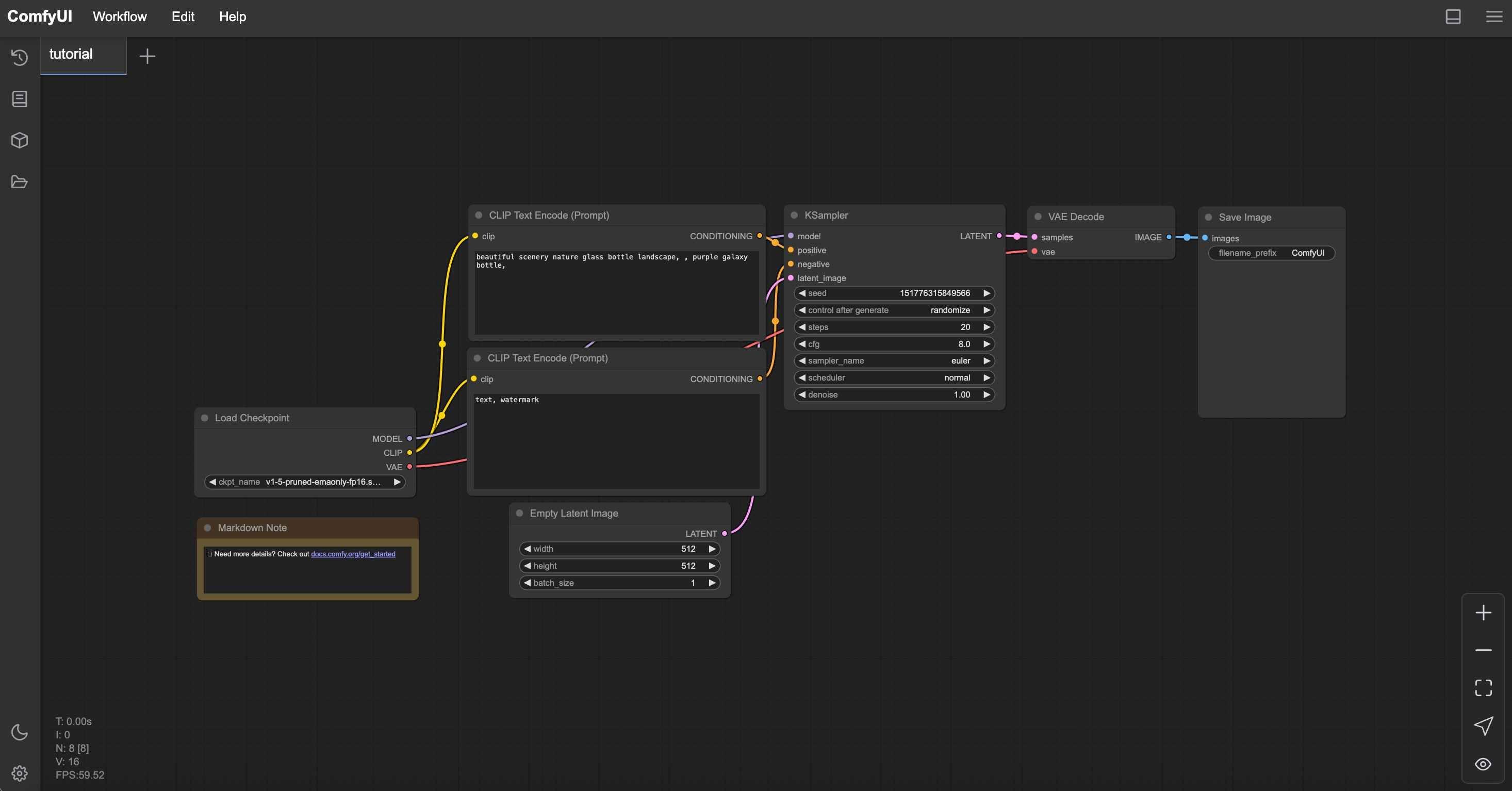
Learn ComfyUI
Explore our tutorials to master ComfyUI and create amazing AI-generated content

Frequently asked questions
If you can't find what you're looking for, email our support team and if you're lucky someone will get back to you.
What is ComfyUI Web?
ComfyUI Web is an online AI creation platform with 40+ tools for image generation, video creation, image editing, and audio synthesis. It's powered by open-source models like Flux, Wan, Seedance, and Seedream. Unlike local ComfyUI which requires a GPU and installation, ComfyUI Web runs entirely in your browser — no setup needed.
Can I generate AI videos for free?
Yes. ComfyUI Web offers free AI video generation using models like Wan 2.5, Seedance, and Hailuo. You can create image-to-video, text-to-video, and apply video effects like face swap and watermark removal — all from your browser with no software to install.
What AI models are available?
ComfyUI Web integrates multiple state-of-the-art AI models including Flux (image generation), Wan 2.5/2.6 (video generation), Seedance (video), Seedream (image), Nano Banana 2 (fast 4K images), ACE-Step (music), and many more. New models are added regularly as they're released.
Is ComfyUI Web free to use?
Yes, ComfyUI Web offers a free tier so you can try all AI tools without paying. For heavier usage, affordable credit-based plans start from just $2. No GPU or expensive hardware is required — everything runs in the cloud.
What types of content can I create?
You can create AI images (text-to-image, image editing, style transfer, upscaling), AI videos (image-to-video, text-to-video, video effects, face swap), AI music and audio, and more. We have 40+ specialized tools covering image generation, video creation, and audio synthesis.
How is ComfyUI Web different from Midjourney or DALL-E?
ComfyUI Web is powered by open-source AI models, giving you more control, transparency, and variety. While Midjourney and DALL-E use proprietary models, ComfyUI Web lets you choose from multiple engines (Flux, Wan, Seedream, etc.) and run complex workflows — all for free or at much lower cost.
Do I need a powerful computer or GPU?
No. All AI processing happens on our cloud servers. You only need a web browser and an internet connection. ComfyUI Web works on any device — desktop, laptop, tablet, or phone.
How fast is the AI generation?
Most AI image generations complete in 5-30 seconds. Video generation typically takes 30-120 seconds depending on length and model. Our API-based tools are significantly faster than running ComfyUI locally on a mid-range GPU.
Can I use the generated content commercially?
Yes. Content generated on ComfyUI Web can be used commercially, subject to our content policies and the license terms of the underlying open-source models. Most models (Flux, Stable Diffusion) use permissive licenses that allow commercial use.
What is the difference between ComfyUI and ComfyUI Web?
ComfyUI is a local desktop application for building AI workflows using a node-based interface — it requires a GPU and technical setup. ComfyUI Web is a cloud platform that provides ready-to-use AI tools powered by ComfyUI and other engines, accessible from any browser with no installation.
What AI image generation tools are available?
ComfyUI Web offers text-to-image generators (Flux, Nano Banana 2, Seedream, Z-Image), image editors (Qwen Image Edit, Flux Kontext), image upscalers, style transfer tools, and more. Each tool is optimized for different use cases from photorealistic images to artistic styles.
What AI video tools are available?
Our video tools include image-to-video (Wan 2.5, Seedance, Hailuo), text-to-video, video face swap, video watermark removal, dance animation (Steady Dancer), and motion effects (French Kiss effect). Multiple video models let you choose the best fit for your project.
Is my data and privacy protected?
Yes. We don't store your prompts or generated content permanently unless you explicitly save them to your account. Your uploaded images are processed and deleted. We never share your data with third parties.
How do I get started?
Just visit any AI tool page (like our AI Video Generator or AI Image Generator), enter your prompt or upload an image, and click Generate. No account is required for basic use. Sign up for free to access more features and track your generation history.
What languages does ComfyUI Web support?
ComfyUI Web is available in 5 languages: English, Spanish, Russian, Japanese, and Chinese. The entire interface, including tool descriptions and tutorials, is localized for each language.