AI Applications
Choose an AI model to get started
Video Generation
Lightricks LTX-2.5 Fast
78
Vidu Q3 Turbo Image to Video
12
Google Veo3.1 Lite Text to Video
84
Google Veo3.1 Lite Image to Video
84
Wan 2.6 Image to Video Flash
24
Seedance V1.5 Pro Image to Video
100
Steady Dancer
80
Minimax Hailuo 2.3 Fast
108
Seedance V1 Pro Fast Text to Video
20
Seedance 2.0 Fast Text to Video
500
Seedance 2.0 Fast Image to Video
500
Wan 2.1 Mocha
60
Lightricks LTX-2 Fast Text to Video
120
Lightricks LTX-2 Fast Image to Video
120
Wan 2.5 Image to Video Fast
150
Wan 2.2 Animate
50
Video Face Swap
30
Wan 2.2 Image to Video Fast
20
Image Generation
OpenAI GPT Image 2
5
OpenAI GPT Image 2 Edit
13
Nano Banana 2 Text to Image (Gemini 3.1 Flash)
33
Nano Banana 2 Edit (Gemini 3.1 Flash)
33
Seedream V5.0 Lite (Bytedance)
17
Seedream V5.0 Lite Edit (Bytedance)
17
Qwen Image Edit Multiple Angles
12
Flux 2 Klein 9B Edit
8
Qwen Image Edit 2511
15
OpenAI GPT Image 1.5
5
Ernie Image Text to Image
13
Ernie Image Text to Image Turbo
13
Seedream V4.5 (Bytedance)
20
Z-Image-Turbo
1
Z-Image-Base
4
NVIDIA Chrono Edit
10
Hunyuan Image 3
6
Flux 1 Srpo
5
Seedream V4 (Bytedance)
6
Seedream V4 Edit (Bytedance)
6
Qwen Image Edit
10
Nano Banana (Gemini 2.5 Image Edit)
5
Image Upscaler
5
Flux Dev
3
Qwen Image
3
FLUX.1 Krea [dev]
4
Change Haircut
5
Broccoli Hairstyle Try On
5
Face to Many Kontext
4
FLUX.1 Schnell
1
FLUX.1 Kontext Dev
4
Audio Generation
Video Effects
Seedream V4.5 (Bytedance)
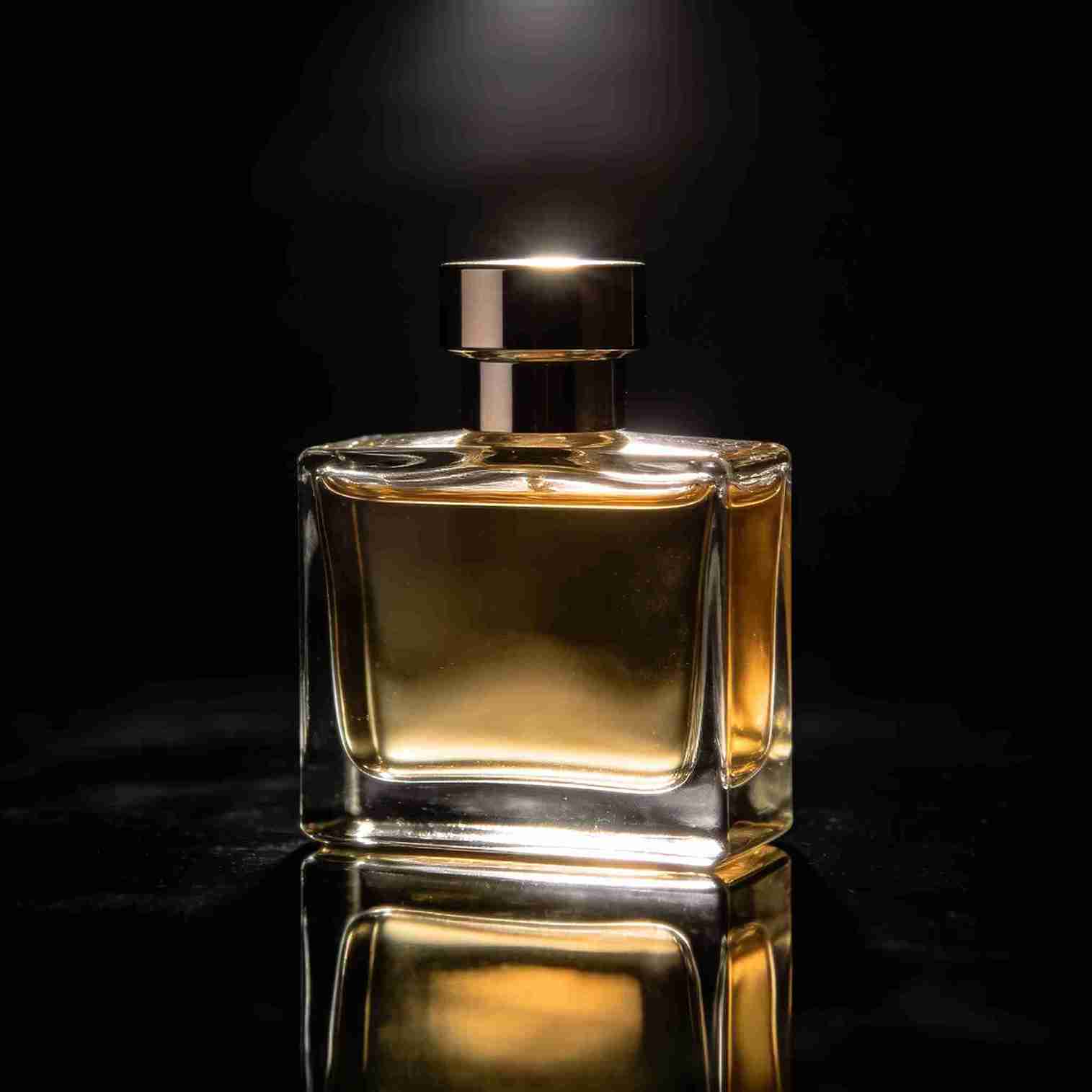
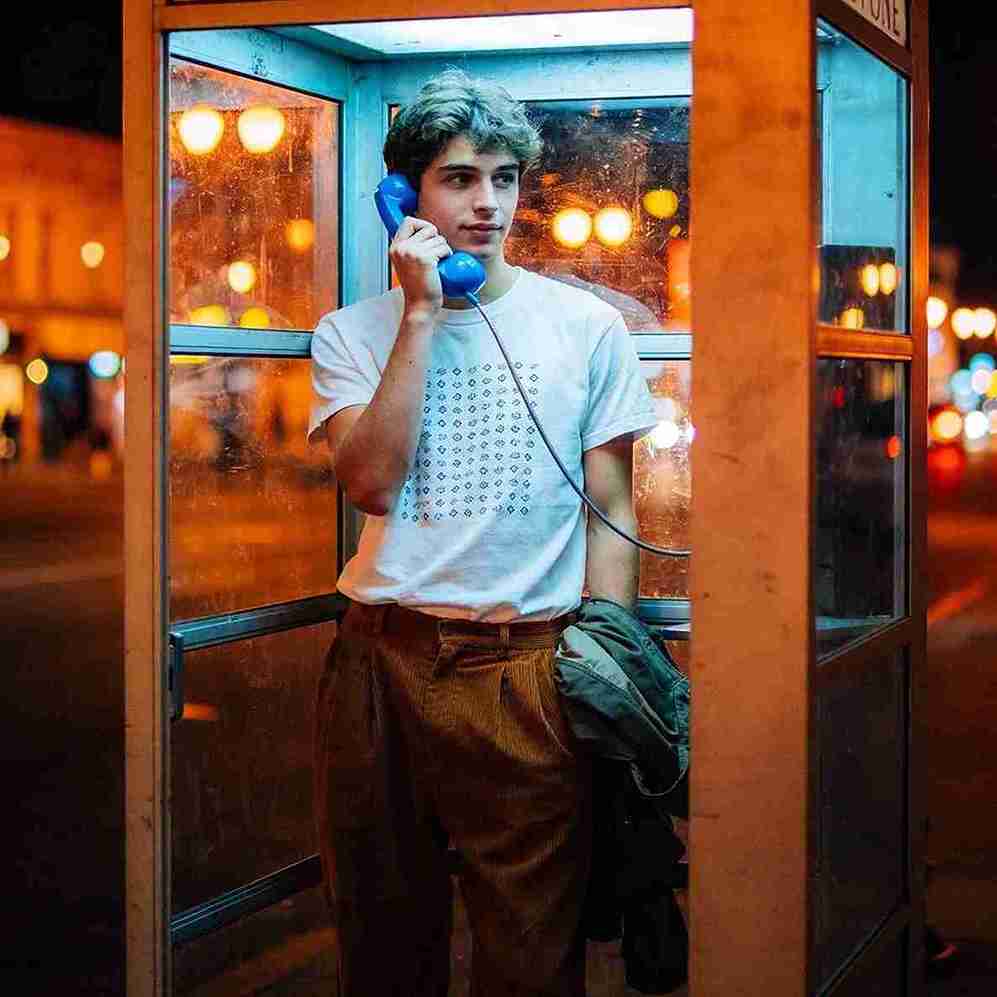
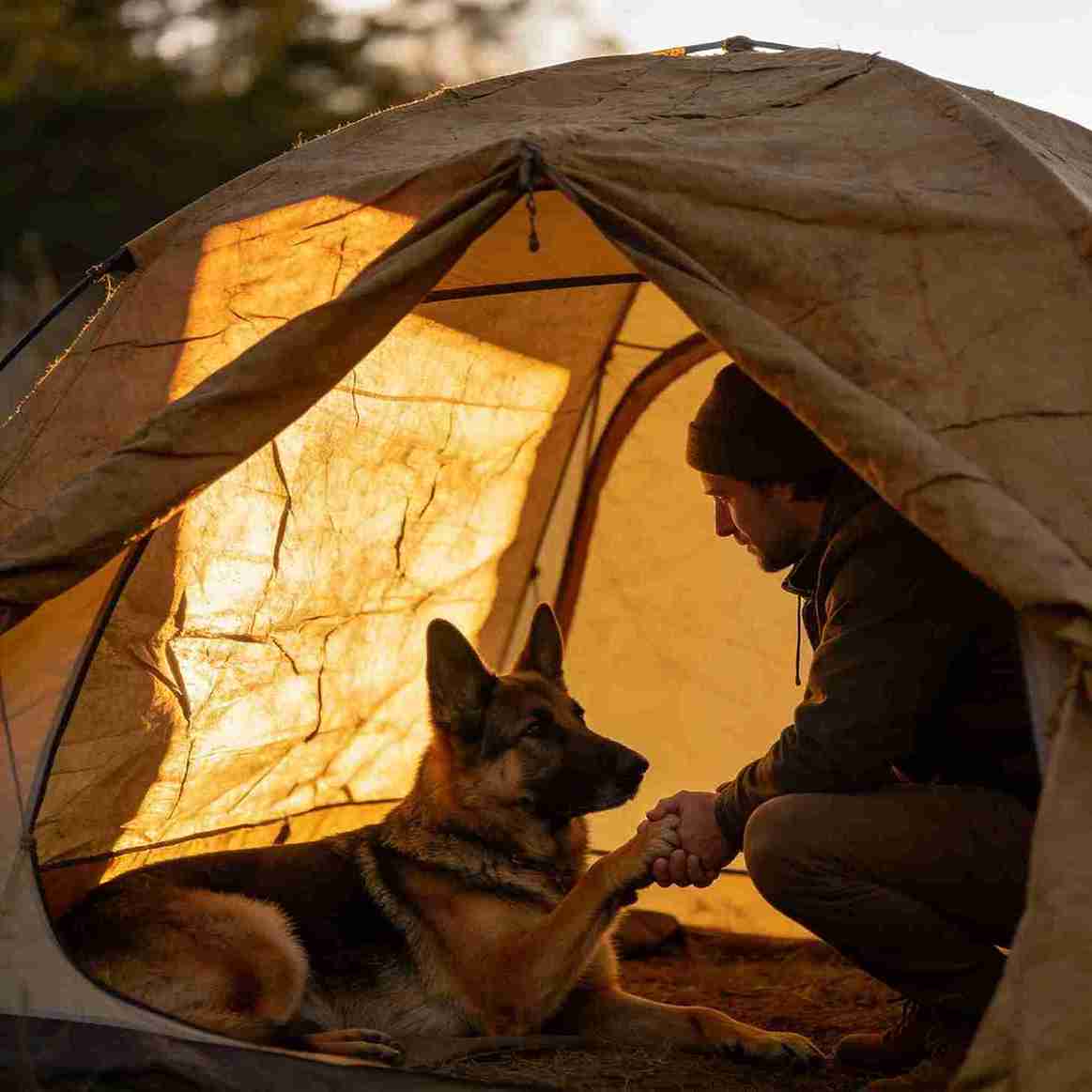
Text-to-image model optimized for posters, branding layouts, and clean typography. Strong text rendering and layout control with fast generation.
Cost: 20 credits
Input
Output
Generated content will appear here
Example Results
Frequently Asked Questions
- What is Seedream V4.5?
- Seedream V4.5 is Bytedance's text-to-image model tuned for poster-style outputs, stronger typography, and better layout control for branding work.
- What inputs are required?
- A text prompt is required. You can optionally choose a recommended output size.
- Which sizes are supported in this app?
- This app exposes five recommended sizes: 2048×2048 (1:1), 2688×2016 (4:3), 2688×1792 (3:2), 2560×1440 (16:9), and 4096×4096 (Square 4K).
- Tips for text-heavy posters?
- Describe the exact text, font style, and placement (e.g., “white all-caps title at the top, small gray subtitle below”). Use higher resolutions for cleaner typography.
- How are results returned?
- Results are returned as image URLs. You can download them after generation.
- How should I write prompts for consistent series?
- Keep the subject and layout instructions stable, then change only one factor at a time (e.g., color palette, lighting, background).
- Commercial usage?
- Review the provider’s license and your local laws. For brand assets, logos, or faces, ensure you have the necessary permissions.
- Any safety limitations?
- Prompts must follow content policy and provider rules. Avoid unsafe, illegal, or infringing content.
You Might Also Like
View All5
Flux 1 Srpo
Cutting-edge 12-billion-parameter flow transformer for generating stunning, high-quality images from text with exceptional aesthetics. Perfect for both personal and commercial use.
Try Now
8
Flux 2 Klein 9B Edit
High-quality 9B-parameter image editing model. Edit images using natural language prompts with up to 4 reference images for context-aware editing, style transfer, and element combination.
Try Now
3
Flux Dev
Generate images quickly with the FLUX Dev endpoint.
Try Now