AI Applications
Choose an AI model to get started
Video Generation
Image Generation
Audio Generation
Video Effects
Seedance 2.0 Fast Image to Video
Generate cinematic videos from a reference image with native audio-visual synchronization, subject preservation, and expressive motion — optimized for faster generation at 33% lower cost.
Input
Output
Generated content will appear here
Example Results
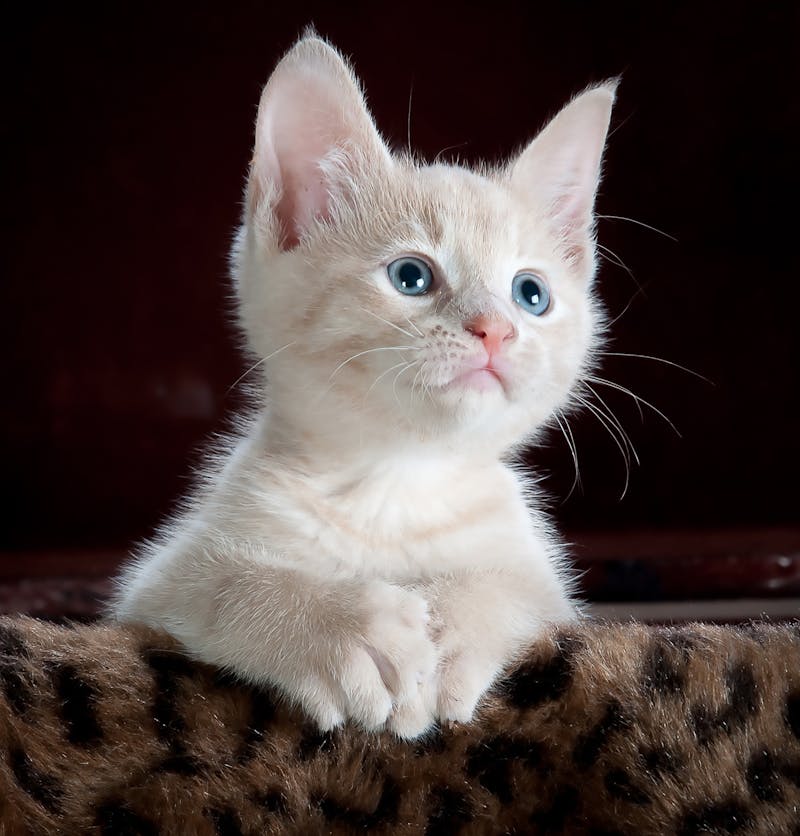
Video Generation:
Reference image
Video Generation:
The kitten slowly opens its eyes and stretches, yawning lazily, soft warm morning light
Frequently Asked Questions
- What image formats and sizes work best?
- JPEG, PNG, and WebP are all supported. For best results use images at least 720px on the shortest side with clear subjects and good lighting. The model handles various resolutions, but heavily compressed JPEGs (quality < 50) or images below 256px may produce artifacts. The output video's aspect ratio automatically matches your input image — upload landscape for 16:9, portrait for 9:16.
- How does the model decide what motion to add?
- The model combines your reference image with the text prompt to determine motion. The image anchors the visual identity (who/what and where), while the prompt drives the action (what happens). For example, uploading a portrait and prompting 'she turns to look over her shoulder, wind blowing hair' will animate that specific person with that specific motion. Without a prompt, the model adds subtle ambient motion based on the scene context.
- How do I prevent the model from changing my subject's appearance?
- Seedance 2.0 Fast is specifically designed for subject preservation — it keeps facial features, clothing, and scene composition consistent with the input. To maximize fidelity: (1) use a high-resolution, well-lit reference; (2) keep your prompt focused on motion rather than appearance changes; (3) avoid prompts that contradict the image content (e.g., don't prompt 'blonde hair' if the reference shows dark hair).
- What are typical generation times?
- Expect ~60–90 seconds for 5-second clips, ~120–180 seconds for 10-second clips, and ~180–300 seconds for 15-second clips. Times vary with server load. The Fast variant processes roughly 2× quicker than the standard Seedance 2.0 Image-to-Video at the same duration and resolution.
- When should I use Image-to-Video vs. Text-to-Video?
- Use Image-to-Video when you have a specific visual to animate — product photos, character portraits, storyboard frames, or AI-generated images from other tools. Use Text-to-Video when starting from scratch with only an idea. A powerful combo: generate a still frame with an image generation model, then bring it to life with Image-to-Video for maximum creative control.
- Can I use AI-generated images as input?
- Absolutely. This is one of the most popular workflows — generate a still image with Flux, Stable Diffusion, or any image model, then animate it with Seedance 2.0 Fast I2V. This gives you precise control over both the visual style and the motion, and the model preserves the AI-generated aesthetic faithfully.
You Might Also Like
View AllGoogle Veo3.1 Lite Image to Video
Transform static images into cinematic 720p/1080p video with Google Veo 3.1 Lite. Supports landscape and portrait aspect ratios, negative prompt control, and customizable duration up to 8 seconds.
Google Veo3.1 Lite Text to Video
Generate cinematic 720p/1080p video from text prompts with Google Veo 3.1 Lite. Supports landscape and portrait aspect ratios, negative prompt control, and customizable duration up to 8 seconds.
Seedance 2.0 API
ByteDance's next-generation AI video model featuring 2K cinema-grade output, native audio-video sync, multi-modal input with up to 12 reference assets, multi-shot storytelling, and 8+ language lip-sync — all from a single prompt.