AI Applications
Choose an AI model to get started
Video Generation
Lightricks LTX-2.5 Fast
78
Vidu Q3 Turbo Image to Video
12
Google Veo3.1 Lite Text to Video
84
Google Veo3.1 Lite Image to Video
84
Wan 2.6 Image to Video Flash
24
Seedance V1.5 Pro Image to Video
100
Steady Dancer
80
Minimax Hailuo 2.3 Fast
108
Seedance V1 Pro Fast Text to Video
20
Seedance 2.0 Fast Text to Video
500
Seedance 2.0 Fast Image to Video
500
Wan 2.1 Mocha
60
Lightricks LTX-2 Fast Text to Video
120
Lightricks LTX-2 Fast Image to Video
120
Wan 2.5 Image to Video Fast
150
Wan 2.2 Animate
50
Video Face Swap
30
Wan 2.2 Image to Video Fast
20
Image Generation
OpenAI GPT Image 2
5
OpenAI GPT Image 2 Edit
13
Nano Banana 2 Text to Image (Gemini 3.1 Flash)
33
Nano Banana 2 Edit (Gemini 3.1 Flash)
33
Seedream V5.0 Lite (Bytedance)
17
Seedream V5.0 Lite Edit (Bytedance)
17
Qwen Image Edit Multiple Angles
12
Flux 2 Klein 9B Edit
8
Qwen Image Edit 2511
15
OpenAI GPT Image 1.5
5
Ernie Image Text to Image
13
Ernie Image Text to Image Turbo
13
Seedream V4.5 (Bytedance)
20
Z-Image-Turbo
1
Z-Image-Base
4
NVIDIA Chrono Edit
10
Hunyuan Image 3
6
Flux 1 Srpo
5
Seedream V4 (Bytedance)
6
Seedream V4 Edit (Bytedance)
6
Qwen Image Edit
10
Nano Banana (Gemini 2.5 Image Edit)
5
Image Upscaler
5
Flux Dev
3
Qwen Image
3
FLUX.1 Krea [dev]
4
Change Haircut
5
Broccoli Hairstyle Try On
5
Face to Many Kontext
4
FLUX.1 Schnell
1
FLUX.1 Kontext Dev
4
Audio Generation
Video Effects
Qwen Image Edit Multiple Angles
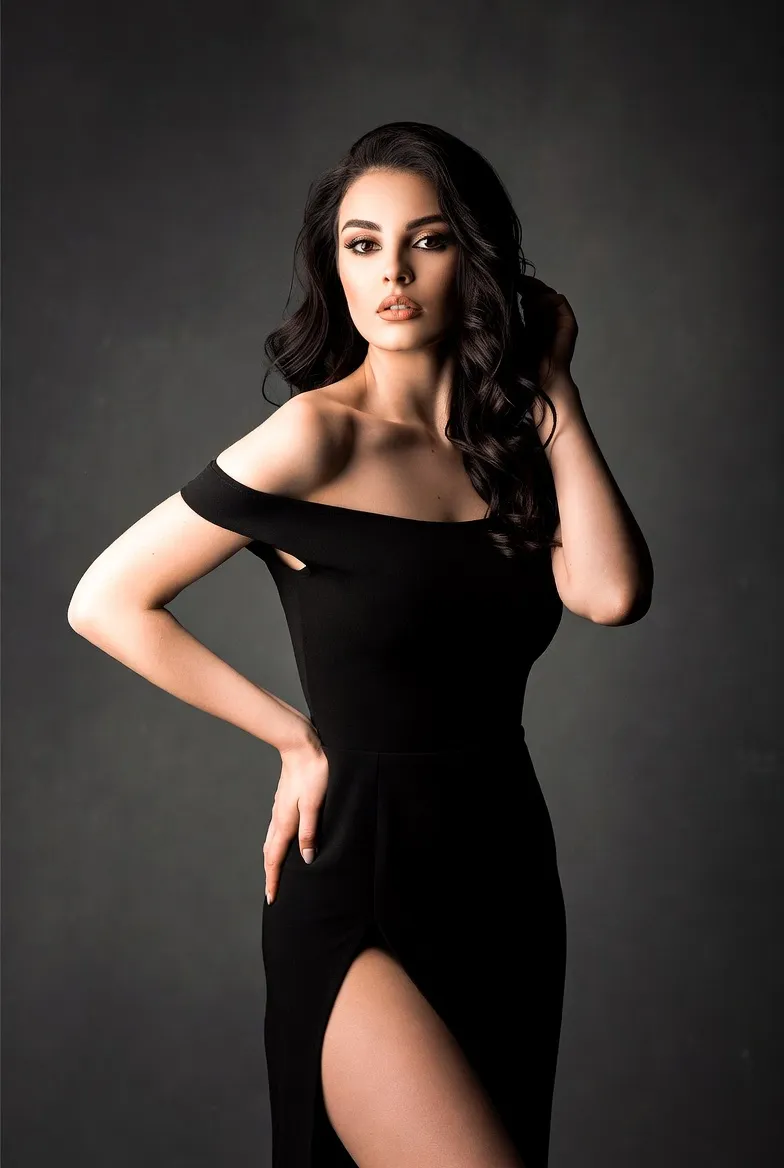
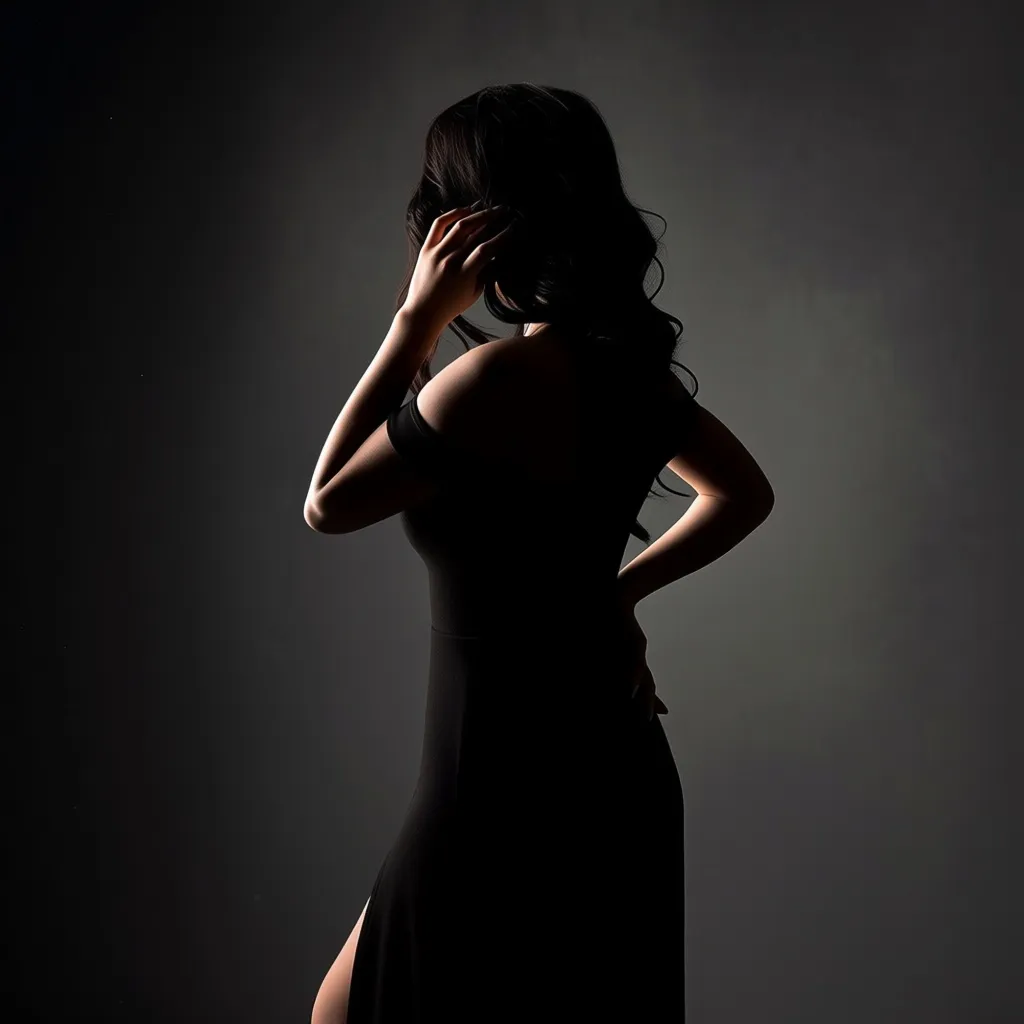
Generate specific camera angles from a single image. Create front, side, and back views with controlled horizontal, vertical, and distance settings.
Cost: 12 credits
Input
Output
Generated content will appear here
Example Results
Frequently Asked Questions
- What does this model do?
- It generates new camera angles from a single image, so you can create front, side, and back views without additional photos.
- How many reference images can I use?
- You can upload 1 to 3 images. A single clear image often works best.
- What angles are supported?
- Horizontal angles support common viewpoints in 45-degree steps, and vertical angles include low, eye-level, elevated, and top-down views.
- What kinds of images work best?
- Use clear, well-lit images with the subject centered and minimal occlusion for consistent results.
- Can I use the results commercially?
- Please review the platform and model policies. Generally, you retain rights to content created from your own uploads.
You Might Also Like
View AllRecommended for Editing
33
Try Nano Banana 2 Edit (Gemini 3.1 Flash)
Get stronger subject consistency and multi-reference editing with Nano Banana 2 Edit.
Try Nano Banana 2 Edit
15
Qwen Image Edit 2511
Advanced AI image editing with multi-image reference support. Edit images using natural language prompts with up to 3 reference images for context-aware editing.
Try Now
6
Seedream V4 (Bytedance)
State-of-the-art text-to-image by Bytedance with fast inference and high-resolution output.
Try Now
20
Seedream V4.5 (Bytedance)
Text-to-image model optimized for posters, branding layouts, and clean typography. Strong text rendering and layout control with fast generation.
Try Now