AIアプリケーション
使用するAIモデルを選択してください
動画生成
Lightricks LTX-2.5 Fast
78
Vidu Q3 Turbo 画像から動画
12
Google Veo3.1 Lite テキストから動画
84
Google Veo3.1 Lite 画像から動画
84
Wan 2.6 画像から動画 Flash
24
Seedance V1.5 Pro 画像から動画 高速版
100
Steady Dancer
80
Minimax Hailuo 2.3 Fast 画像からショート動画
108
Seedance V1 Pro Fast テキスト→動画
20
Seedance 2.0 Fast テキストから動画
500
Seedance 2.0 Fast 画像から動画
500
Wan 2.1 Mocha
60
Lightricks LTX-2 Fast テキストから動画
120
Lightricks LTX-2 Fast 画像から動画
120
Wan 2.5 画像から動画(高速)
150
Wan 2.2 Animate
50
動画フェイススワップ
30
Wan 2.2 画像から動画高速版
20
画像生成
OpenAI GPT Image 2
5
OpenAI GPT Image 2 Edit
13
Nano Banana 2 テキスト to 画像(Gemini 3.1 Flash)
33
Nano Banana 2 画像編集(Gemini 3.1 Flash)
33
Seedream V5.0 Lite(Bytedance)
17
Seedream V5.0 Lite Edit(Bytedance)
17
Qwen 多角度画像編集
12
Flux 2 Klein 9B Edit
8
Qwen 画像編集 2511
15
OpenAI GPT Image 1.5
5
Ernie テキストから画像生成
13
Ernie テキストから画像生成 Turbo
13
Seedream V4.5(Bytedance)
20
Z-Image-Turbo
1
Z-Image-Base
4
NVIDIA Chrono Edit
10
Hunyuan Image 3
6
Flux 1 Srpo
5
Seedream V4(Bytedance)
6
Seedream V4 画像編集(Bytedance)
6
Qwen 画像編集
10
Nano Banana(Gemini 2.5 画像編集)
5
画像アップスケーラー
5
Flux Dev
3
Qwen Image
3
FLUX.1 Krea [dev]
4
ヘアスタイル変換
5
ブロッコリーヘアスタイル試着
5
顔の多様なスタイル変換
4
FLUX.1 スピード版
1
FLUX.1 Kontext 開発版
4
Google Veo3.1 Lite 画像から動画
Google Veo 3.1 Lite で静止画を映画品質の 720p/1080p 動画に変換。横向き・縦向きのアスペクト比、ネガティブプロンプト制御、最大 8 秒のカスタマイズ可能な長さに対応。
コスト:84 クレジット
入力
出力
生成結果はここに表示されます
サンプル結果
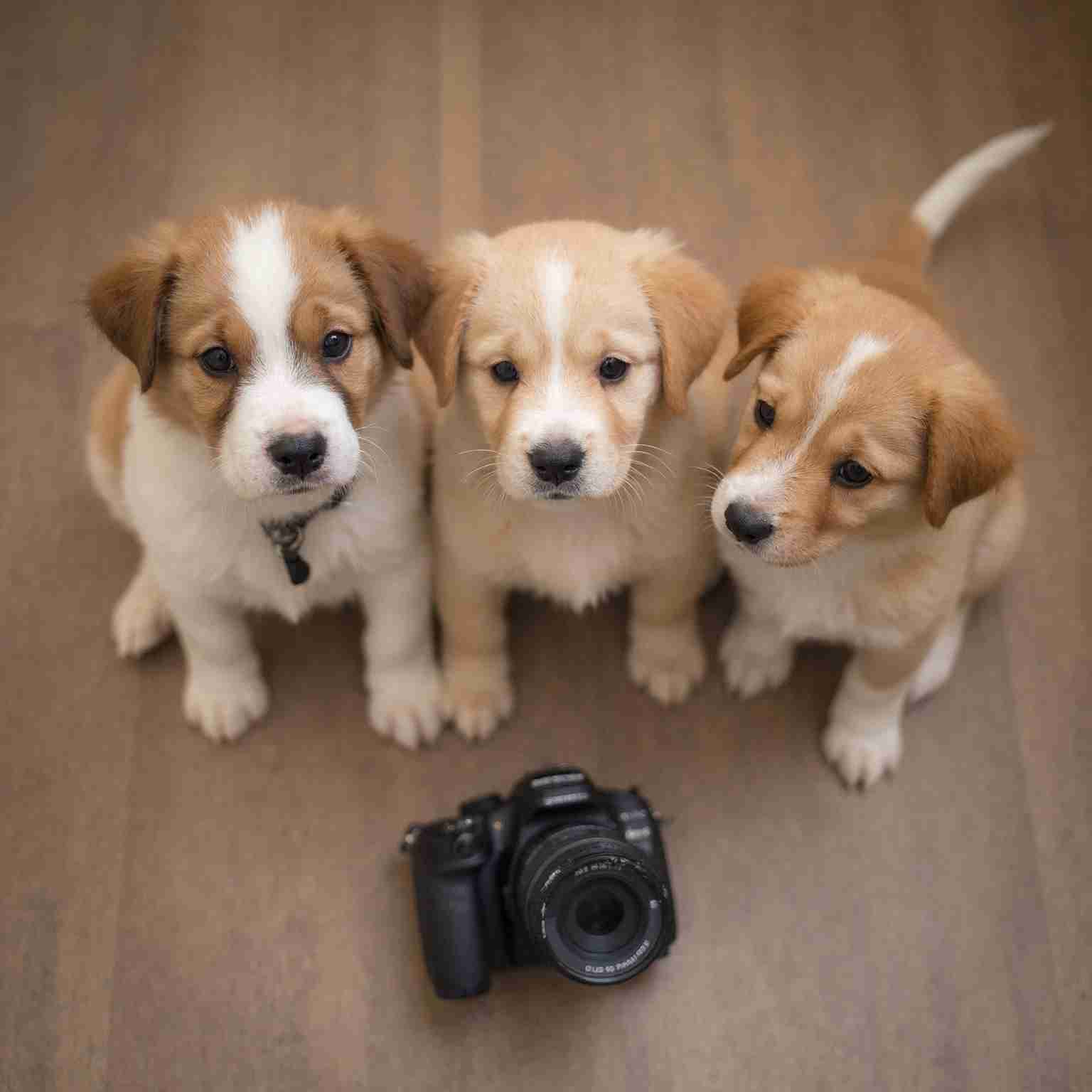
動画生成:
The cat slowly turns its head and looks at the camera, soft autumn light, gentle wind blowing leaves outside the window
動画生成:
The cat slowly turns its head and looks at the camera, soft autumn light, gentle wind blowing leaves outside the window
よくある質問
- 入力画像としてどのような画像が最適ですか?
- 鮮明で明るく、はっきりとした被写体がある写真が最適です。高圧縮、ぼやけ、または雑然とした画像は避けてください。モデルは画像を視覚的参照として使用し、動きとシーンのダイナミクスを生成します。
- プロンプトは出力にどう影響しますか?
- プロンプトは生成される動画の動きと雰囲気をガイドします。カメラの動き(パン、ズーム、ドリー)、被写体のアクション(歩く、振り向く)、ムード(ドラマチック、穏やか)を記述して結果を形作ってください。
- 720p と 1080p の違いは何ですか?
- 720p はドラフトやソーシャルメディアに適した画質です。1080p はより高い詳細度とシャープな映像を提供し、最終制作に最適です。1080p は 1 秒あたり約 1.6 倍のコストがかかります。
- 対応している長さは?
- 4 秒、6 秒、8 秒のクリップを生成できます。短いクリップはコストが低く、素早い反復に最適です。8 秒のクリップは完全なシーンの表現に適しています。
- ネガティブプロンプトとは何ですか?
- ネガティブプロンプトでは、「ぼやけ、ウォーターマーク、テキストオーバーレイ、低品質」など、生成動画から除外したい要素を指定できます。出力を洗練し、一般的なアーティファクトを回避するのに役立ちます。
こちらもおすすめ
すべて見る500
Seedance 2.0 Fast 画像から動画
参照画像からネイティブ音声同期、被写体の忠実な再現、表現豊かなモーションを備えた映画品質の動画を生成 — 標準版より33%低コストで高速生成。
今すぐ試す
500
Seedance 2.0 Fast テキストから動画
テキストプロンプトからネイティブ音声同期、ディレクターレベルのカメラ・照明コントロール、優れたモーション安定性を備えた映画品質の動画を生成 — 標準版より33%低コストで高速生成。
今すぐ試す
近日公開
Seedance 2.0 API
ByteDance の次世代 AI 動画モデル。2K シネマ品質出力、ネイティブ音声・映像同期、最大 12 素材のマルチモーダル入力、マルチショット・ストーリーテリング、8 言語以上のリップシンクをワンプロンプトで実現。
近日公開