AI应用
选择一个AI模型开始使用
视频生成
Lightricks LTX-2.5 Fast
78
Vidu Q3 Turbo 图生视频
12
Google Veo3.1 Lite 文字生成视频
84
Google Veo3.1 Lite 图片生成视频
84
Wan 2.6 图生视频 Flash
24
Seedance V1.5 Pro 图生视频快速版
100
Steady Dancer 动感角色视频
80
Minimax Hailuo 2.3 Fast 图片转短视频
108
Seedance V1 Pro Fast 文本生成视频
20
Seedance 2.0 Fast 文本生成视频
500
Seedance 2.0 Fast 图片生成视频
500
Wan 2.1 Mocha
60
Lightricks LTX-2 Fast 文本转视频
120
Lightricks LTX-2 Fast 图片转视频
120
Wan 2.5 图片转视频(快速版)
150
Wan 2.2 动作驱动动画
50
视频换脸
30
Wan 2.2 图片转视频快速版
20
图像生成
OpenAI GPT Image 2
5
OpenAI GPT Image 2 Edit
13
Nano Banana 2 文生图(Gemini 3.1 Flash)
33
Nano Banana 2 图像编辑(Gemini 3.1 Flash)
33
Seedream V5.0 Lite(Bytedance)
17
Seedream V5.0 Lite Edit(Bytedance)
17
Qwen 多角度图像编辑
12
Flux 2 Klein 9B 图像编辑
8
Qwen 图像编辑 2511
15
OpenAI GPT Image 1.5
5
Ernie 文生图
13
Ernie 文生图 Turbo
13
Seedream V4.5(Bytedance)
20
Z-Image-Turbo
1
Z-Image-Base
4
NVIDIA Chrono Edit
10
Hunyuan Image 3
6
Flux 1 Srpo
5
Seedream V4(Bytedance)
6
Seedream V4 图像编辑(Bytedance)
6
Qwen 图像编辑
10
Nano Banana(Gemini 2.5 图像编辑)
5
图像放大(超分辨率)
5
Flux 开发版
3
Qwen 图像生成
3
FLUX.1 Krea [dev]
4
发型变换
5
西兰花发型试戴
5
人脸多风格转换
4
FLUX.1 快速版
1
FLUX.1 Kontext 开发版
4
Google Veo3.1 Lite 图片生成视频
使用 Google Veo 3.1 Lite 将静态图片转化为电影级 720p/1080p 视频。支持横屏和竖屏比例、负向提示词控制,以及最长 8 秒的自定义时长。
费用:84 积分
输入
输出
生成内容将显示在此处
示例结果
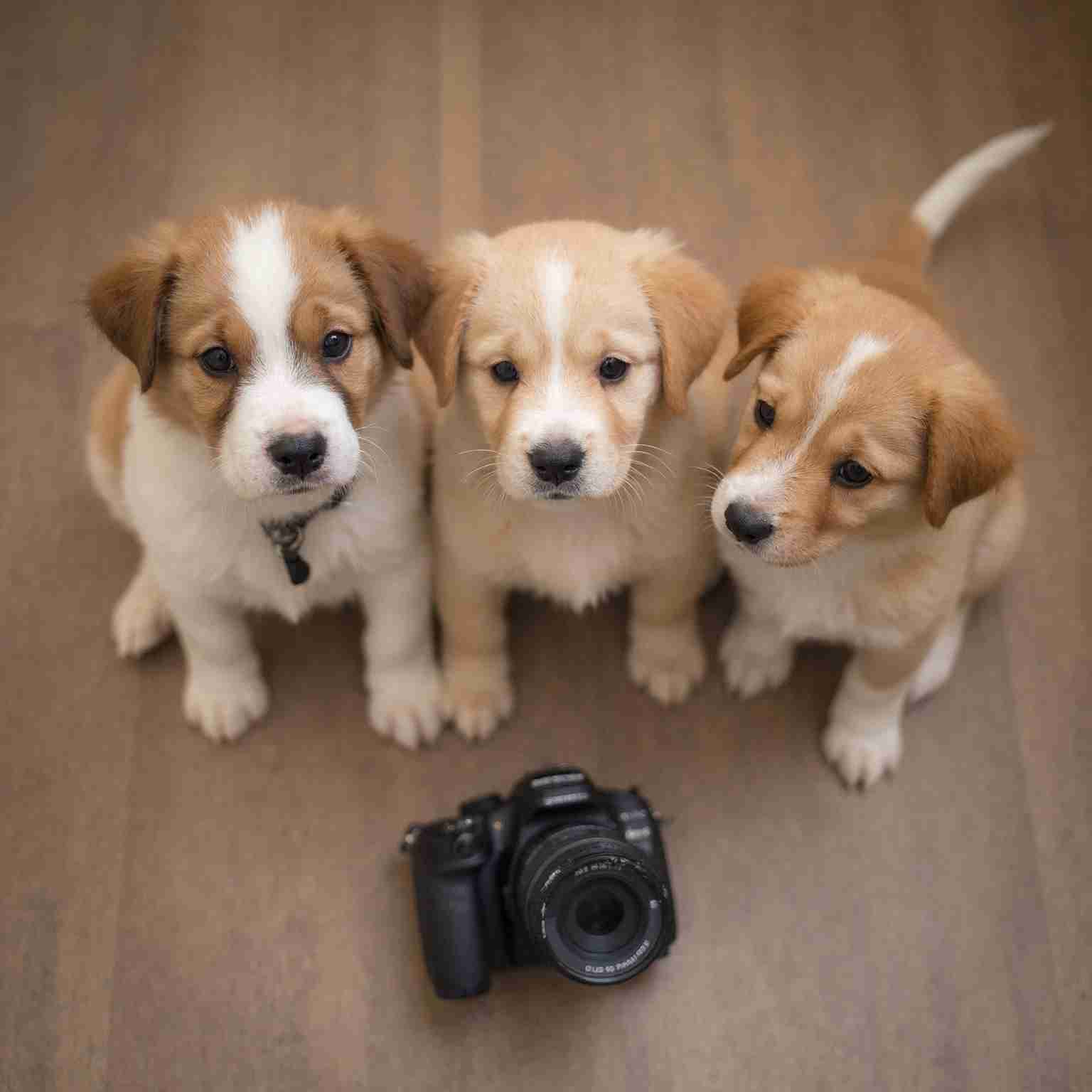
视频生成:
The cat slowly turns its head and looks at the camera, soft autumn light, gentle wind blowing leaves outside the window
视频生成:
The cat slowly turns its head and looks at the camera, soft autumn light, gentle wind blowing leaves outside the window
常见问题
- 什么样的图片效果最好?
- 清晰、光线充足、有明确主体的照片效果最佳。避免使用高度压缩、模糊或过于杂乱的图片。模型会以图片作为视觉参考来生成运动和场景动态。
- 提示词如何影响输出?
- 提示词引导生成视频的运动和氛围。描述镜头运动(平移、缩放、推轨)、主体动作(行走、转身)和情绪(戏剧性、平静)来塑造最终结果。
- 720p 和 1080p 有什么区别?
- 720p 画质适合草稿和社交媒体内容。1080p 提供更高的细节和更清晰的画面,适合最终制作。1080p 每秒费用约为 720p 的 1.6 倍。
- 支持哪些时长?
- 您可以生成 4 秒、6 秒或 8 秒的视频片段。较短的片段费用更低,适合快速迭代;8 秒的片段则适合完整的场景展示。
- 负向提示词有什么作用?
- 负向提示词允许您指定要从生成视频中排除的元素——例如 '模糊、水印、文字叠加、低质量'。这有助于优化输出并避免常见瑕疵。