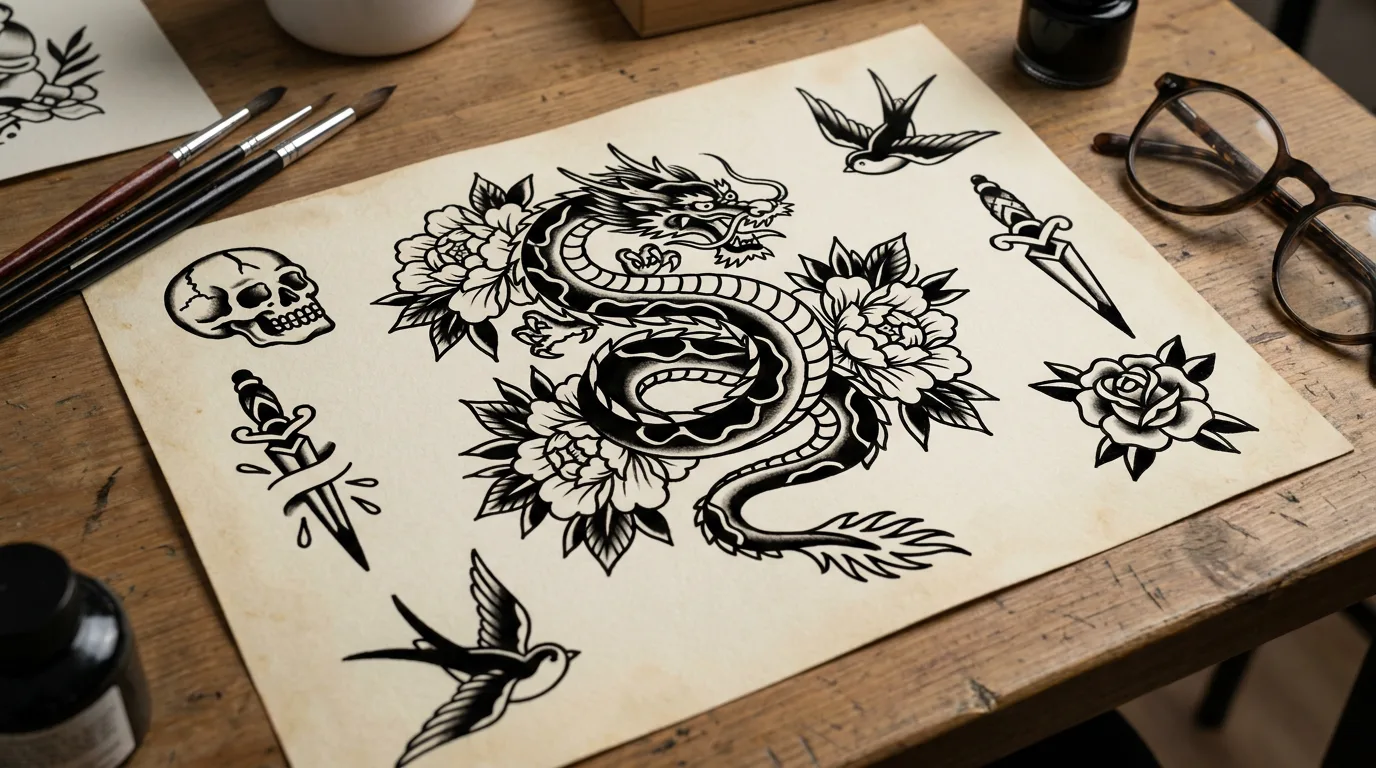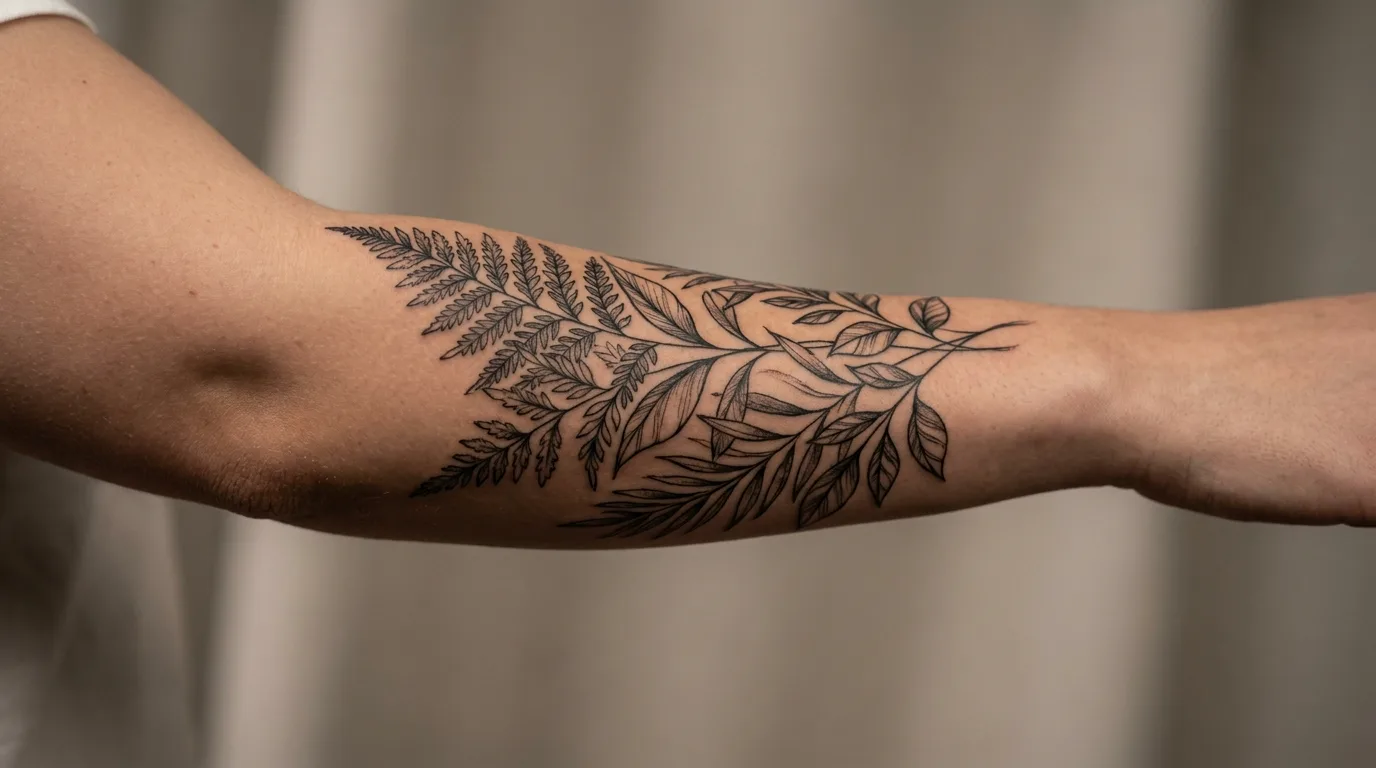
AI Tattoo Generator from Photo: Preview Original Ink on Your Skin
Upload a clear body or arm photo, describe the motif, and AI places a tasteful original tattoo that follows your skin and pose. Digital try-on only — not medical or tattooing advice.
Examples
Sample results made with this effect.
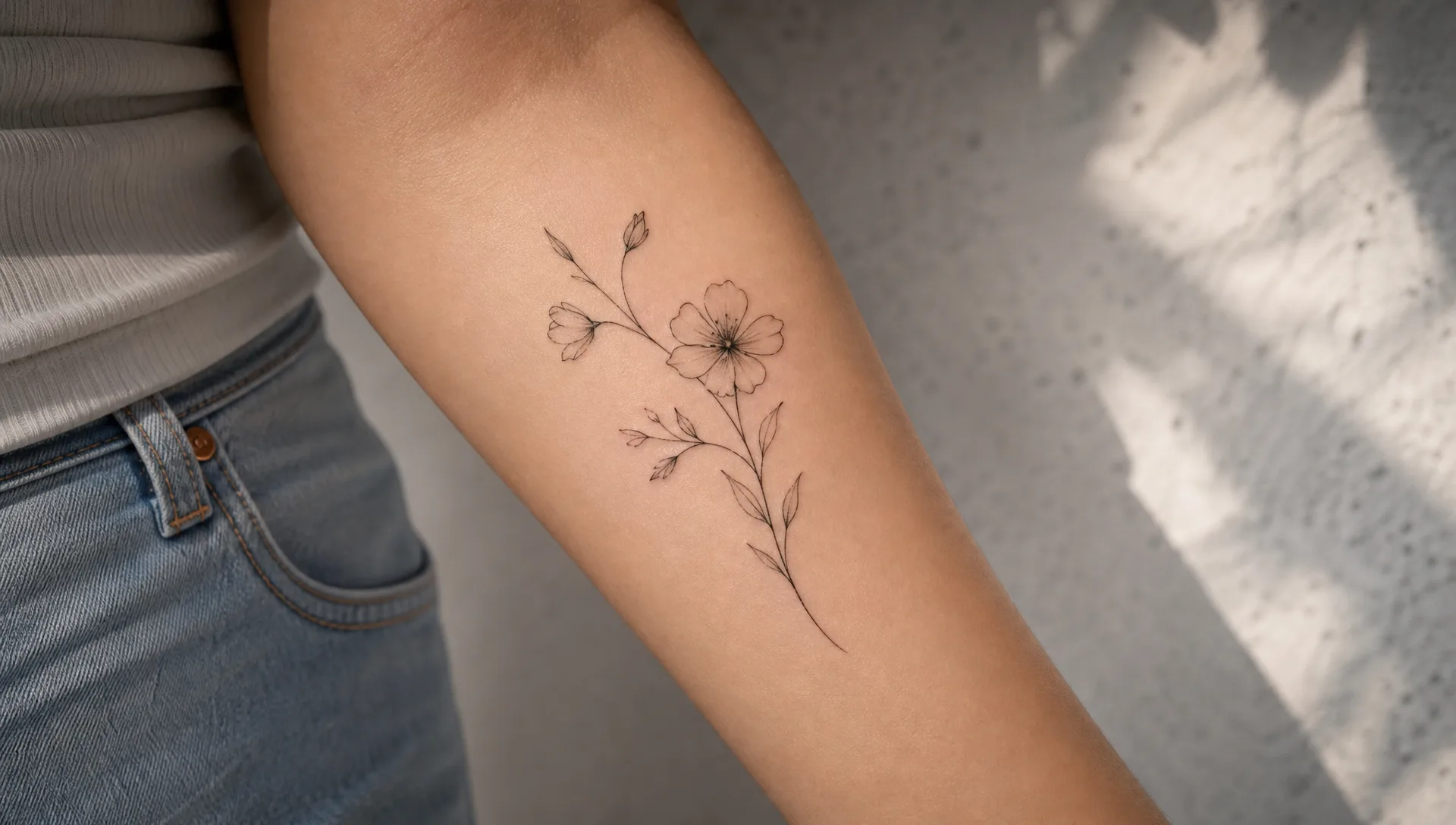
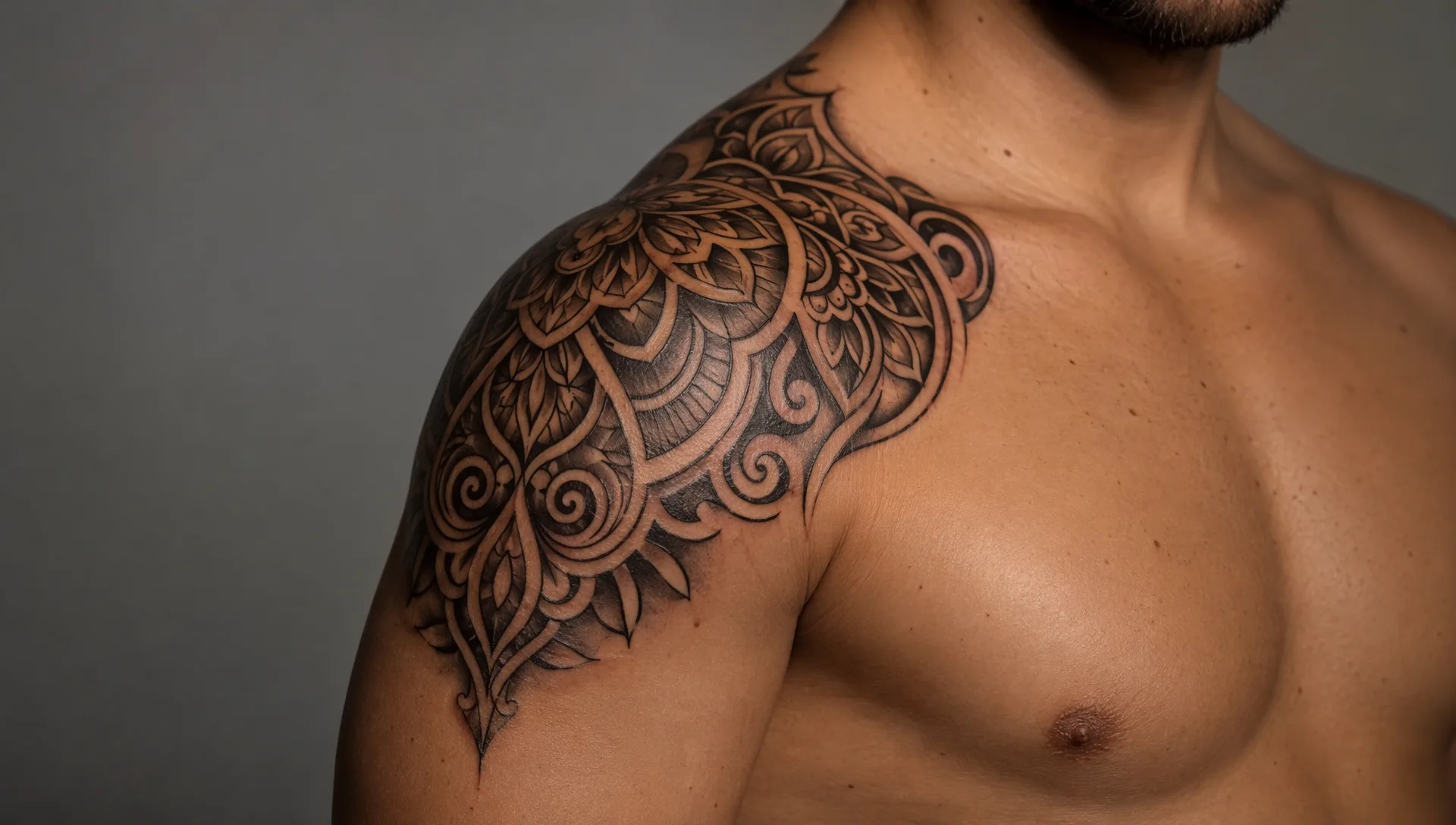
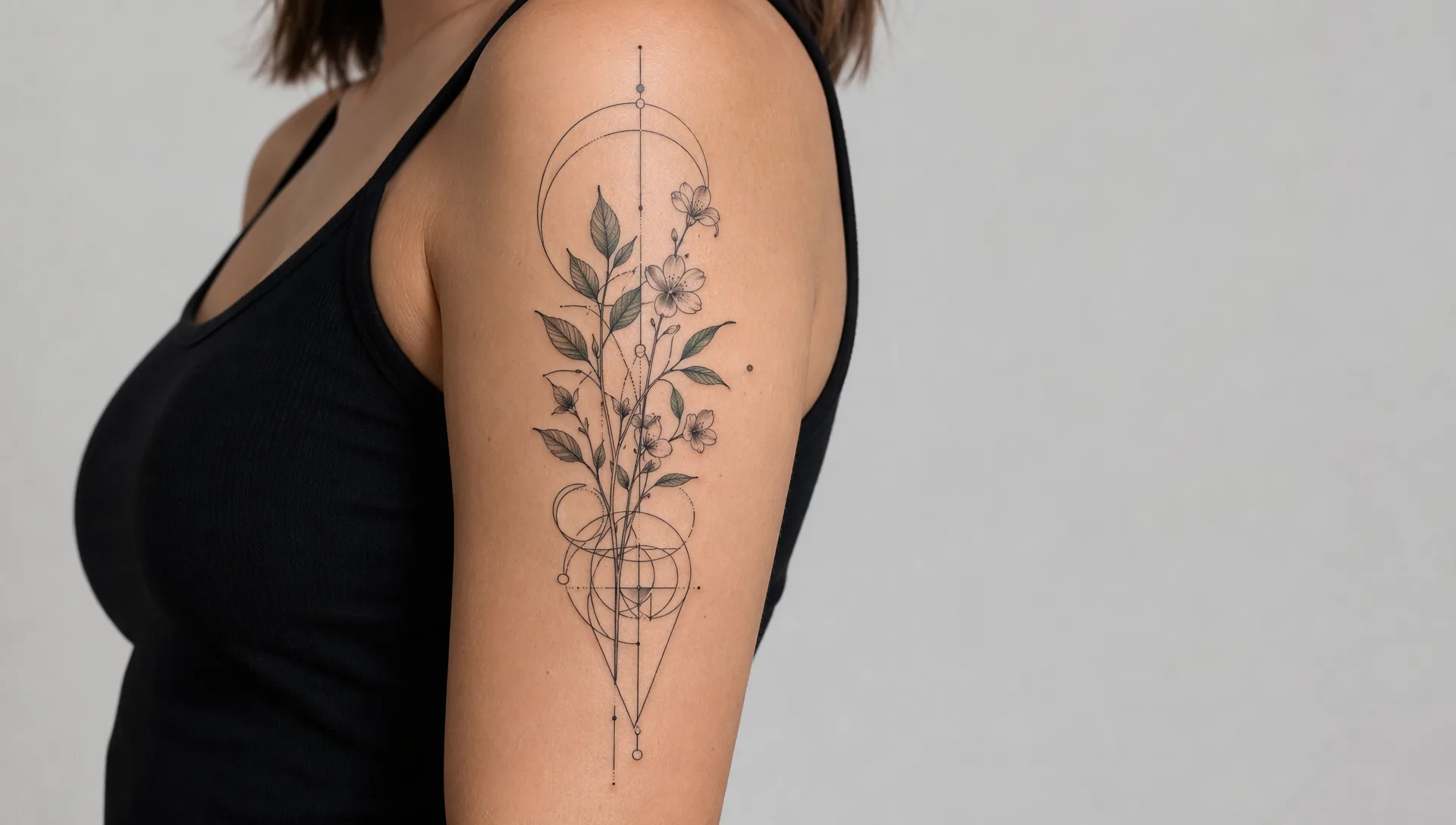
Preview Original Tattoos on Your Photo With AI
Our AI Tattoo Generator from Photo turns a clear body or arm photo into a tasteful on-skin tattoo preview. Describe the motif and style, keep your real pose and lighting, and download a polished try-on image for posts or mood boards. Digital preview only — not medical or tattooing advice.
Upload a Photo and Try Ink Before You Commit
You do not need temporary tattoos or photo-editing skills. Upload a clear shot of your arm, shoulder, or back, describe the design, and the AI places an original tattoo concept that follows your skin and pose.
It is ideal for exploring placement and style ideas before you talk to a tattoo artist — or for creative posts and concept boards.
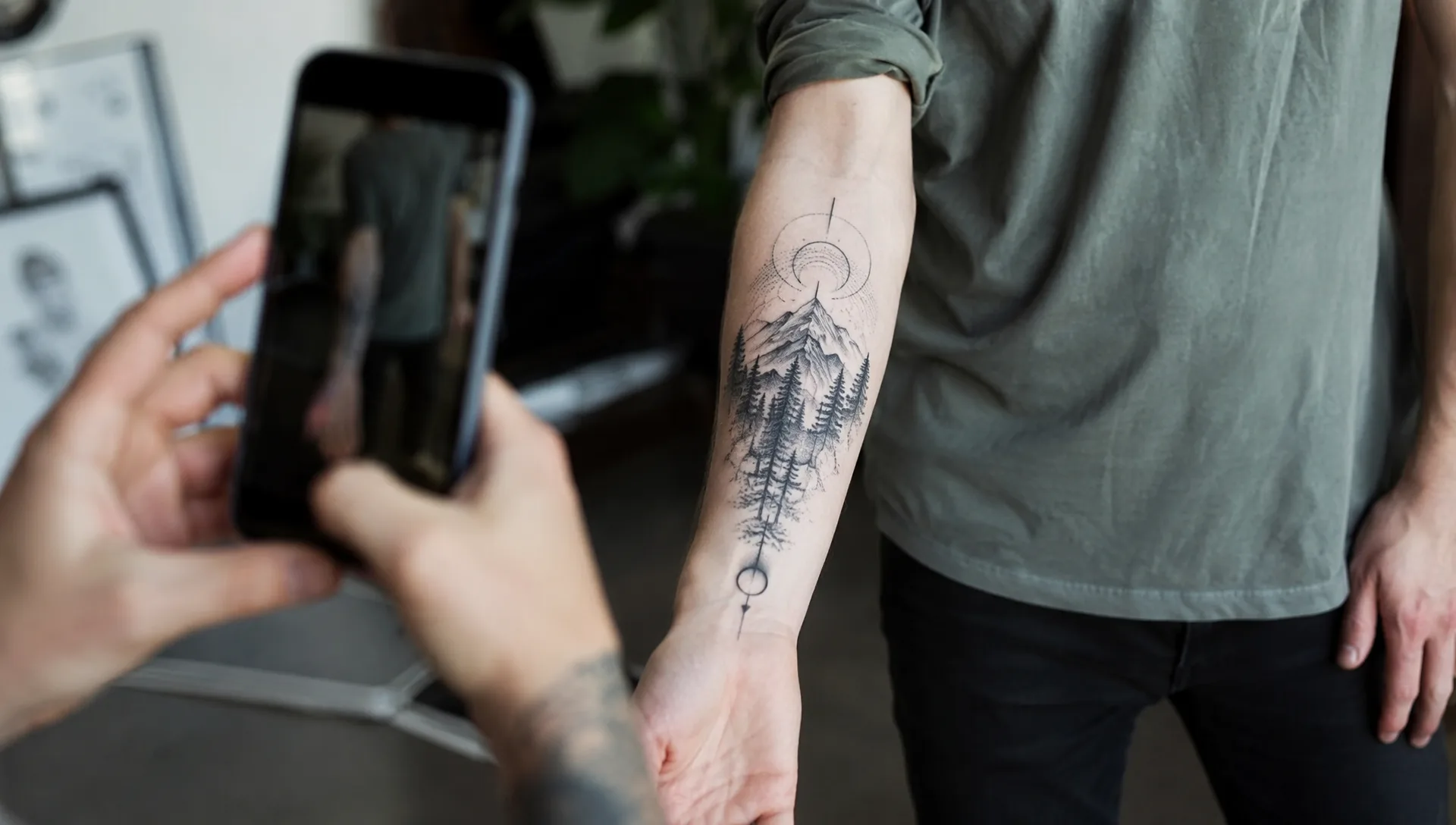
Prompt-Led Control Over Style and Placement
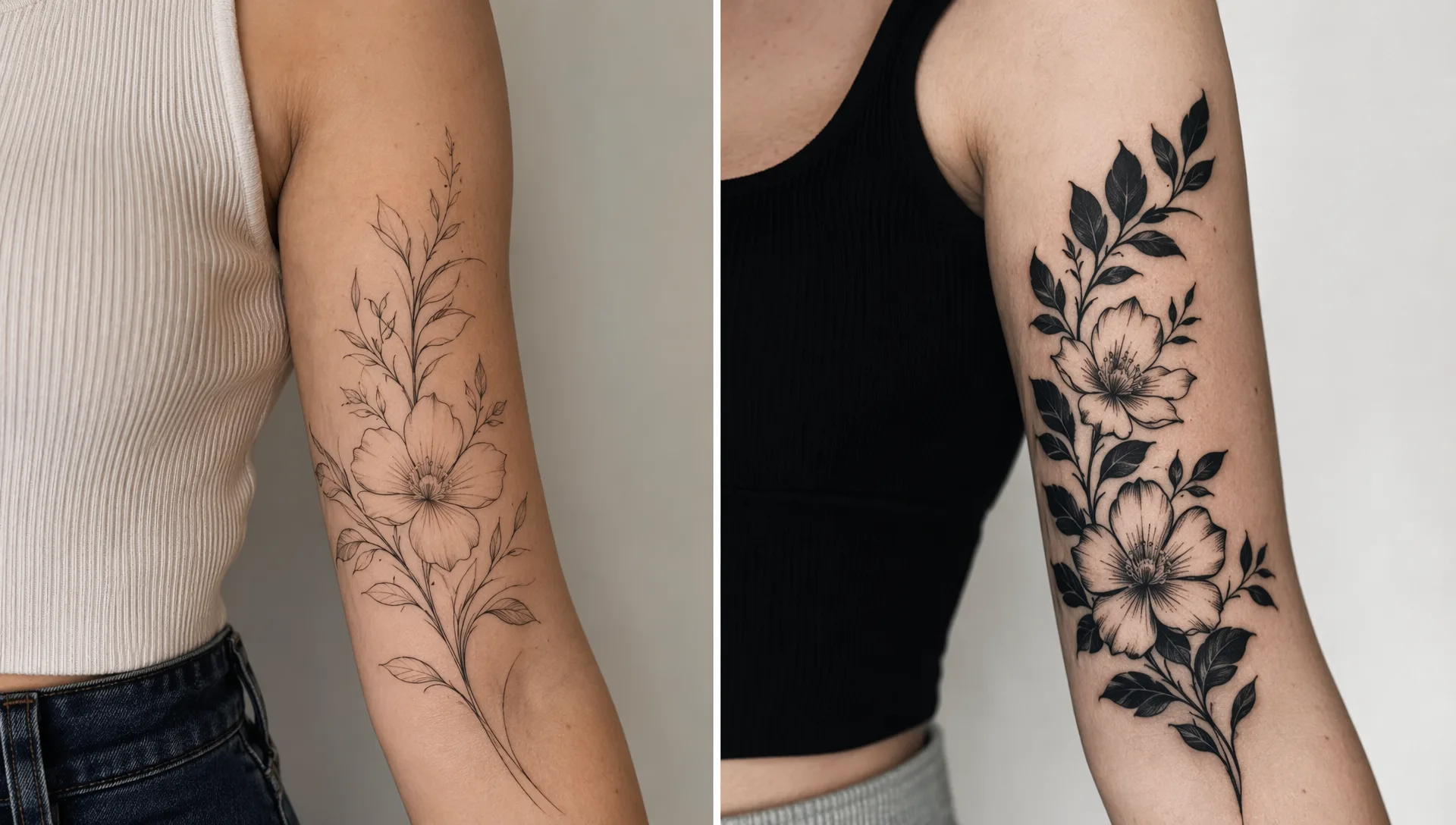
Name the motif, line style, size, and placement (forearm, shoulder, calf). Ask for fine-line botanicals, bold blackwork, or softer ornamental details while keeping logos and readable text out of the frame.
Iterate until the preview feels intentional, polished, and ready to share — without unrelated stock clutter.
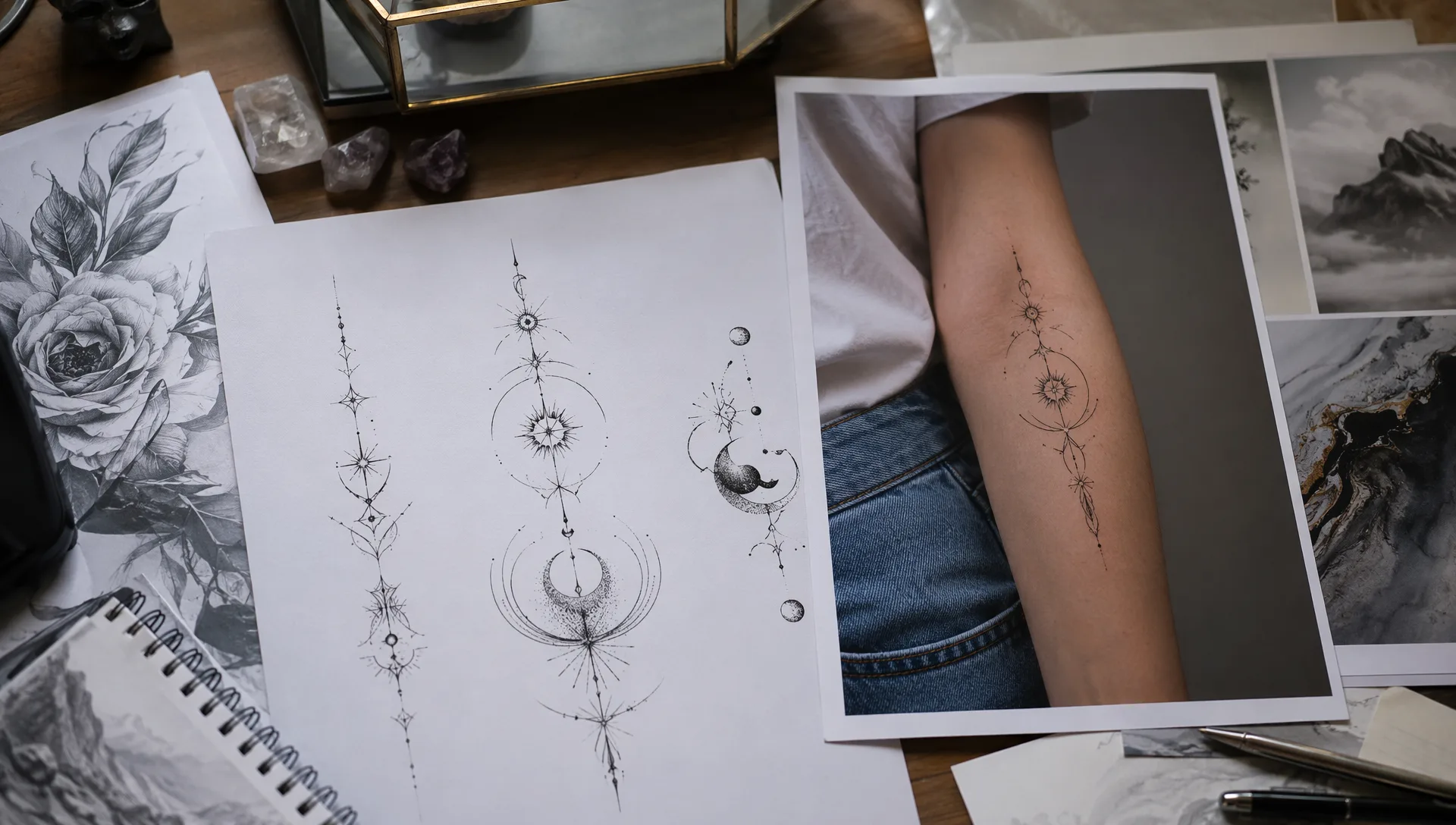
From Skin Preview to Standalone Design Sheets
Want a clean flash sheet of the idea without a body photo? Use our AI Tattoo Design Generator companion to create original design art from text alone.
Keep try-on and design workflows separate so you can move from concept to on-skin preview at your own pace.
Frequently asked questions
Quick answers about this AI effect.
What is a good AI tattoo generator from photo prompt?
Name the body photo as the base, the tattoo motif and style, placement on the body, lighting, and quality rules such as no readable text, no logos, and no watermark.
Do I need credits?
Yes. Generating a tattoo preview uses credits (same base as our other gpt-image-2 edit effects). Top up with a subscription or a one-time credit pack.
What kind of photo works best?
A well-lit photo that clearly shows the skin area you want to preview — forearm, upper arm, shoulder, or back — with a simple background works best.
Is this medical or tattooing advice?
No. This is a digital creative try-on tool only. It does not provide medical, hygiene, aftercare, or professional tattooing advice. Always consult a licensed tattoo artist for real ink.
Will it keep my body and pose?
Yes. The preset uses your photo as the body reference and keeps identity, pose, clothing, and background consistent while adding an original tattoo concept on the skin.
Can I download and share the results?
Yes. Results are high-resolution and ready for posts or mood boards. For commercial use, make sure you have rights to the source photo and do not imply endorsement by real studios or brands.
More AI Effects
Pick another effect and start creating.