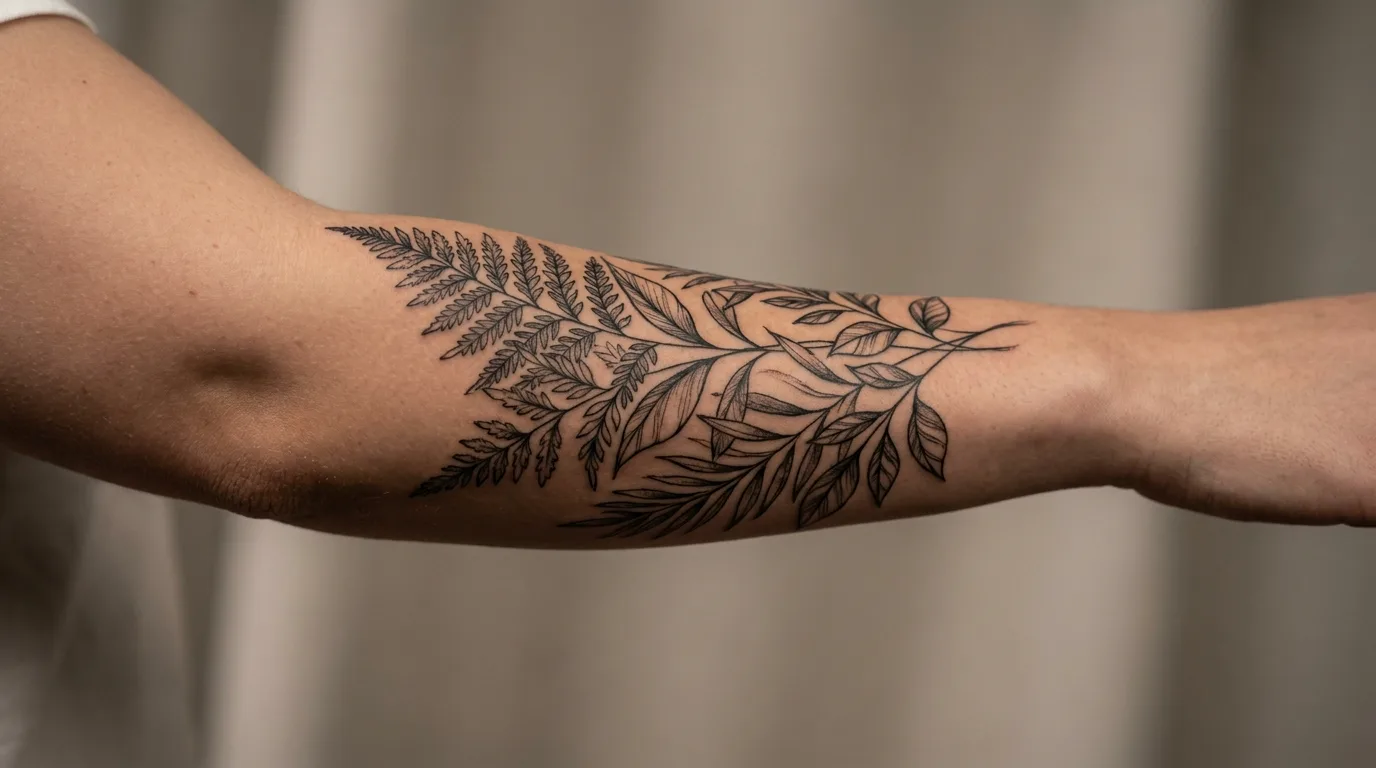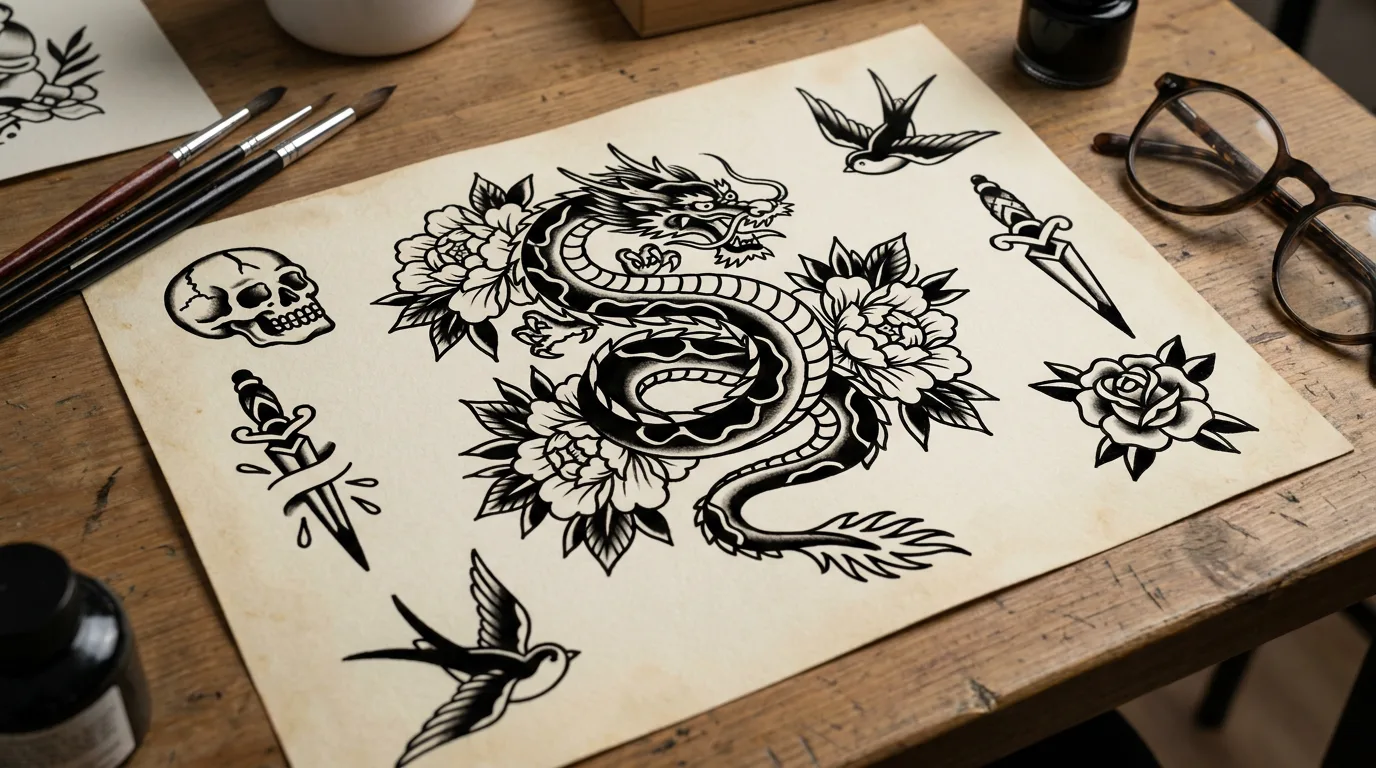
AI Tattoo Design Generator: Original Flash Sheets from Text
Describe the motif, line style, and mood — AI builds a clean tattoo flash sheet for mood boards and artist references. No photo required. Digital design only, not medical advice.
Examples
Sample results made with this effect.
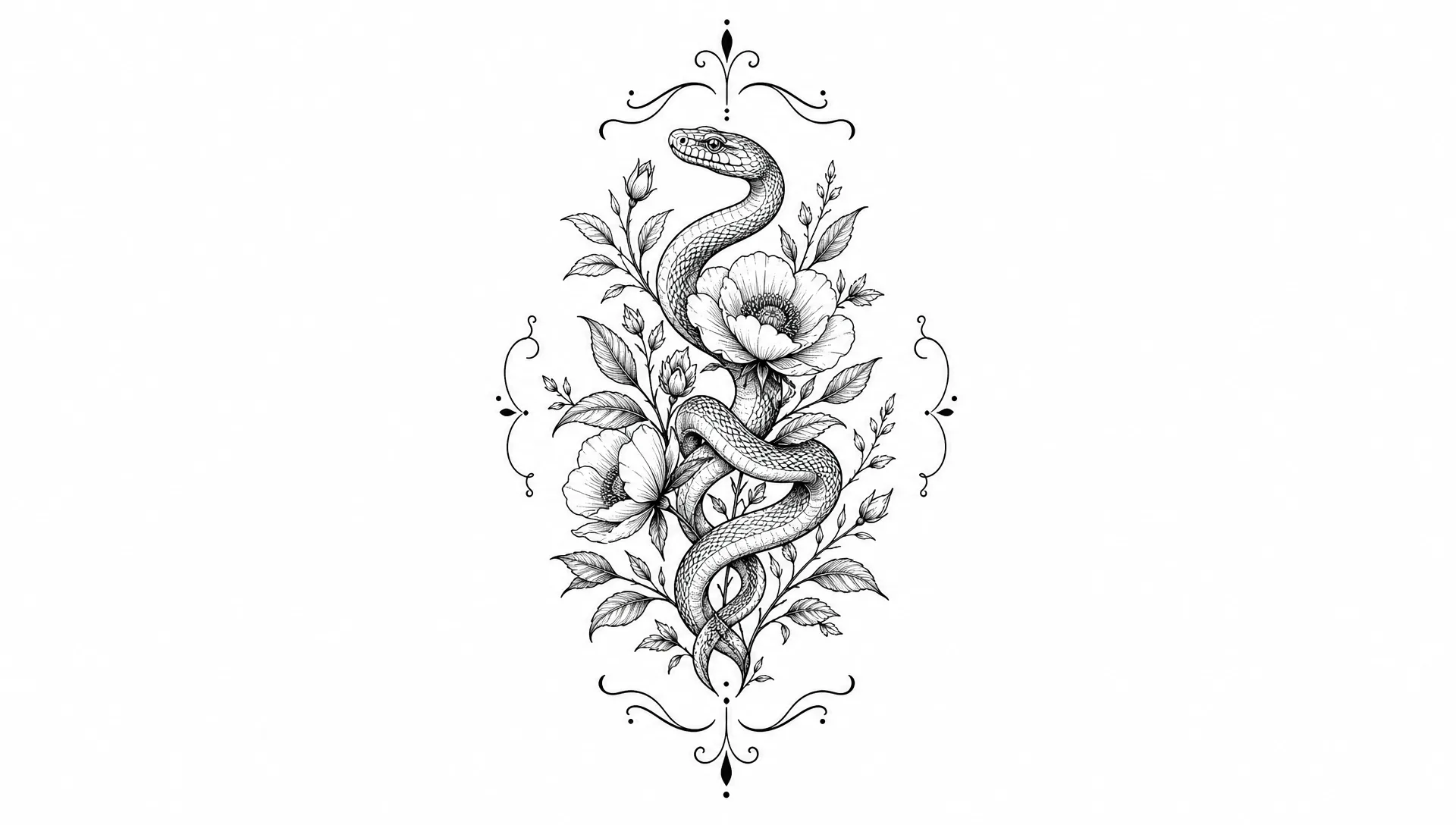
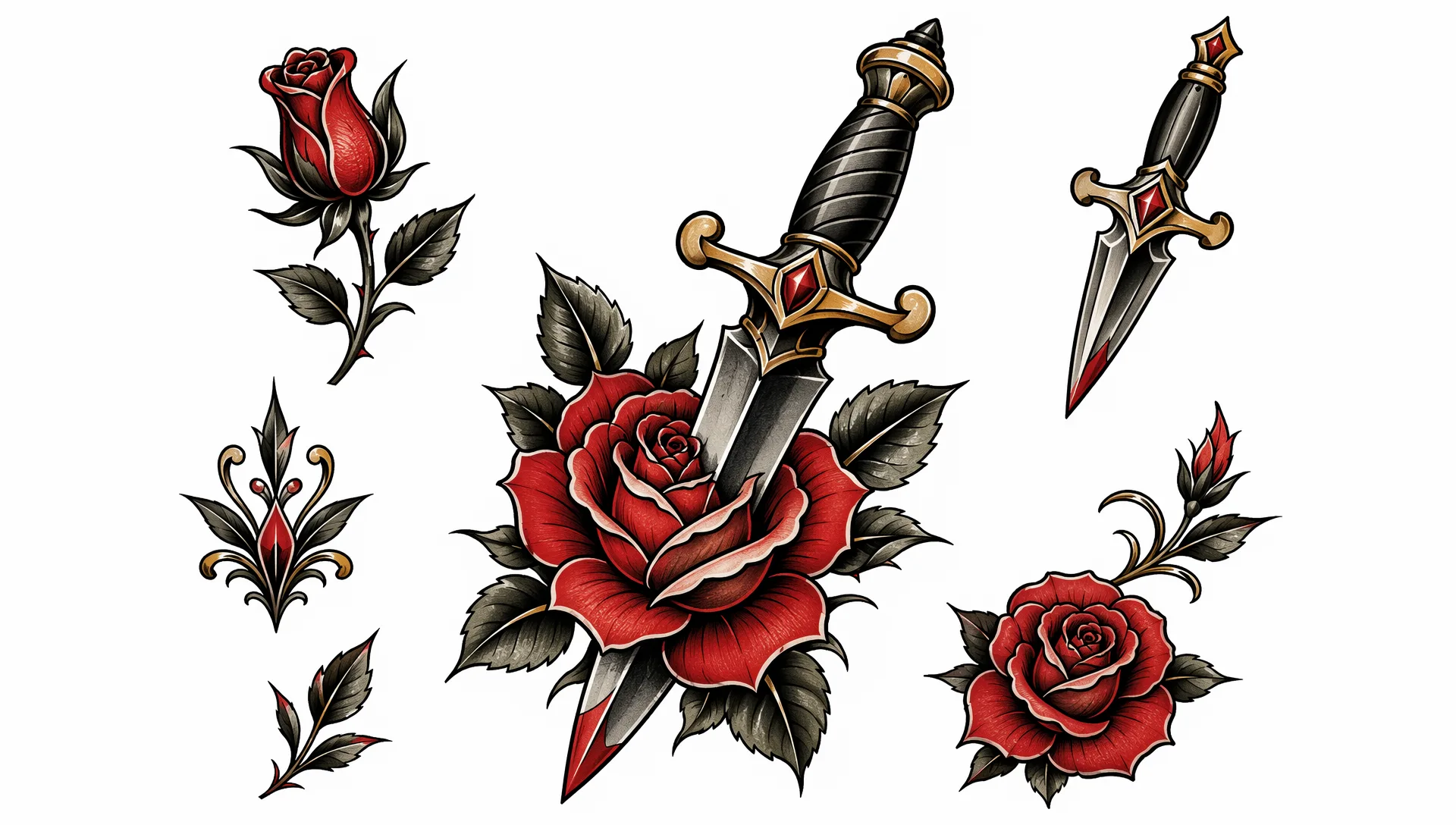
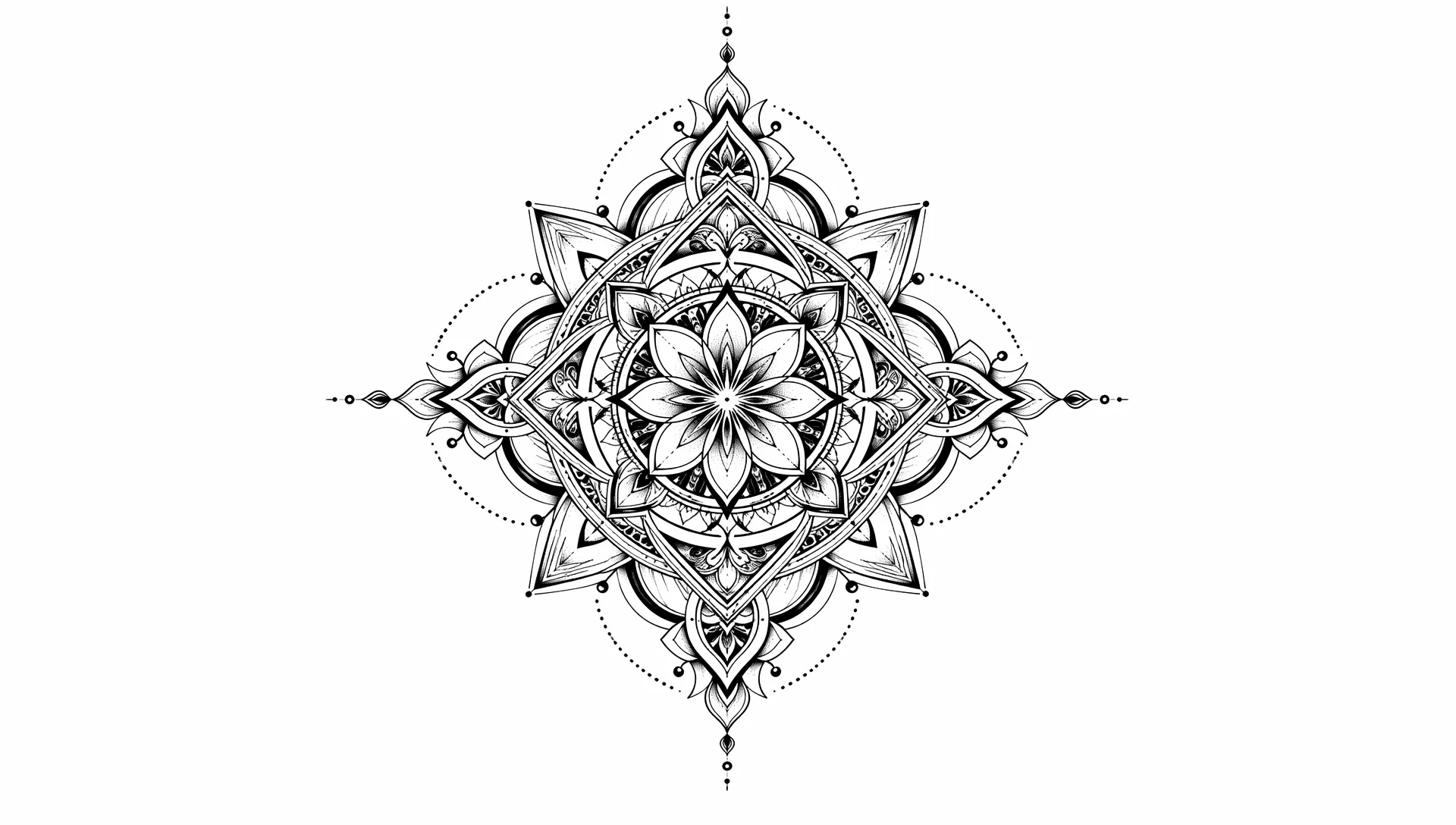
Create Original Tattoo Designs and Flash Sheets With AI
Our AI Tattoo Design Generator turns a written idea into clean flash art and concept sheets. Describe motifs, line weight, and style — then download designs for mood boards, artist references, or social posts. Digital creative tool only, not medical or tattooing advice.
Describe a Motif and Get Studio-Style Flash Art
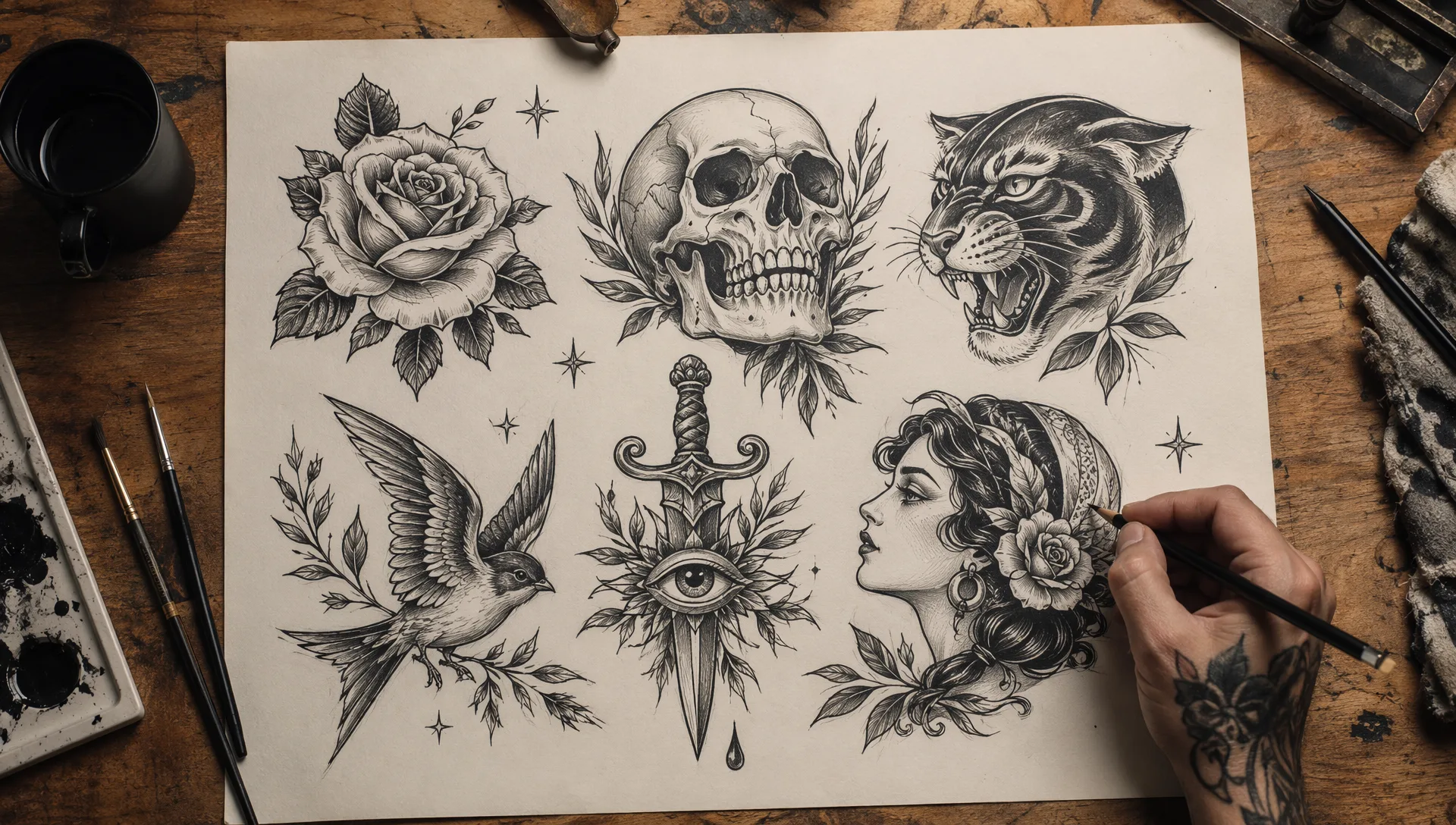
Skip blank-page anxiety. Write the subject, style (fine-line, blackwork, neo-traditional), and mood, and the AI builds a polished tattoo design sheet with crisp ink and clear composition.
Use it to explore ideas before you talk to a tattoo artist or to collect prompt-ready concepts for creative posts.
Iterate Styles Without Clutter
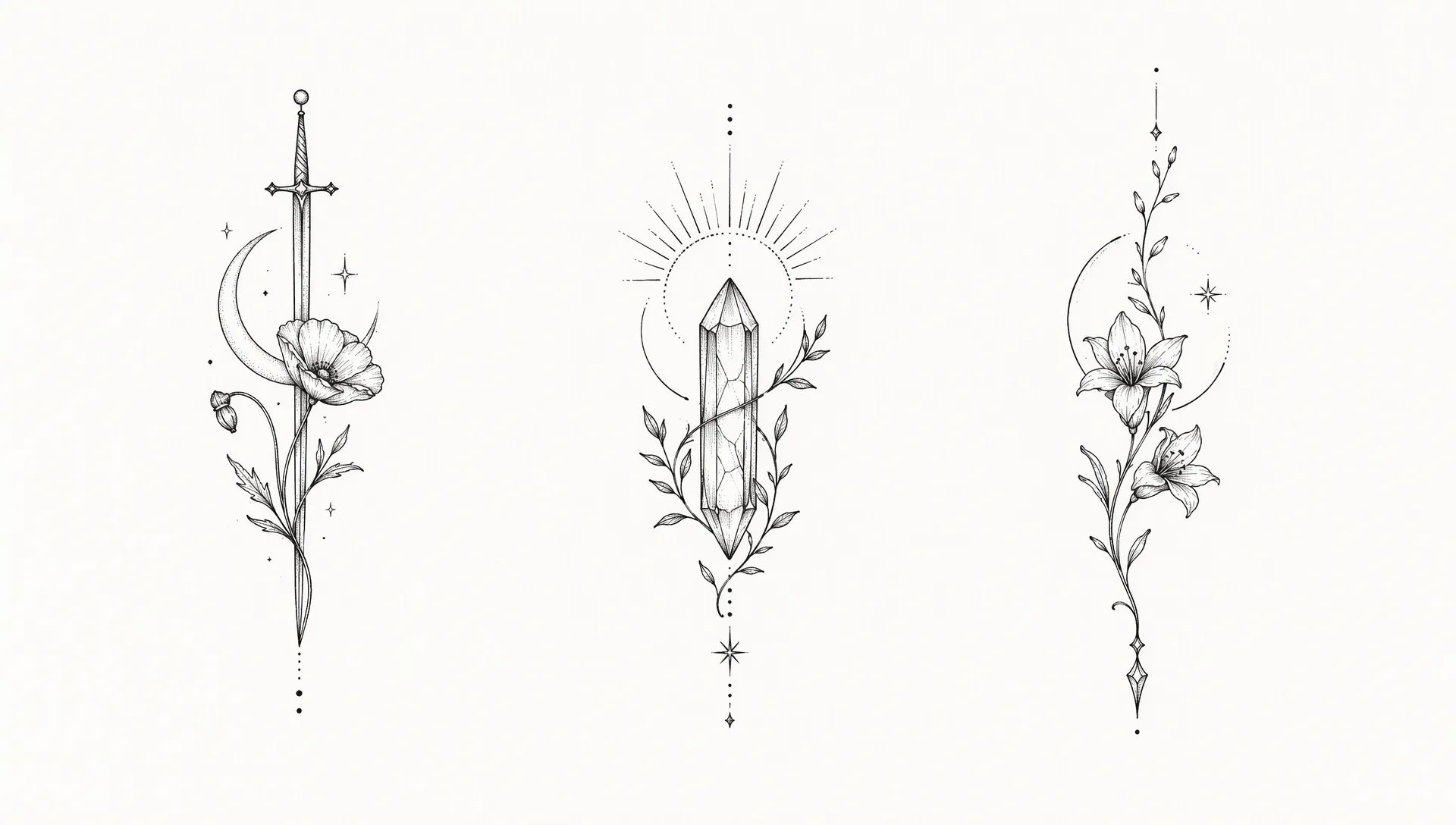
Refine line weight, shading, or motif density in plain language. Keep logos, readable text, and fake UI out of the frame so the sheet stays print-friendly and professional.
Compare a few versions from the same creative direction and pick the strongest reference.
Pair With On-Skin Photo Previews
Happy with a design? Take it into our AI Tattoo Generator from Photo to preview how a similar concept could look on a real arm or shoulder photo.
Design sheet and on-skin preview stay separate workflows so you can stay in concept mode or try-on mode as needed.
Frequently asked questions
Quick answers about this AI effect.
Do I need to upload a photo?
No. This tool generates tattoo design / flash art from your text prompt alone. If you want to preview ink on a real photo, use AI Tattoo Generator from Photo instead.
Do I need credits?
Yes. Generating a design uses credits (same base as our other gpt-image-2 tools). Top up with a subscription or a one-time credit pack.
Can a tattoo artist use these designs?
Treat outputs as concept references and mood-board art. Always work with a licensed professional for real tattoos, and respect originality — do not present AI art as a commissioned custom drawing without disclosure.
Is this medical or tattooing advice?
No. This is a digital creative tool for design previews only. It does not provide medical, hygiene, or tattooing advice.
What styles work well?
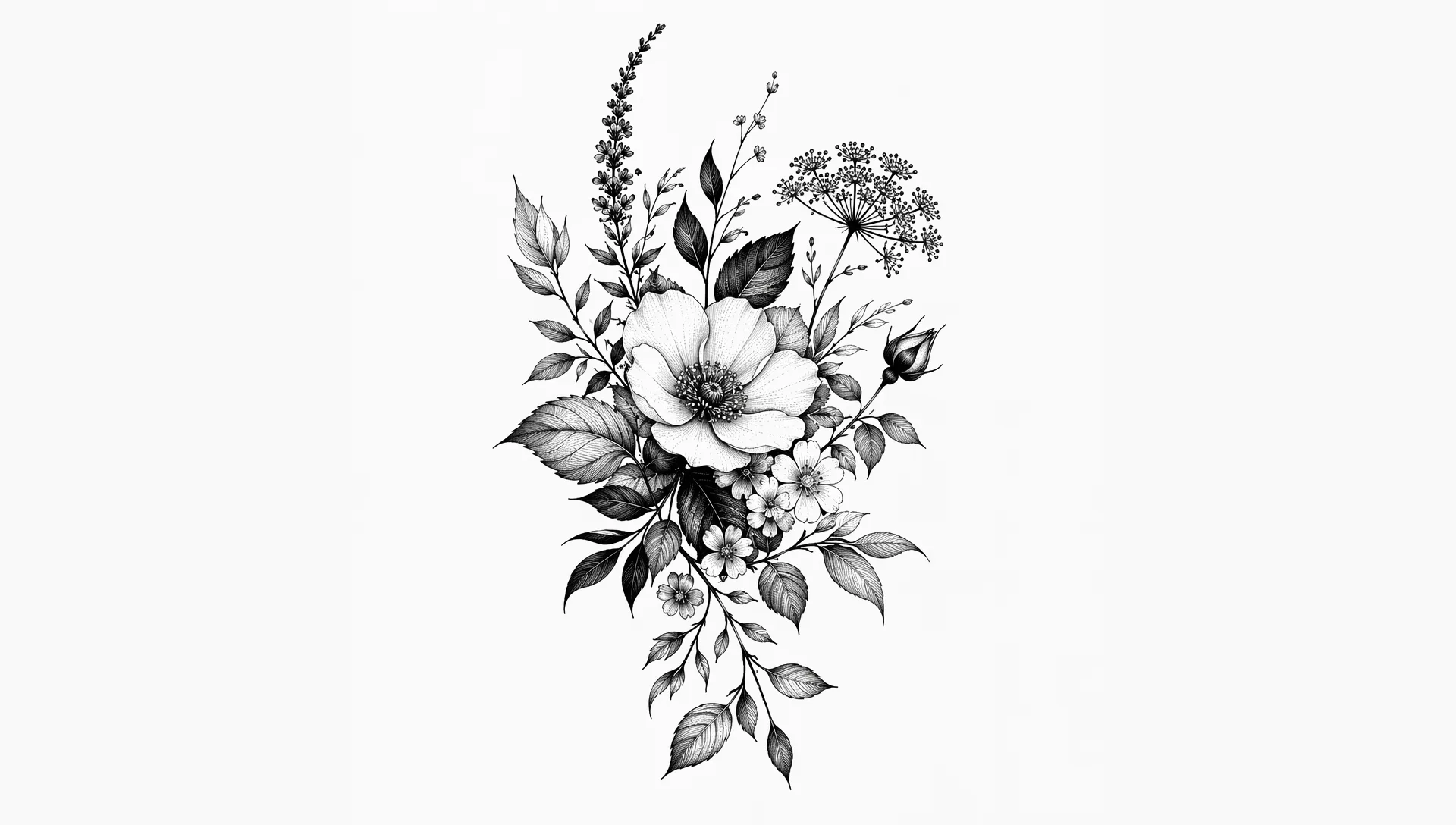
Fine-line, blackwork, neo-traditional, Japanese motifs, botanical, geometric, and ornamental flash all work well when you name the style and subject clearly.
Can I download and share the results?
Yes. Results are high-resolution and ready for posts, mood boards, or artist conversations. For commercial use, check your local rules and do not imply endorsement by real studios or brands.
More AI Effects
Pick another effect and start creating.