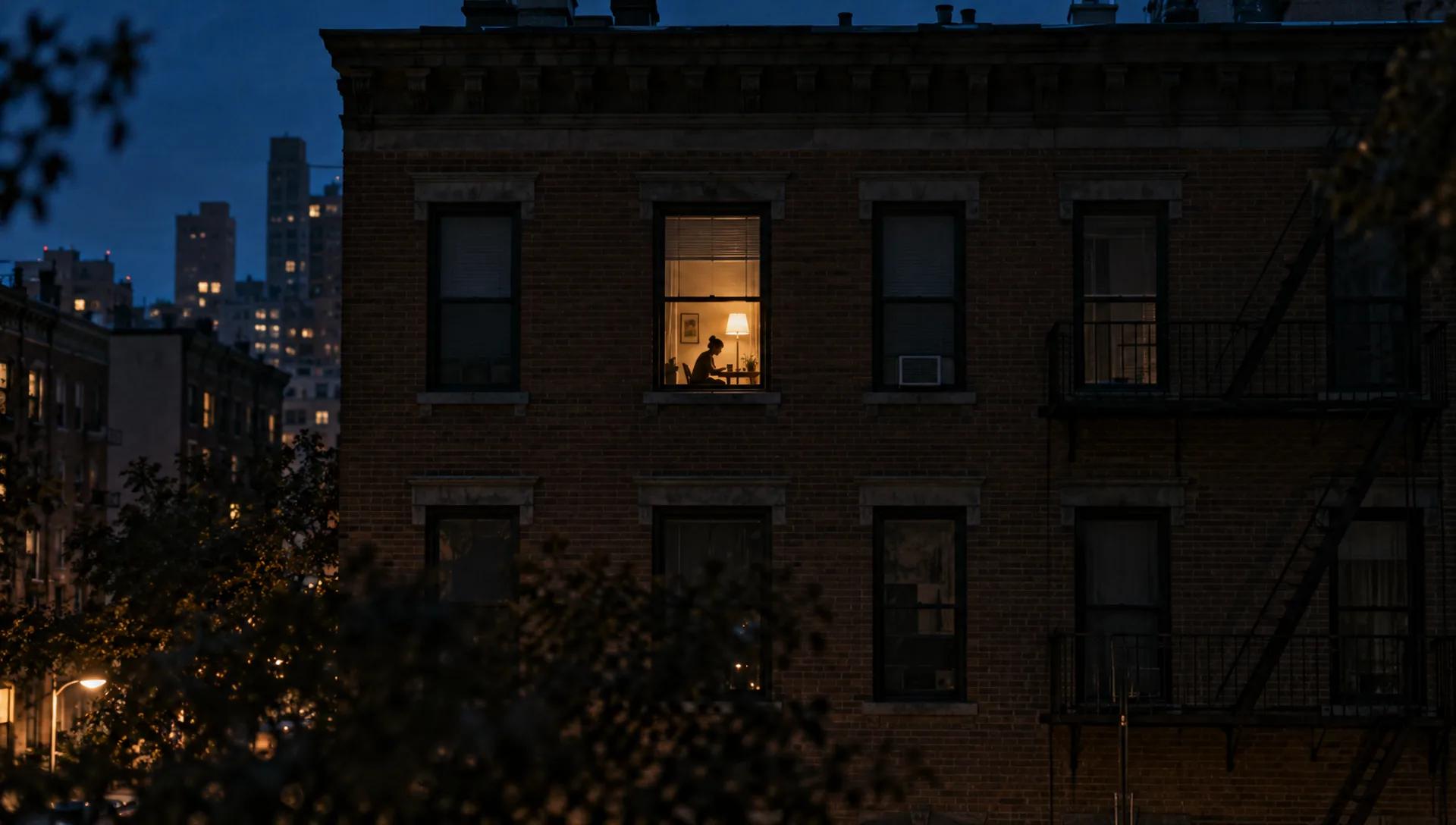
Burger Thru Window AI Video Generator: Put Your Photo in the Window
Upload one photo and AI swaps you in for the person at the lit window of a night template — the whole person, outfit included — with the template's camera, timing and sound. A 12-second vertical clip for TikTok, Reels and Shorts, no editing app needed.
Add your photo and press Generate.
Examples
Sample results made with this effect.
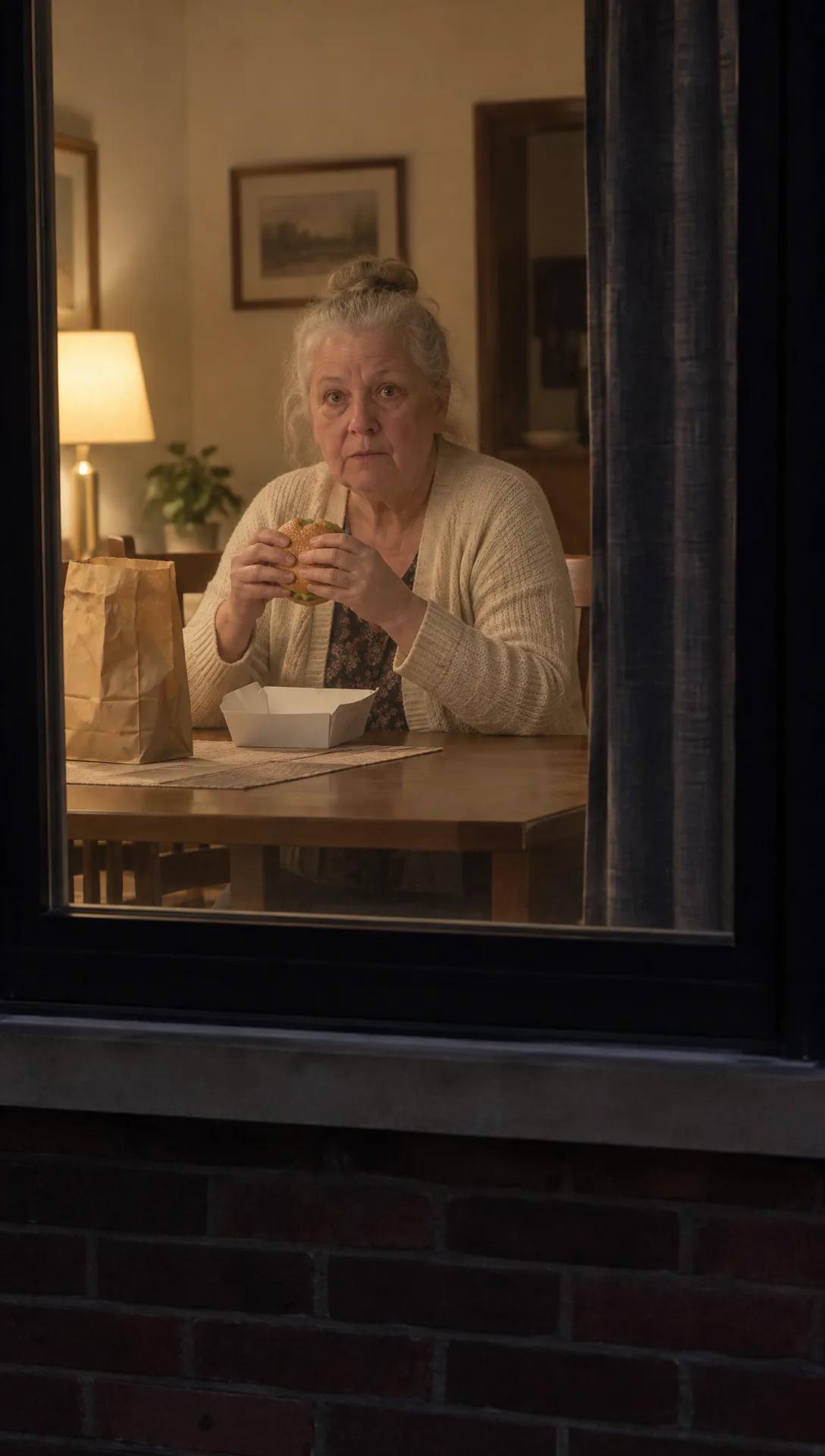
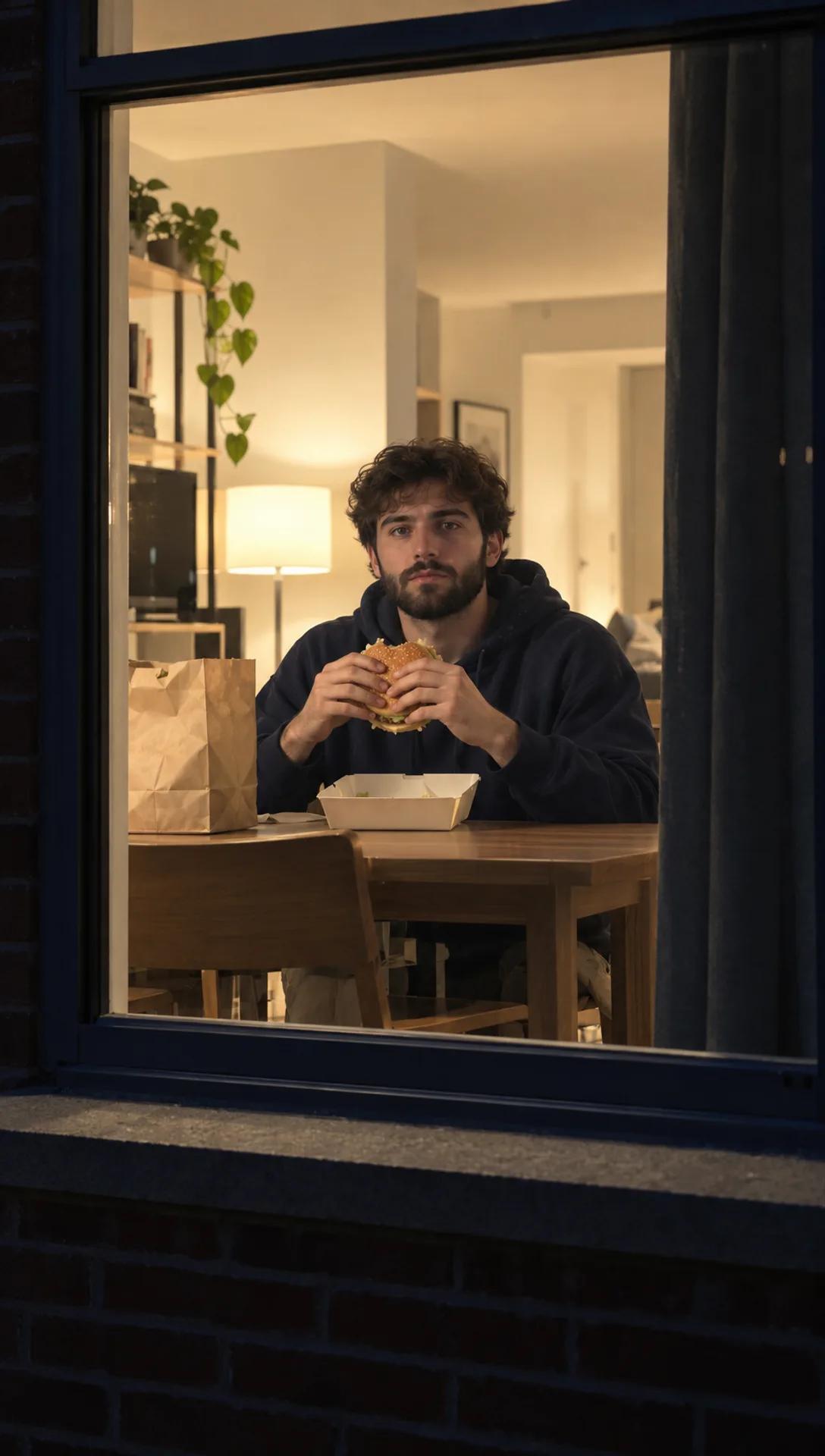
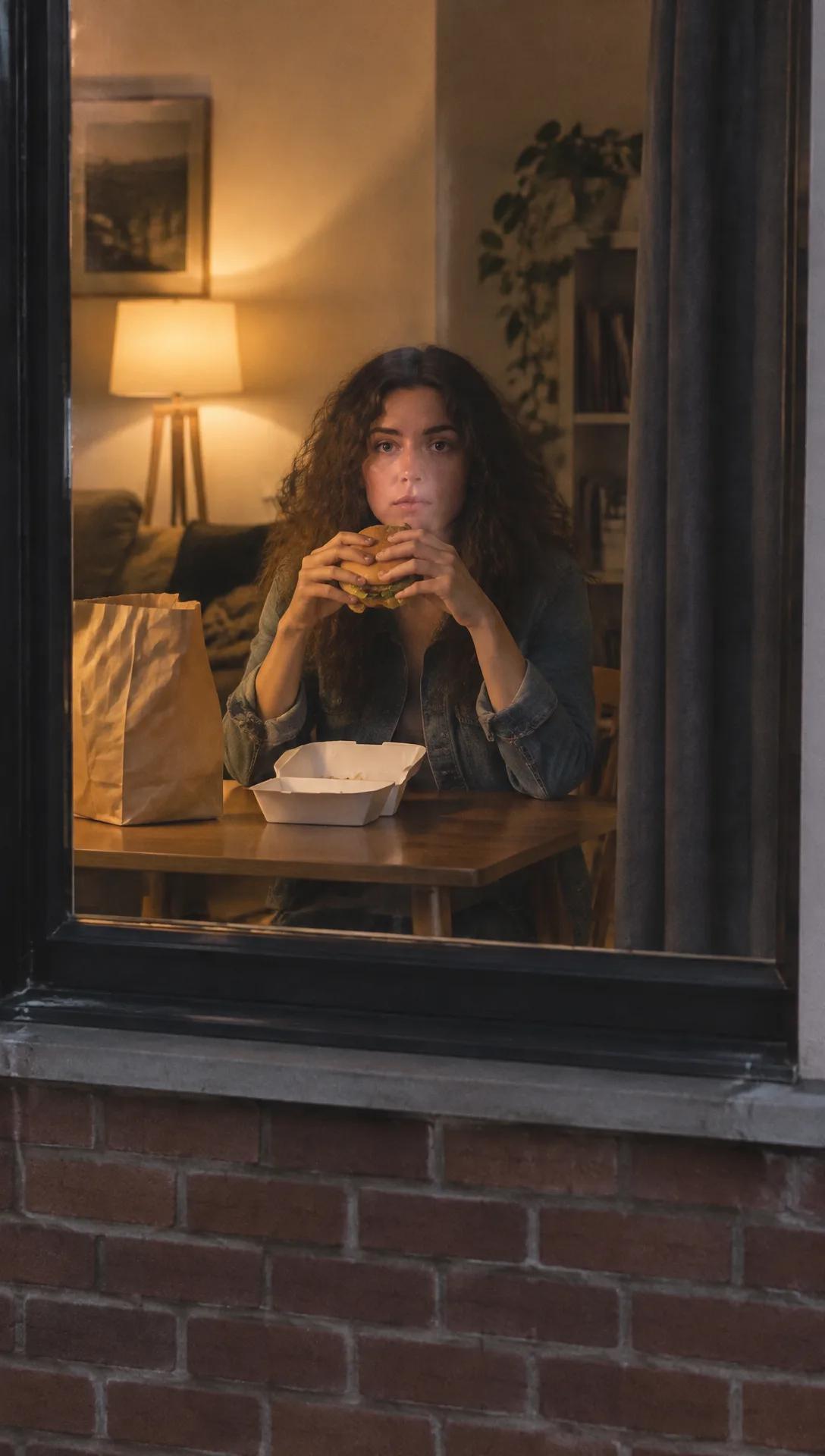
Make Your Own Burger Thru Window AI Video
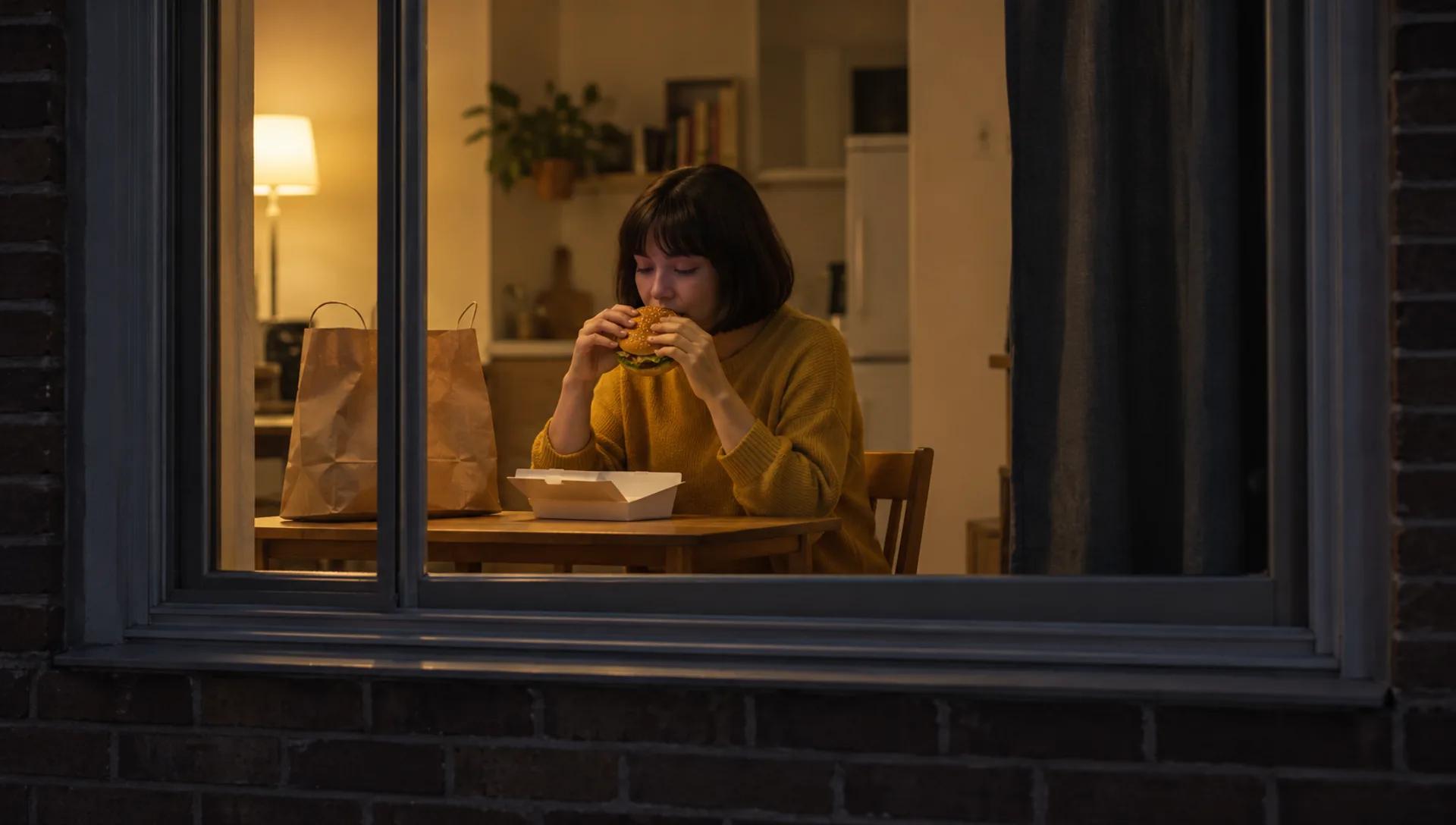
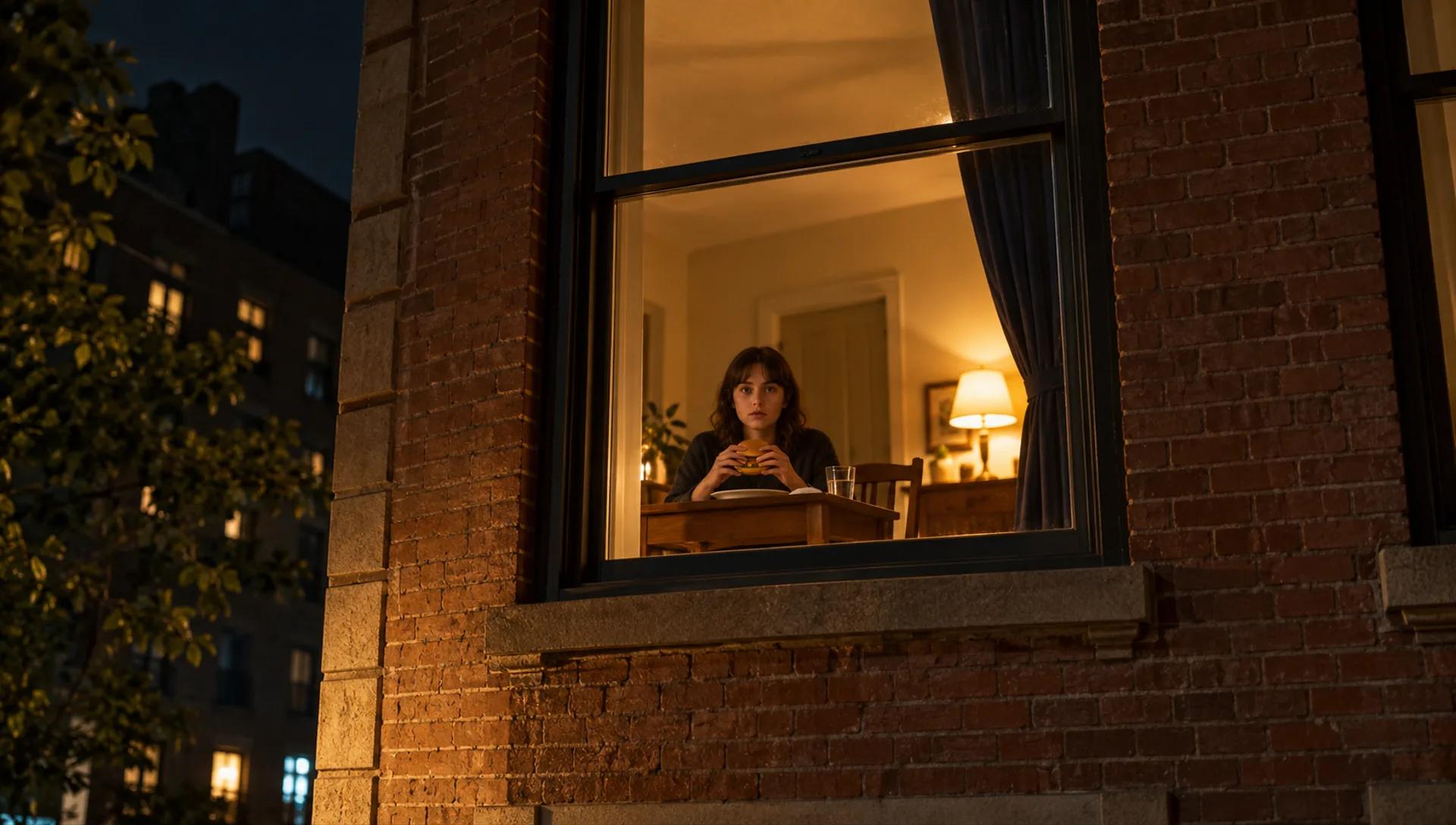
The Burger Thru Window AI Video Generator puts the person in your photo at a lit apartment window at night, seated at a small table and looking out at the camera as it pushes in. Upload one photo and the AI replaces the person in a fixed template — face, hair, outfit and body — while the camera, timing and sound stay as they are.
One Photo, One Window Scene
Upload a single photo and the AI seats that person at the small table behind the window and follows the template: the camera pushes in on the window, the person looks into the lens, then stands up. It replaces the whole person, not just a pasted-on face, so the clip reads as one continuous take.
The result is a 12-second 720p MP4 in 9:16, the shape TikTok, Reels and Shorts expect, with the template's sound included.
Burger Thru Window and Window Peeper: What This Is (and Isn't)
"Burger Thru Window" and "window peeper" are names for the same kind of meme: the camera finds one lit window at night, the person inside freezes mid-bite, stares straight back and pulls the curtain. People who search for either name usually want to see themselves or a friend in that window.
To be clear about what you get: this is a fixed template clip, not a video generated from scratch, and you cannot upload your own source video. The effect is unofficial and not affiliated with TikTok, CapCut or the creators of any Burger Thru Window or window peeper clip or template. The joke is staged, so use photos of yourself or of adults who have agreed, and please never film real neighbors.
Tips for the Best Result
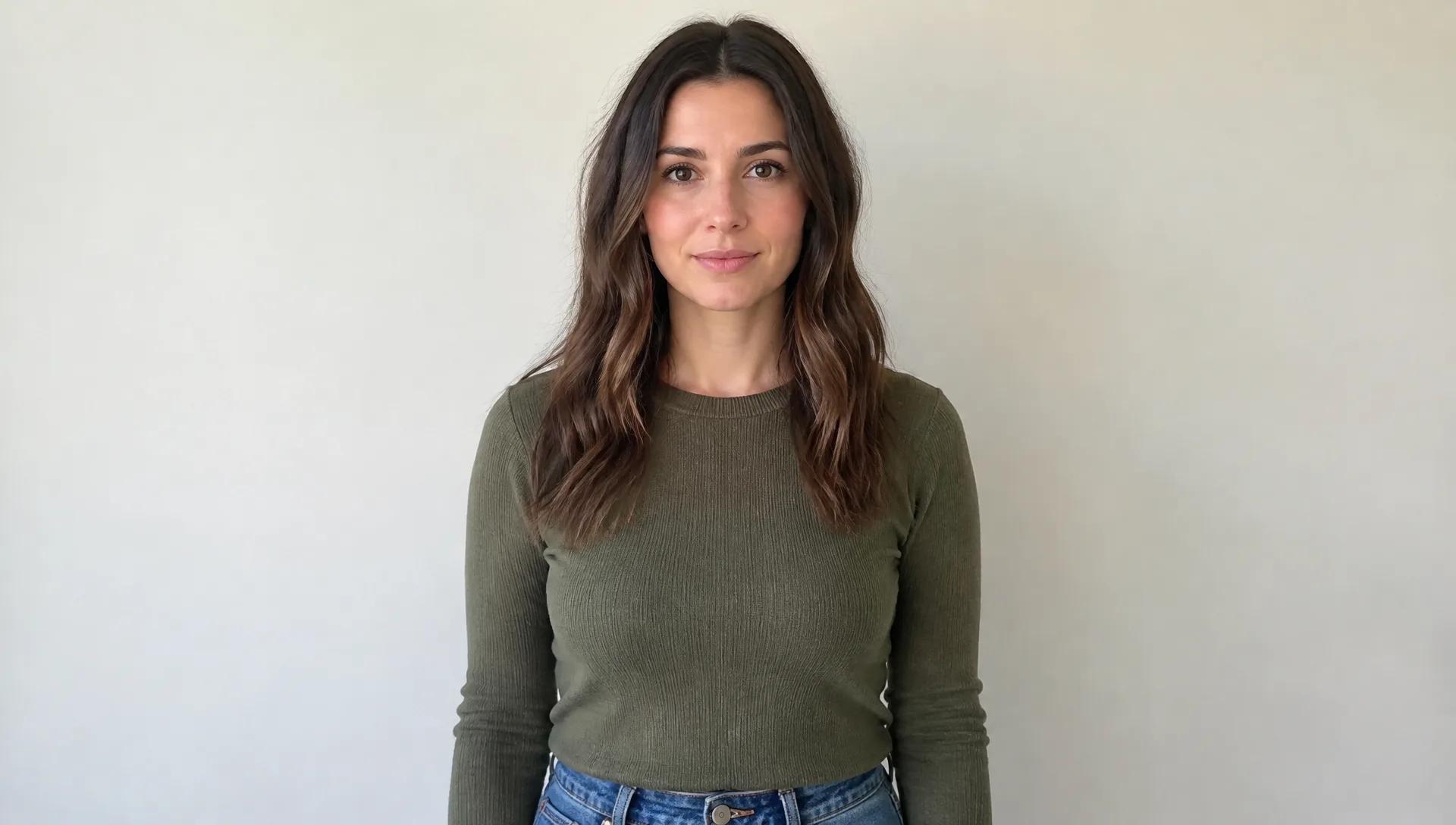
Use one clear, well-lit photo of one person facing the camera. The person in the video sits at a table, so a head-and-shoulders or waist-up photo is enough. The AI also copies the expression in your photo: in our tests a smiling photo gave a smiling clip, so a straight face is closer to the deadpan joke.
Sunglasses, hats and heavy angles work less reliably. The template starts as the camera reaches the window, so the long approach from the street is not included; a close start keeps the room far more stable. Even so, expect details to be redrawn: the paper bag, the takeaway box and the burger can change or fade out in some runs, and the curtain at the end is not reliably pulled shut.
Frequently asked questions
Quick answers about this AI effect.
How many credits does a Burger Thru Window AI video cost?
Each video costs 158 credits, because every run renders the full 12-second template. You can top up with a subscription or a one-time credit pack.
How many photos do I need?
One. The template has a single person at the window, so one clear photo of one person is enough. For a group, make one video per person.
Is this the original Burger Thru Window video?
No. It is a fixed template clip with the person at the window replaced by the person in your photo. The effect is unofficial and not affiliated with TikTok, CapCut or the creators of any Burger Thru Window or window peeper clip or template.
Is Burger Thru Window the same as the Window Peeper trend?
They describe the same joke: a night shot of a lit window, a bite, a long stare into the lens and the curtain pulled shut. Some creators use "Burger Thru Window" for a different version where the burger is handed out of the window; this effect follows the seated, stare-at-the-camera version, not the hand-out one.
Does the curtain close at the end?
Not reliably. The template ends with the person pulling the curtain shut, but in our tests the swapped-in person stood up while the curtain stayed open. The burger and the paper bag can also change or disappear, so treat the scene as an approximation of the meme, not a copy.
Does the video have sound?
Yes. The result keeps the template's own sound. If you want a different track, swap the audio in any video editor before you post.
Does it replace only the face?
No. The whole person is replaced, including hair, outfit and body, using what your photo shows. A head-and-shoulders or waist-up photo works well because the person in the clip is seated.
How long is the video, and can I use my own clip?
The result is a 12-second, 720p MP4 in 9:16. The scene is a fixed template, so you cannot upload your own source video.
What photos should I avoid?
Blurry photos, heavy angles, sunglasses, or people hidden behind objects hurt the likeness. Only use photos of people who have agreed to appear. Please do not upload photos of public figures or minors, and never use someone else's identity without their permission.
More AI Effects
Pick another effect and start creating.
 New
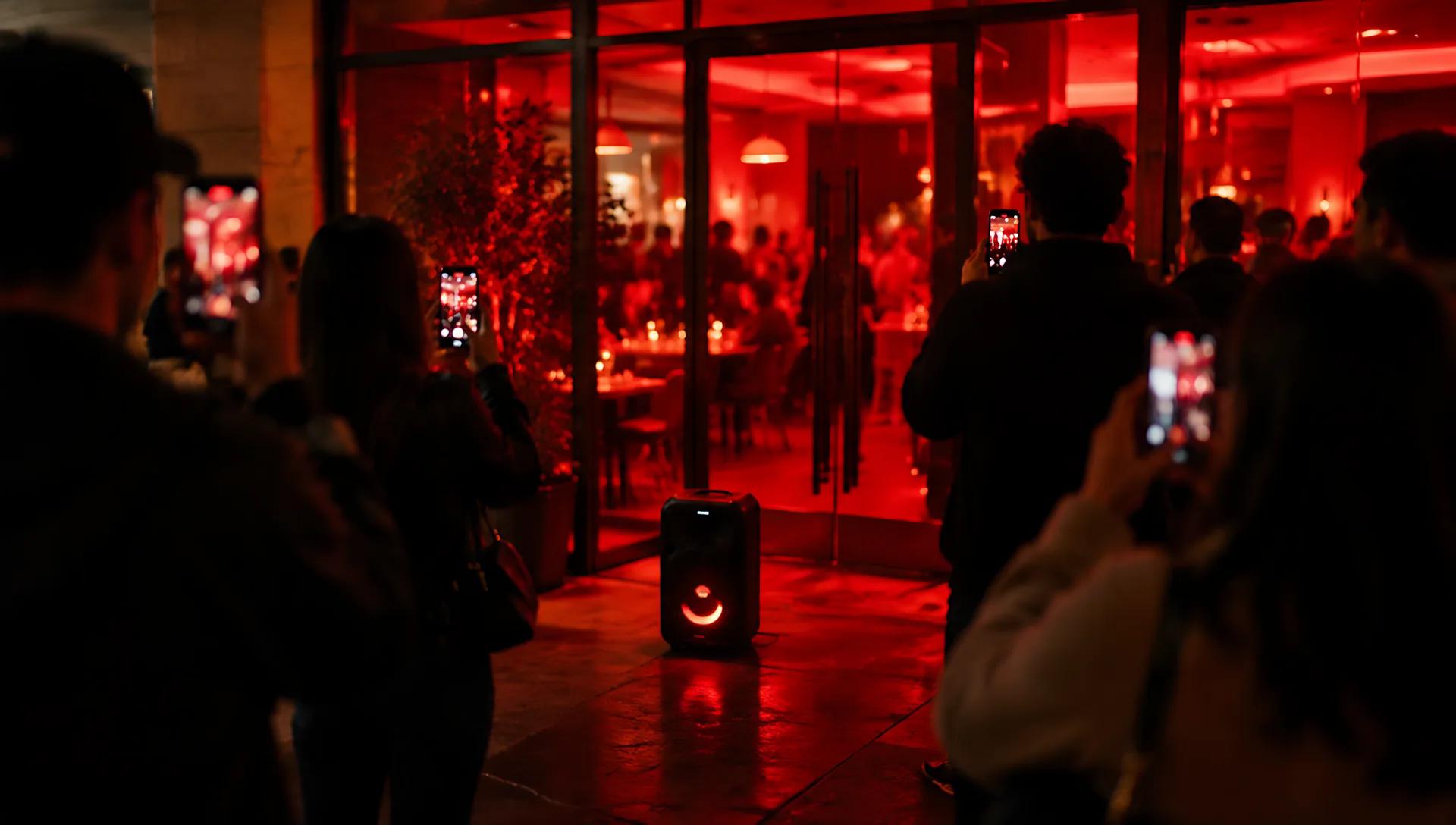
NewBulin 47 AI Video Generator: Put Your Photo in the Freestyle
Upload one photo and AI swaps you in for the rapper of a 15-second street freestyle — the whole person, outfit included, with the template's moves, timing, camera and sound. Ready for TikTok, Reels and Shorts, no editing app needed.
Try it now New
NewAI Rap Duo Generator: Join the Hotel Lobby AI Trend
Upload one or two photos and AI swaps you into a rap duo performance — the whole person, outfit included, with the original moves, timing and camera. A 15-second video ready for TikTok, Reels and Shorts.
Try it now