FLUX.1 Kontext: Game-changer
Posted on July 10, 2025 - Comfyui
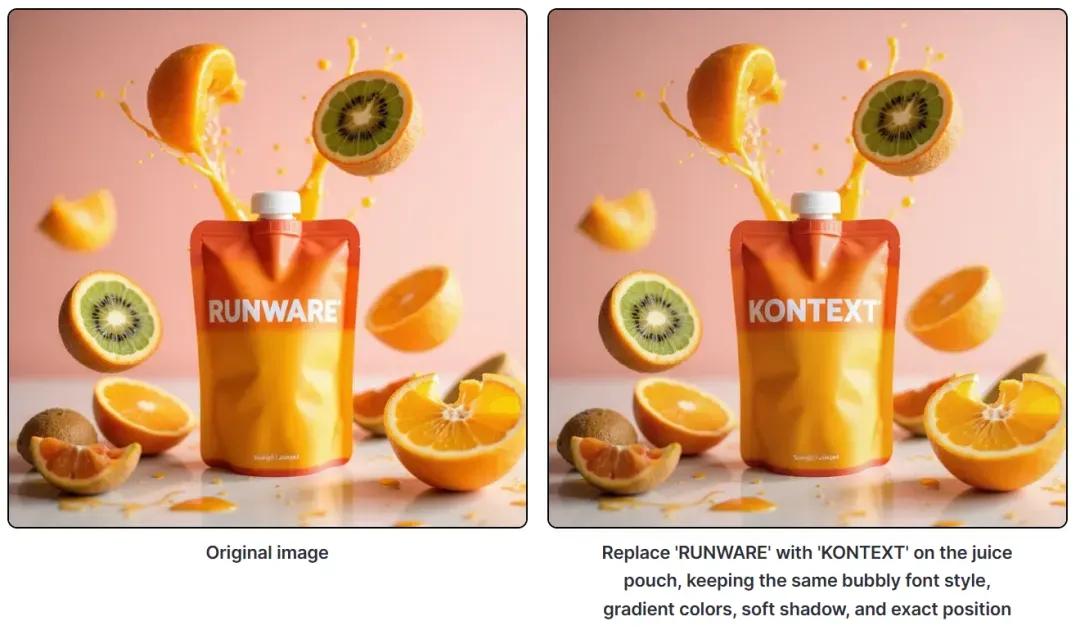
Today I'm introducing the newest, most powerful image-editing framework: FLUX.1 Kontext. Built by Black Forest Labs, FLUX.1 Kontext is a professional image-to-image model that intelligently understands context and delivers pinpoint editing—no convoluted prompts required. Whether you need object tweaks, style transfers, background swaps, consistent character edits or on-image text adjustments, Kontext has you covered. Its standout strength is deep context awareness coupled with character-consistency maintenance, so essential elements like subject traits and overall composition stay rock-steady across multiple revisions.
If you’d like to try out Flux Kontext, just visit https://comfyuiweb.com/apps/flux-kontext-dev.
Right now, you can access Kontext via two paid API tiers—Pro and Max—and Black Forest Labs has confirmed that an open-source Dev edition is on the horizon.
Plus, ComfyUI already integrates with both paid tiers of the FLUX.1 Kontext API:
- Kontext Pro: tailored for seamless editing, compositing, and image mixing
- Kontext Max: optimized for top-tier typography, prompt fidelity, and blistering speed
Try it online: https://playground.bfl.ai/

Experience FLUX.1 Kontext Image Editing in ComfyUI
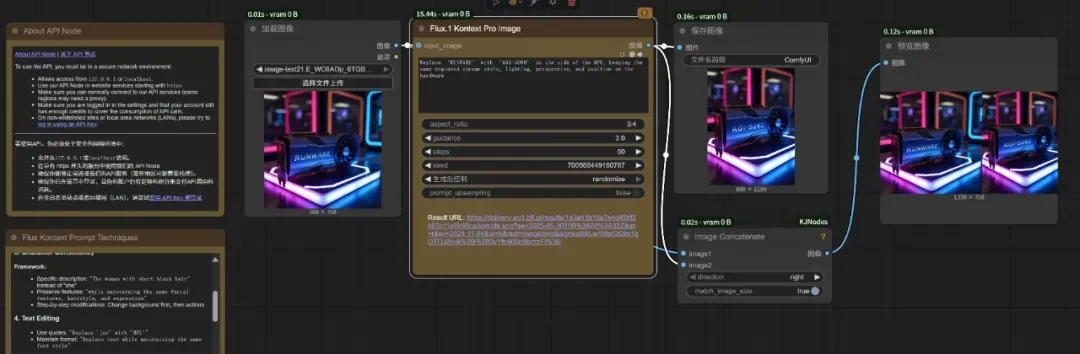
FLUX.1 Kontext Image Editing in ComfyUI: Prompt Guidelines & Best Practices
1. Basic Prompts & Notes
-
Simple edits
-
Direct:
“Change the car color to red.”
-
Style-aware:
“Change to daytime while maintaining the same style of the painting.”
-
-
Style transfer
-
Name the style explicitly:
“Transform to Bauhaus art style.”
-
Describe key traits:
“Transform to oil painting with visible brushstrokes and thick paint texture.”
-
Preserve composition:
“Change to Bauhaus style while maintaining the original composition.”
-
-
Character consistency
-
Be specific:
“The woman with short black hair,” rather than “her.”
-
Preserve defining features:
“…while maintaining the same facial features, hairstyle, and expression.”
-
Edit in steps:
- Change the background
- Adjust the pose or action
-
-
On-image text edits
-
Use quotation marks around the text:
“Replace ‘joy’ with ‘BFL’.”
-
Maintain formatting:
“Replace the text while preserving the same font style.”
-
2. Core Prompting Principles
- Be Specific Use precise descriptions; avoid vague terms.
- Step-by-Step Break complex edits into a sequence of simple instructions.
- State What to Keep Explicitly call out what must remain unchanged.
- Choose Clear Verbs Prefer “change” or “replace” over generic “convert.”
3. Best-Practice Prompt Templates
-
Object Modification
“Change [object] to [new state], keep [elements to preserve] unchanged.”
-
Style Transfer
“Transform to [specific style], while maintaining [composition/character/other] unchanged.”
-
Background Replacement
“Change the background to [new background], keep the subject in the exact same position and pose.”
-
Text Editing
“Replace ‘[original text]’ with ‘[new text]’, maintain the same font style.”
4. Common Pitfalls & Fixes
-
Unwanted Character Changes
- ❌ “Transform the person into a Viking.”
- ✅ “Change the clothes to a Viking warrior outfit while preserving facial features.”
-
Composition Shifts
- ❌ “Put him on a beach.”
- ✅ “Change the background to a beach while keeping the person in the exact same position, scale, and pose.”
-
Imprecise Style Application
- ❌ “Make it a sketch.”
- ✅ “Convert to pencil sketch with natural graphite lines, cross-hatching, and visible paper texture.”
Follow these guidelines to get the most out of FLUX.1 Kontext’s powerful context-aware, consistency-preserving editing capabilities!
Related Posts
ComfyUI Luma AI API: Una guía sencilla
Aprende a crear vídeos impresionantes sin esfuerzo. Nuestra guía te muestra cómo integrar, instalar y usar la API Luma AI Dream Machine en ComfyUI. ¡Transforma hoy mismo tu proceso de creación de vídeos!
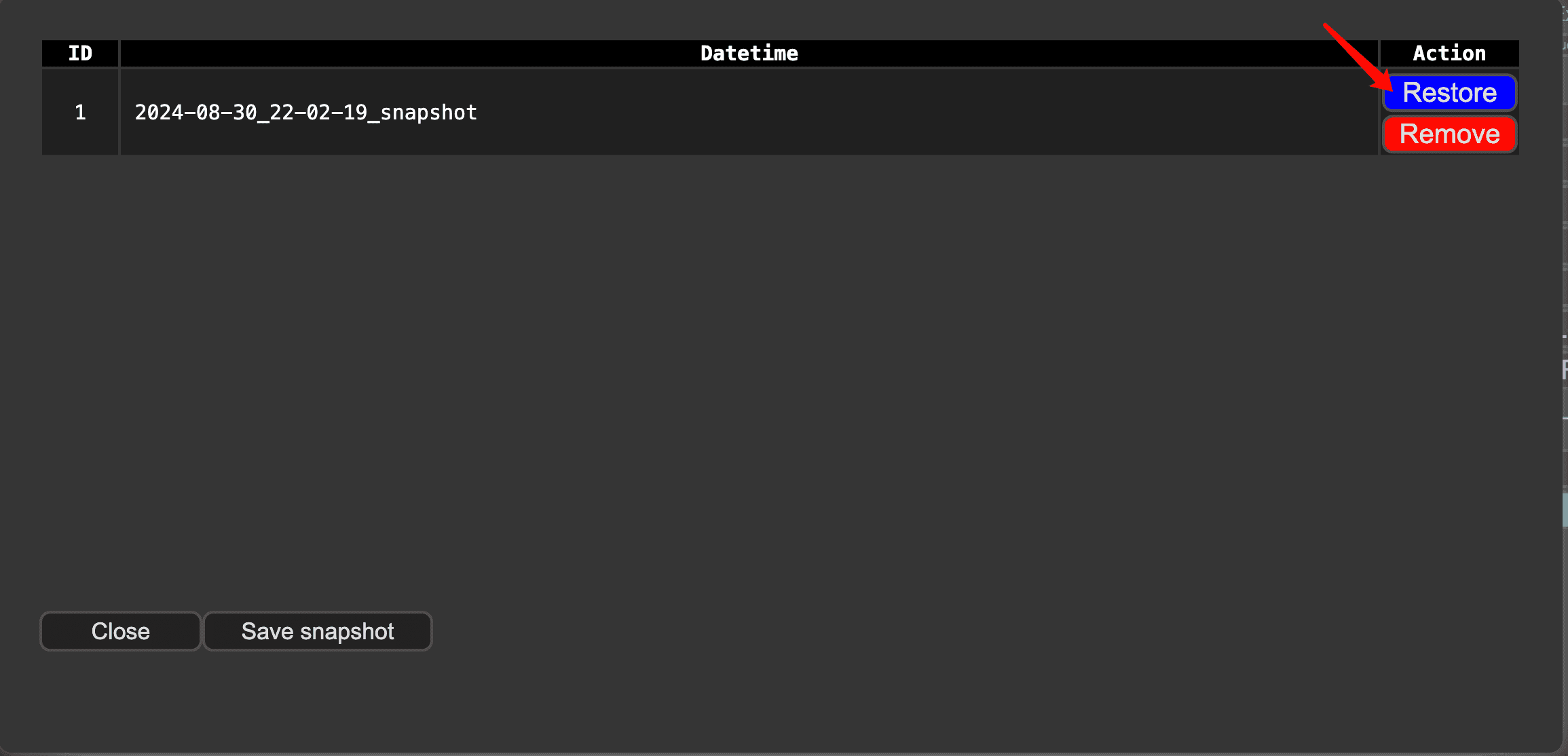
ComfyUI Snapshot Manager: Gestión de nodos personalizados y entornos
¿Luchas por mantener organizados tus nodos personalizados y entornos de ComfyUI? El ComfyUI Snapshot Manager está ahí para apoyarte.
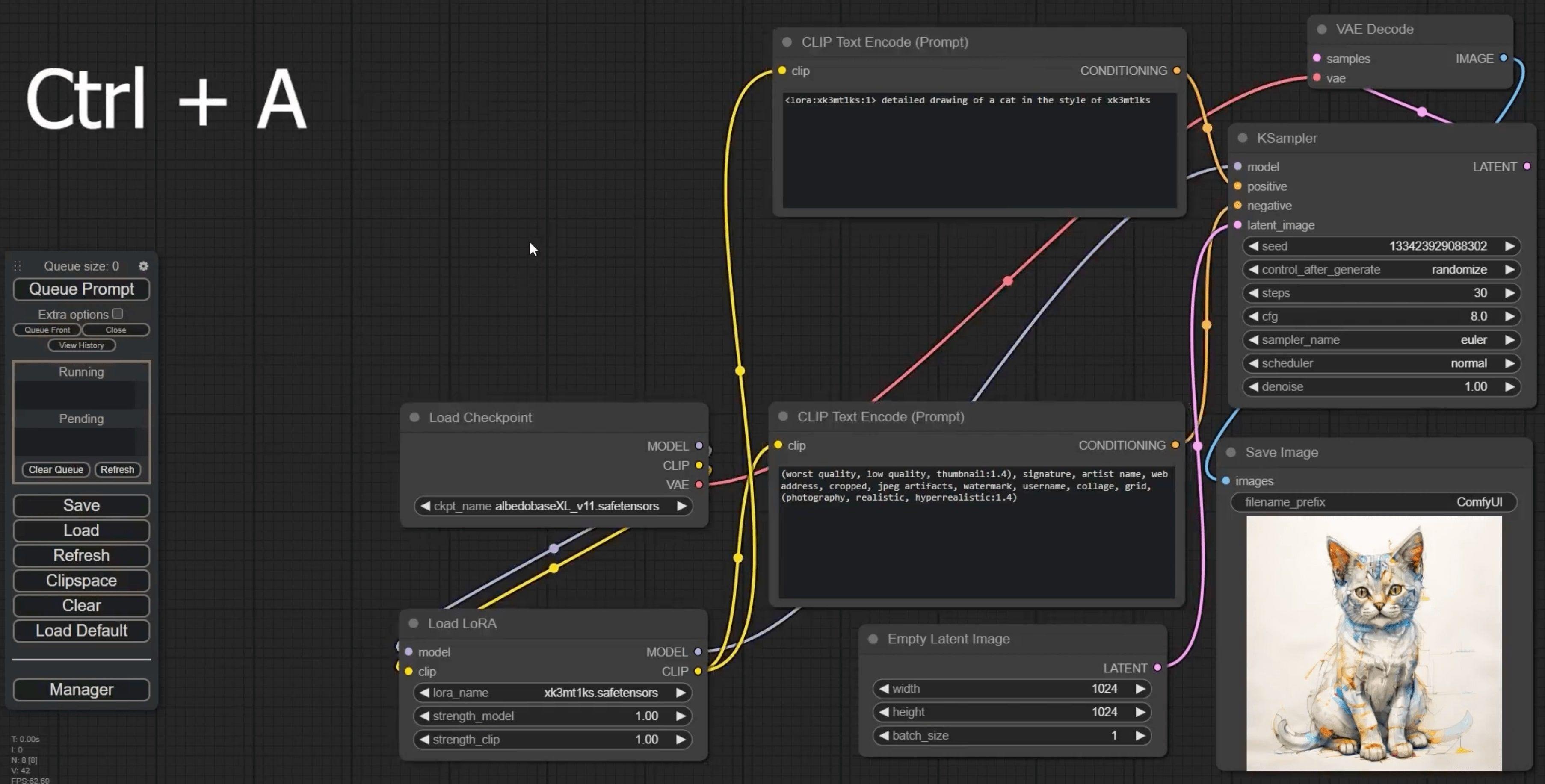
Atajos de teclado de ComfyUI: ¡Potencia tu flujo de trabajo ahora!
¿Cansado de flujos de trabajo lentos? Estos revolucionarios atajos de teclado de ComfyUI harán que tu productividad se eleve vertiginosamente.
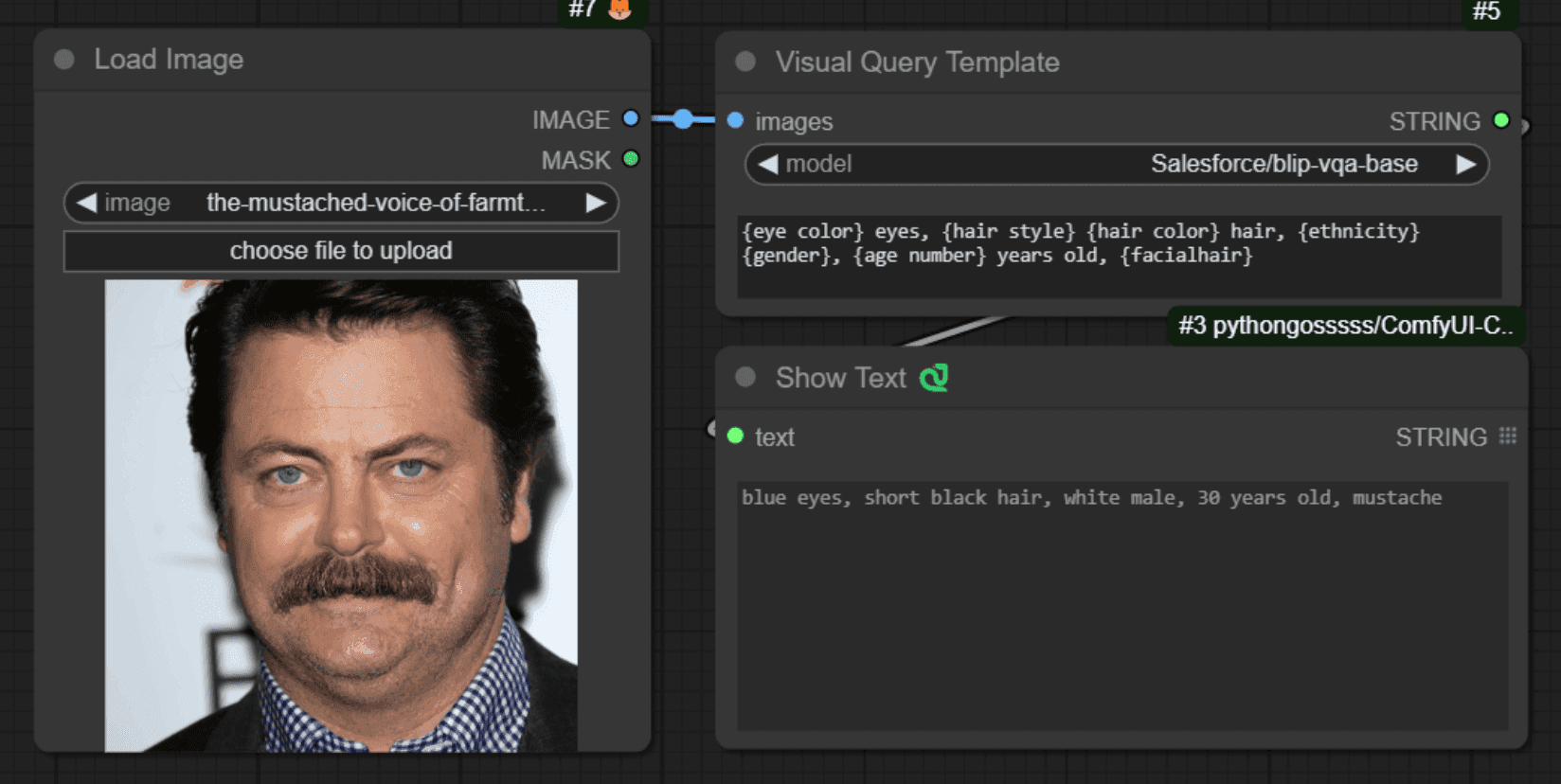
Comfyui VisualQueryTemplate Node for Precision Control
Este nodo, denominado "VisualQueryTemplateNode", está diseñado para realizar tareas de Respuesta a Preguntas Visuales (VQA, por sus siglas en inglés) en imágenes.